The Grizzly Bear Mod / Addon
- 11-02-2026, 12:27
- 491
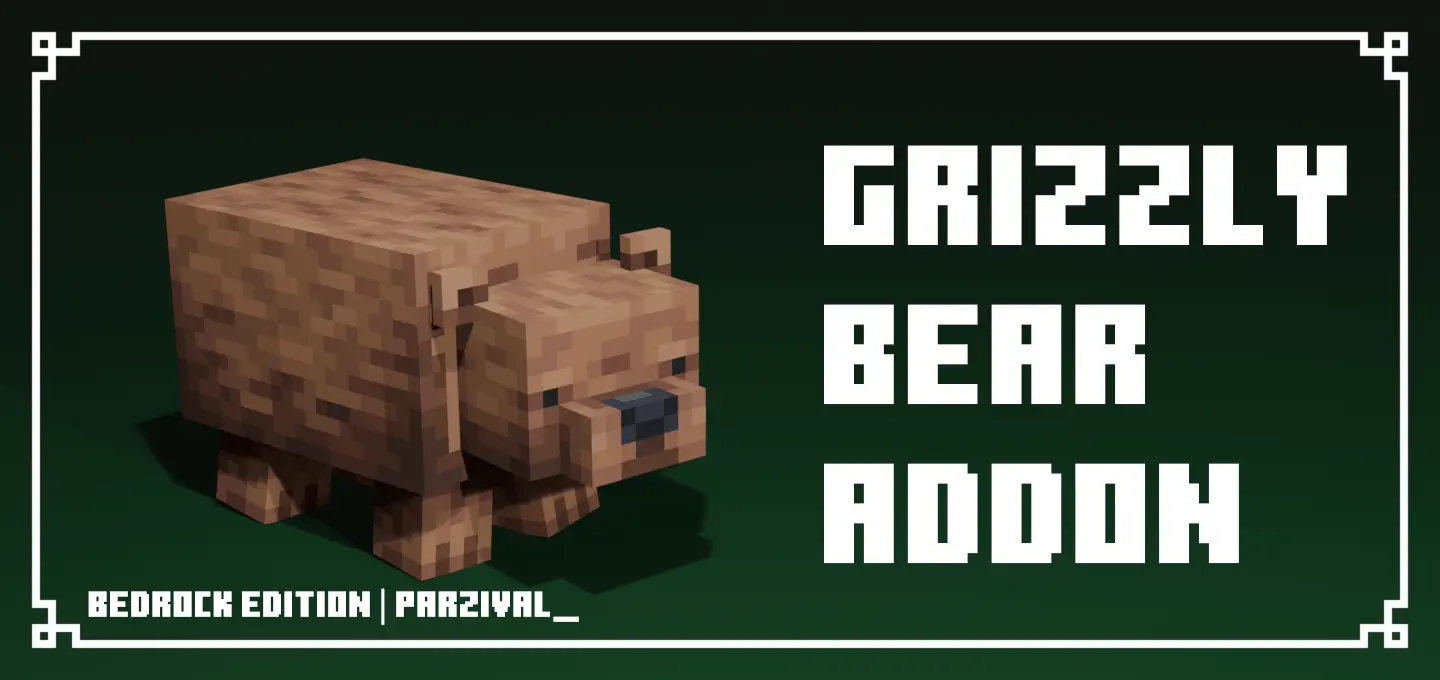
The Grizzly Bear Mod adds grizzly bears as a new wildlife mob meant to feel more realistic than vanilla mobs, roaming around and making exploration more dangerous. They spawn in taiga biomes, bringing that “this forest isn’t safe� pressure when you’re traveling or trying to settle down in the wild. The addon is designed to add atmosphere and challenge, especially when you’re moving through dense wooded areas.
These bears are strong and can get aggressive when threatened, so you can’t treat them like background animals. A grizzly has 30 health (15 hearts), which means it can take a beating compared to a lot of early-game threats. Their behavior also changes by age: adults are neutral, while babies are passive, which makes encounters feel a little more lifelike and a lot more tense if you stumble into the wrong situation.
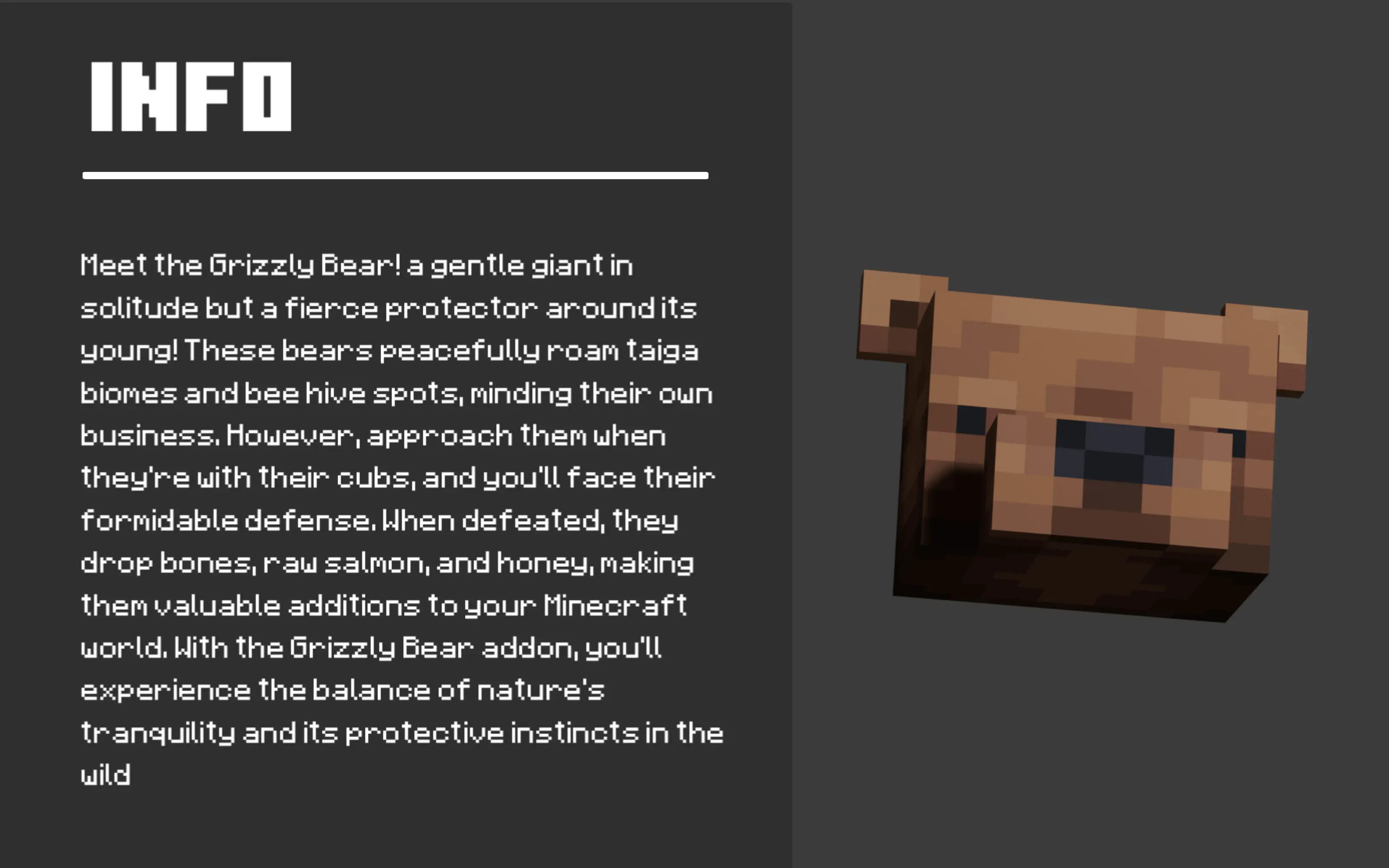
Damage ramps depending on difficulty, so the same bear can feel like a different problem based on how you play. On Easy it hits for 4 damage (2 hearts), on Normal it hits for 6 (3 hearts), and on Hard it hits for 9 (4.5 hearts). That matters in Minecraft Bedrock because a surprise fight in the woods can go bad fast when you’re low on food or already hurt from a cave run. The safest move is to give them space and avoid “testing� them when you don’t have a clear escape route.
The Grizzly Bear Mod also gives the mob real drops that fit the wilderness vibe: honey comb, raw salmon, and bone, each in 1–3x amounts. If you’re the type who likes resource runs, this can make taiga travel feel more rewarding, but it’s still a risk trade. Leads are listed as usable items, so if you’re planning to interact with them in a controlled way, do it on your terms—open area, good visibility, and not right next to your base path. Overall, The Grizzly Bear Mod is a clean way to make taiga exploration in Minecraft Bedrock feel alive, dangerous, and a little unpredictable.
Installation Mod:
- Download the .mcaddon / .mcpack;
- Open the file to import into the game;
- In World Settings → Resource Packs and Behavior Packs, enable it (turn on Experiments if needed);
- Have fun!
Comments (0)