Bear In Hoodies Skin Pack
- 23-11-2025, 14:24
- 907
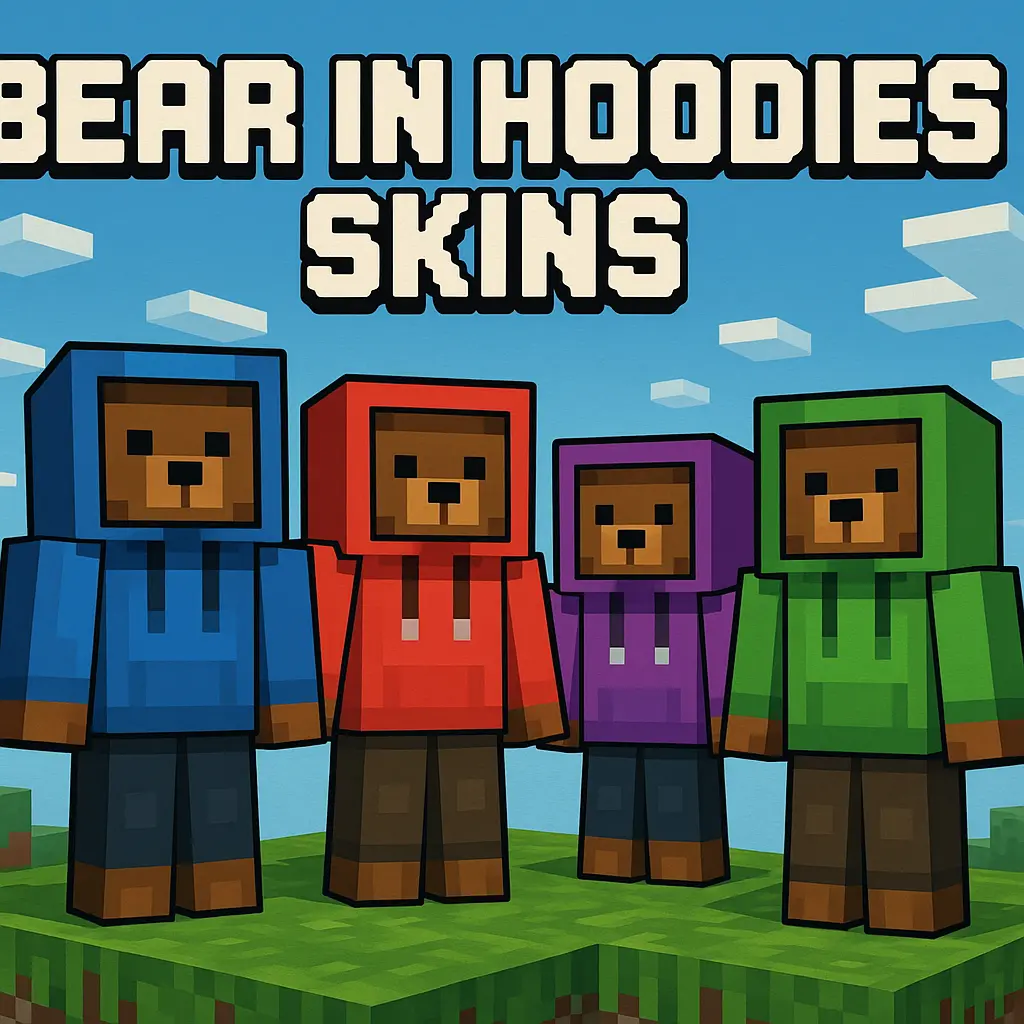
Bear In Hoodies Skin Pack is all about one clear idea done in a bunch of fun variations: you play as a bear in a hoodie, and that’s it. No armor stuck onto the body, no overcomplicated costumes, just comfy hoodie fits wrapped around a chunky bear silhouette. All twelve skins follow that core theme, but each one feels like a slightly different personality, so you can pick the bear that fits your mood or swap them around depending on what you’re doing in your world.
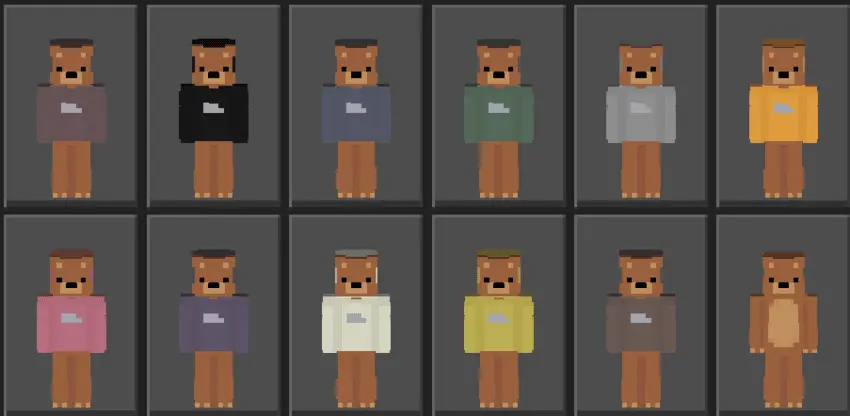
In survival, these skins work great when you want something cute and light-hearted without going full meme. A bear in a hoodie swinging a diamond pickaxe or leading a raid defense just looks funny in the best way, and it helps your character stand out in screenshots. On servers and Realms, the pack really shines. Your whole friend group can pick different hoodie bears and roll as a squad, or you can claim one as your “main� skin so people recognize you instantly at spawn.
Because the designs stay clean and simple, they work with pretty much any kind of world. Running around a hardcore base, grinding in peaceful builder worlds, or hanging out in mini-game lobbies, the skins never feel out of place. They’re friendly enough for casual players but still neutral enough for PvP or competitive maps, especially if you like a more relaxed, non-edgy style.
Bear In Hoodies Skin Pack doesn’t change hitboxes, reach, or anything related to gameplay — it’s purely visual. You keep normal combat and movement, just wrapped in a bear hoodie that makes every little thing you do, from farming to boss fights, look a bit more fun and personal.
How to Install Skins in Minecraft Bedrock
- Download a .png skin (64×64 or 128×128).
- Open Minecraft Bedrock.
- Go to Profile (hanger icon) → Edit Character.
- Tap Owned → Import → Choose New Skin.
- Select your .png file.
- Pick a model: Classic (Steve) or Slim (Alex).
- Confirm to equip and play.
Comments (0)