*HD* Girl -CUTE- Skin
- 21-11-2025, 09:17
- 1 008
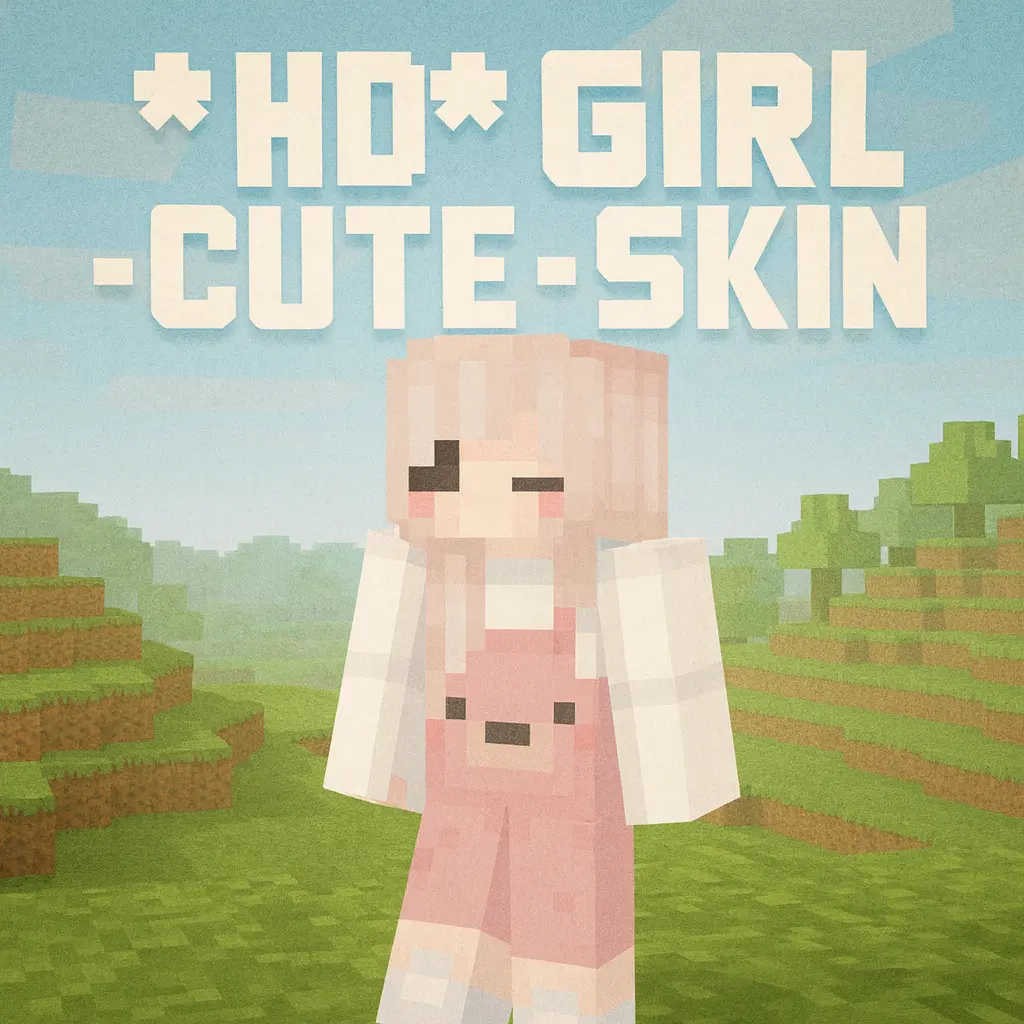
HD Girl -CUTE- Skin drops you into the world looking like a soft, childish pink mascot for your friend group. The pink hair, simple hoodie vibe, and those pink bear trousers make the whole skin feel super cozy and low-pressure, like you’re just here to build cute houses and mess around with friends. It’s the kind of look that instantly stands out in a lobby without screaming “sweaty PvP tryhard.�

In survival, HD Girl -CUTE- Skin fits players who love decorating tiny cottages, flower paths, and colorful interiors instead of just stacking huge cobblestone boxes. When you’re running around with this skin, everything feels a bit more relaxed, whether you’re farming, fishing by a river, or exploring caves with your squad.
On servers and Realms, HD Girl -CUTE- Skin works great for roleplay or just hanging out in hubs. It looks great in group screenshots, spawn areas, or cute themed towns with cafes and parks. If your vibe is soft, playful, and a little bit chaotic in a harmless way, this skin nails it.
How to Install Skins in Minecraft Bedrock
- Download a .png skin (64×64 or 128×128).
- Open Minecraft Bedrock.
- Go to Profile (hanger icon) → Edit Character.
- Tap Owned → Import → Choose New Skin.
- Select your .png file.
- Pick a model: Classic (Steve) or Slim (Alex).
- Confirm to equip and play.
Comments (0)