Animals Skin Pack
- 20-11-2025, 19:17
- 1 000
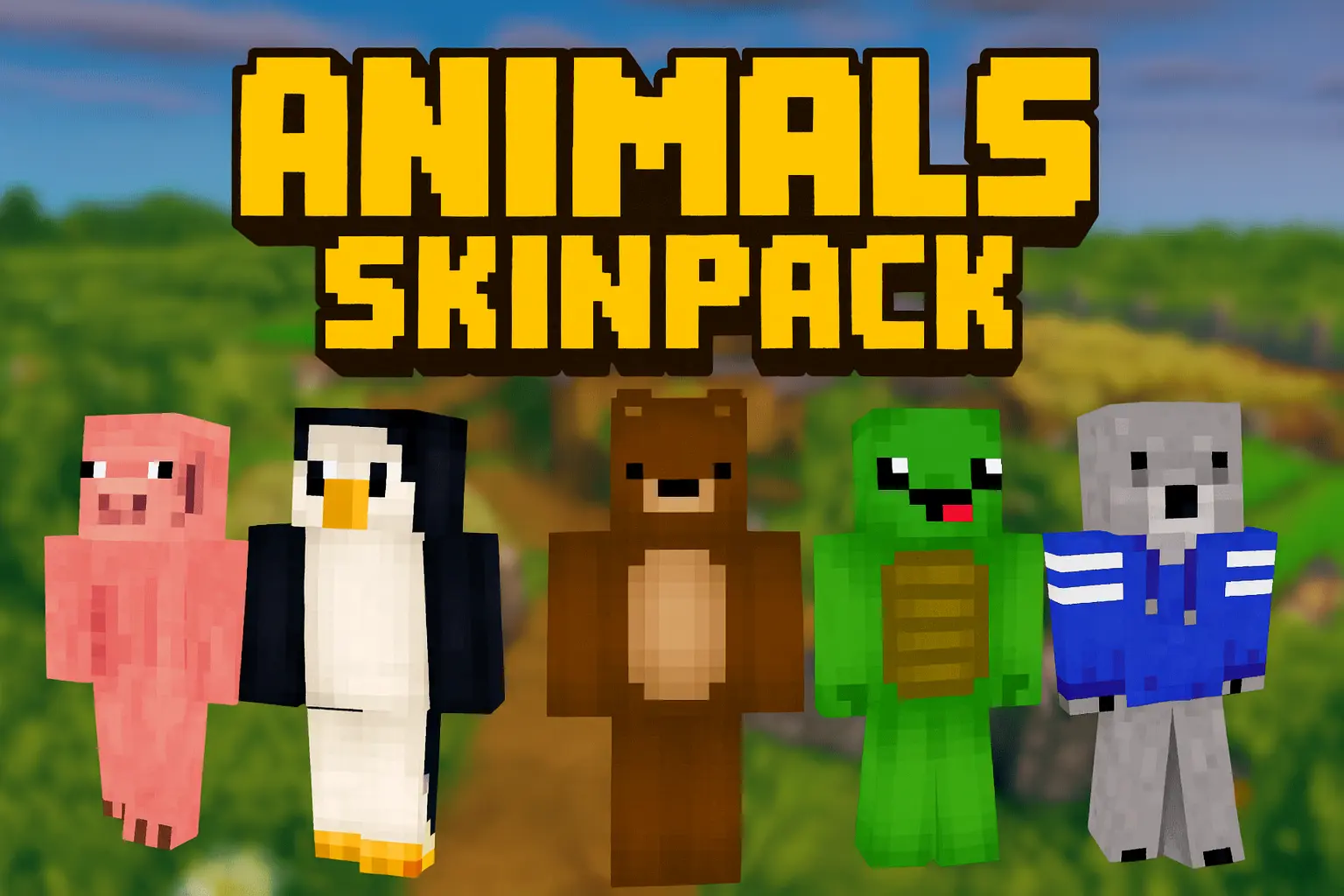
Animals Skin Pack flips the usual “player in armor� look and lets you jump straight into Minecraft as the creature itself. Instead of just wearing a hoodie with ears, you actually become the animal, with skins that cover everything from cozy house pets to wild forest hunters and bright exotic creatures. It feels great in survival when your whole squad picks different animals and turns a normal base into a full-on wildlife camp.


Animals Skin Pack is especially fun on multiplayer servers and Realms where everyone leans into the bit. One friend can play the loyal dog that never leaves spawn, another can be a fox sneaking around bases, and someone else can pick a bigger, tougher-looking animal for dungeon runs and cave exploring. The designs are colorful and easy to recognize from a distance, so you always know who’s who during raids, minigames, or casual building sessions.
Because Animals Skin Pack only changes your appearance, your hitbox and gameplay stay fully vanilla. You get all the personality of playing as an animal without any weird balance issues, which makes it perfect for long-term survival worlds and roleplay servers.
How to Install Skins in Minecraft Bedrock
- Download a .png skin (64×64 or 128×128).
- Open Minecraft Bedrock.
- Go to Profile (hanger icon) → Edit Character.
- Tap Owned → Import → Choose New Skin.
- Select your .png file.
- Pick a model: Classic (Steve) or Slim (Alex).
- Confirm to equip and play.
Comments (0)