Floral Creepers – Addon / Texture Pack
- 13-02-2026, 12:26
- 658
Mods 1.21 / Mods 1.20 / Mods 1.19 / Textures
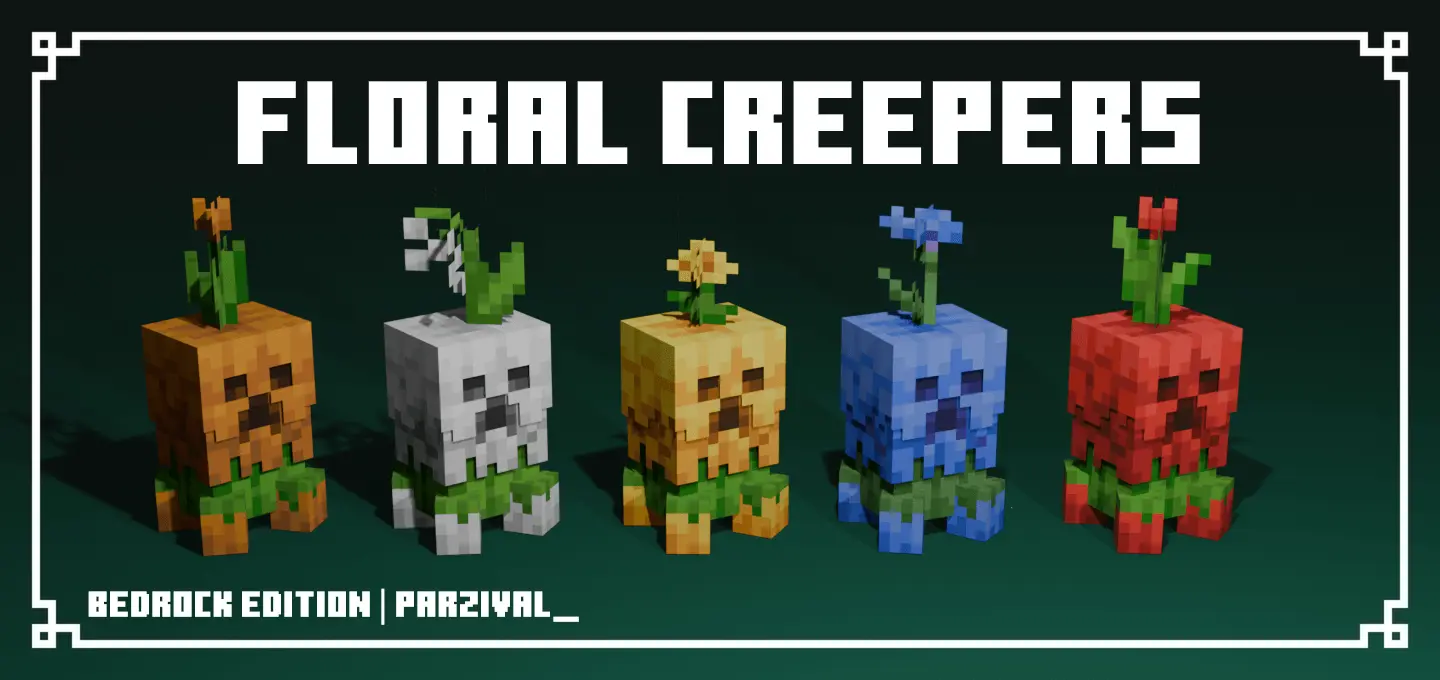
Floral Creepers Addon / Texture Pack is the kind of pack that makes you do a double take the first time you see a creeper. Instead of the classic tall green threat, creepers become short, colorful little creatures made of petals, topped with flowers. It’s a wild contrast because the mob stays the same danger-wise, but the look shifts the whole mood of your world—suddenly the most annoying ambush mob in Minecraft Bedrock looks like it belongs in a garden.
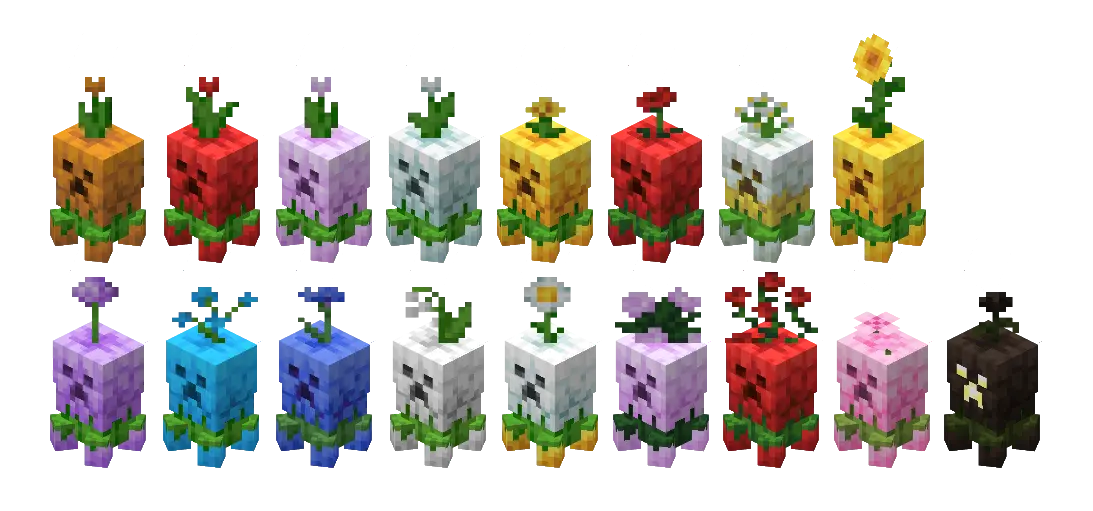
The pack includes about 17 Floral variants, which means you won’t just see one “flower creeper� over and over. That variety matters in survival because creepers are everywhere, and a pack like this stays fun longer when each encounter can look a little different. It’s also a solid choice if you like builds with nature themes—flower fields, cottage bases, botanical gardens—because the creepers visually match that aesthetic instead of clashing with it.
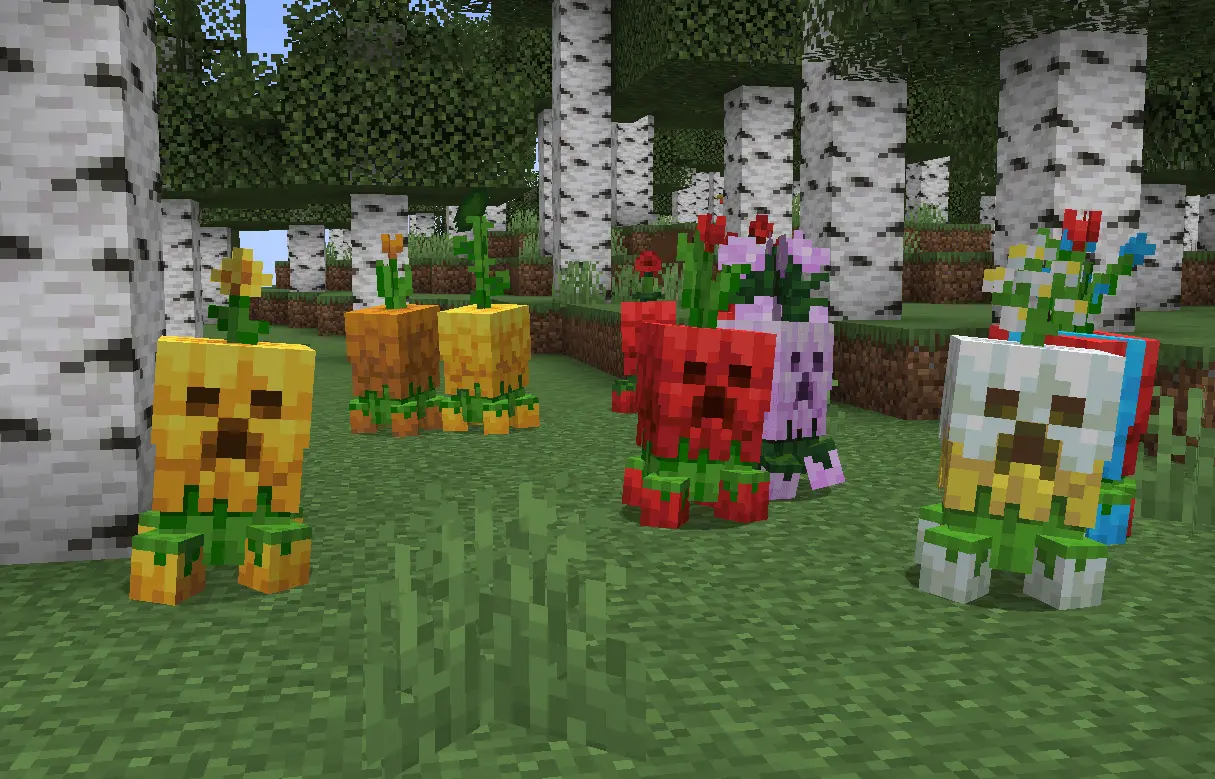
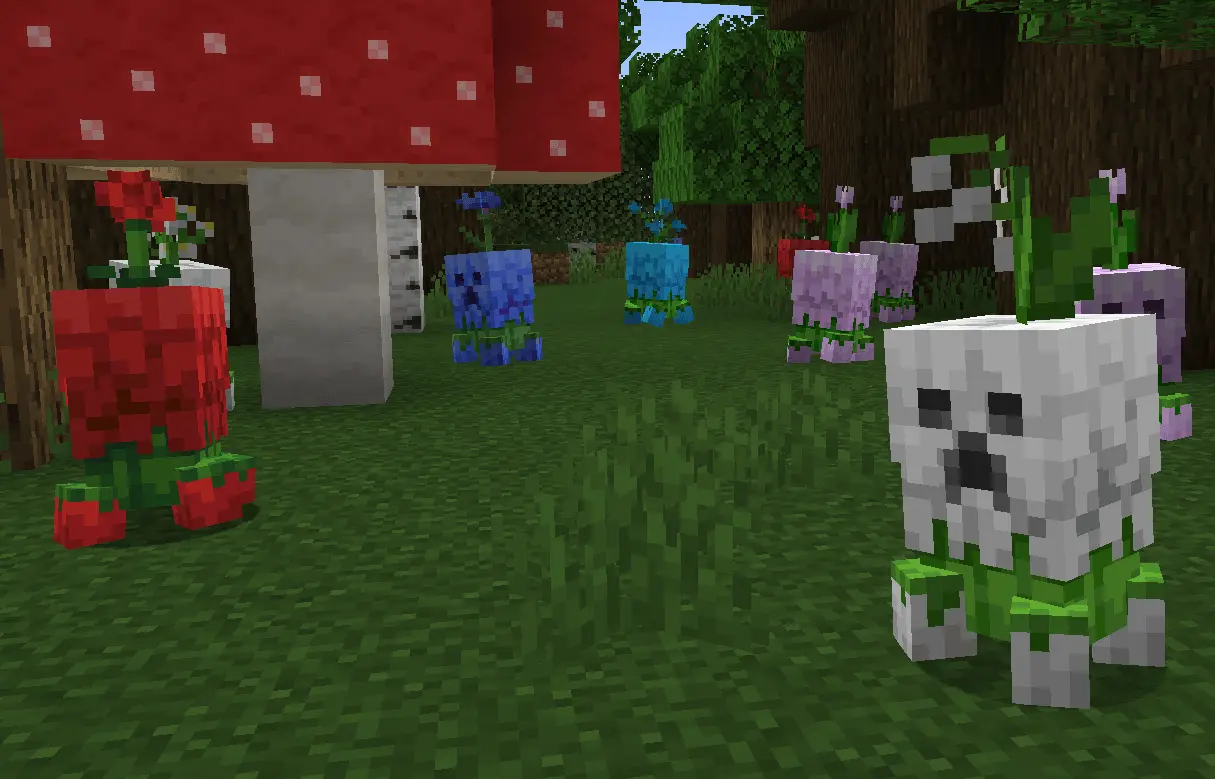
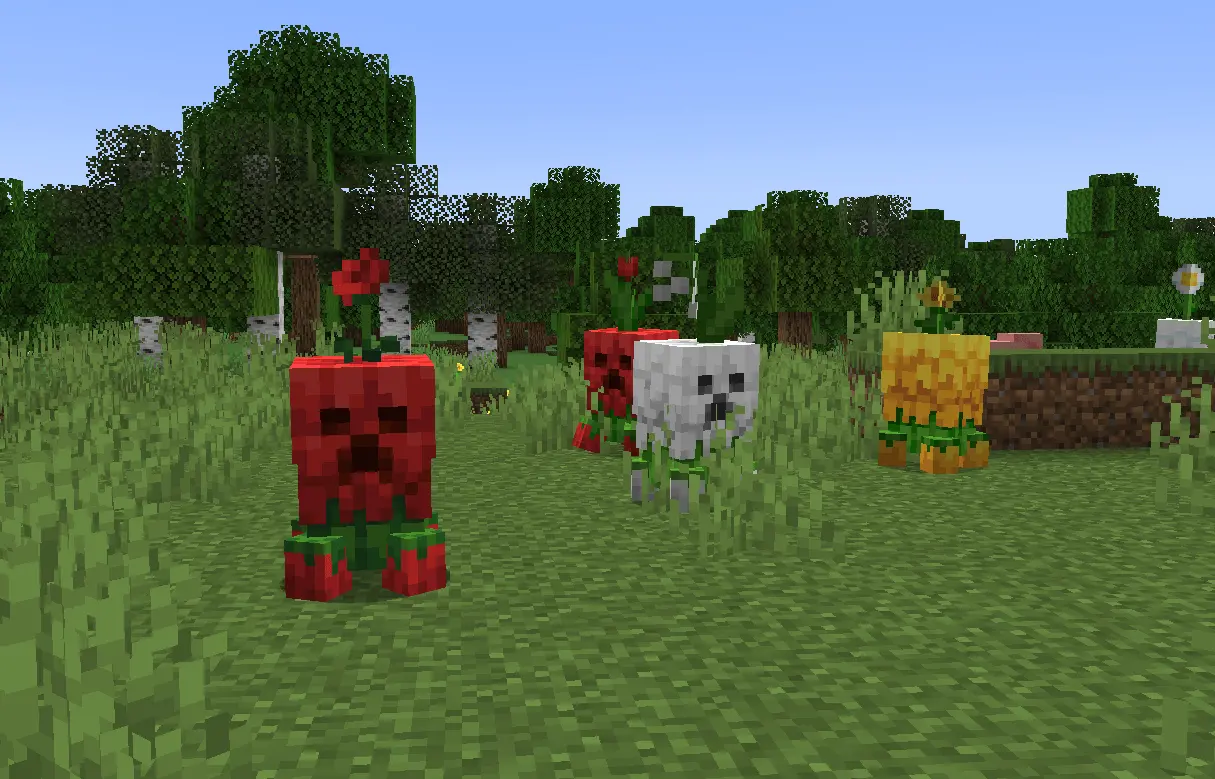
It’s also worth noting this was originally created by RedPierre for Java Edition and then ported to Bedrock Edition, so the goal is clearly bringing that same floral creeper concept over for Bedrock players. In actual gameplay, the funniest part is how it messes with your instincts. Your brain sees something cute and colorful, and then you remember, “oh yeah, that’s still a creeper.� That makes nights and cave entrances feel a little more unpredictable in a fun way, especially if you play with friends and someone gets distracted for half a second.
Practical tip: if you use this pack, keep your usual creeper safety habits. Even if they look like flower decorations, treat every Floral creeper like the real deal—watch corners, light up paths, and don’t let them wander near your builds. Floral Creepers Addon / Texture Pack is perfect for Minecraft Bedrock players who want a cute, nature-themed visual twist on creepers while keeping the same survival tension underneath.
Installation:
- Download Texture;
- Open the downloaded .mcpack to install;
- Select texture in settings;
- Done.
Comments (0)