Sleeping Bags Addon
- 12-04-2025, 08:26
- 2 129

Sleeping Bags Addon so you can sleep anywhere, with the function of choosing the time of awakening, sleeping during the day and speeding up time in Minecraft. Night falls halfway through your expedition, and your bed is back at home. Sleeping Bags gives Minecraft Bedrock explorers a portable place to rest, with a few tricks that make camping a lot more useful.
A sleeping bag lets you settle down during your travels and choose when you want to wake up. You can sleep through the night, take a break during the day, or set your sights on a particular time such as morning, noon, or midnight. That’s handy when you’re waiting for daylight before exploring an unfamiliar area, but it also gives you more freedom when daylight isn’t what you need. Want to return to a build at sunrise or set a nighttime scene for a story with friends? Pick the time that suits your plans and get back to it.
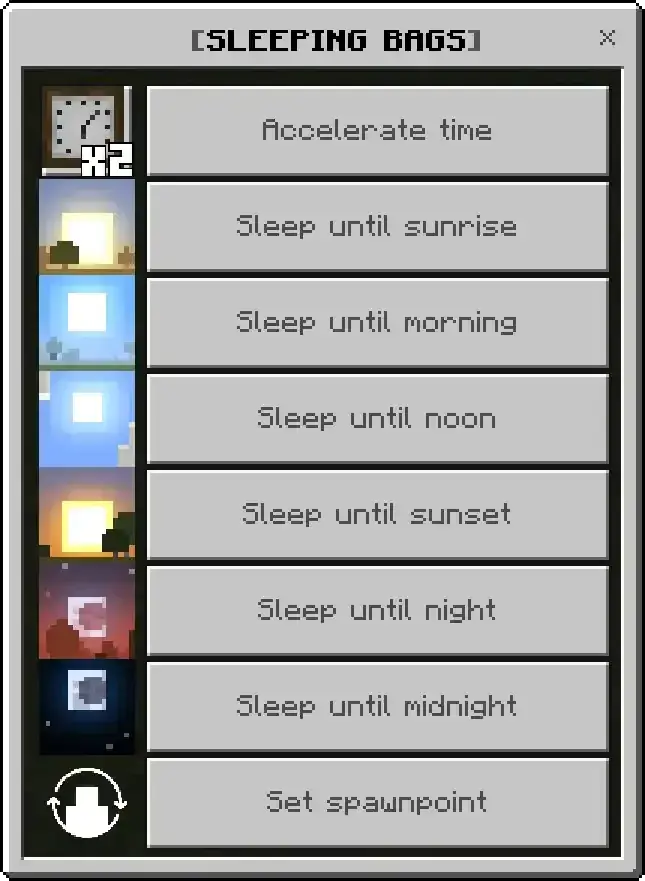
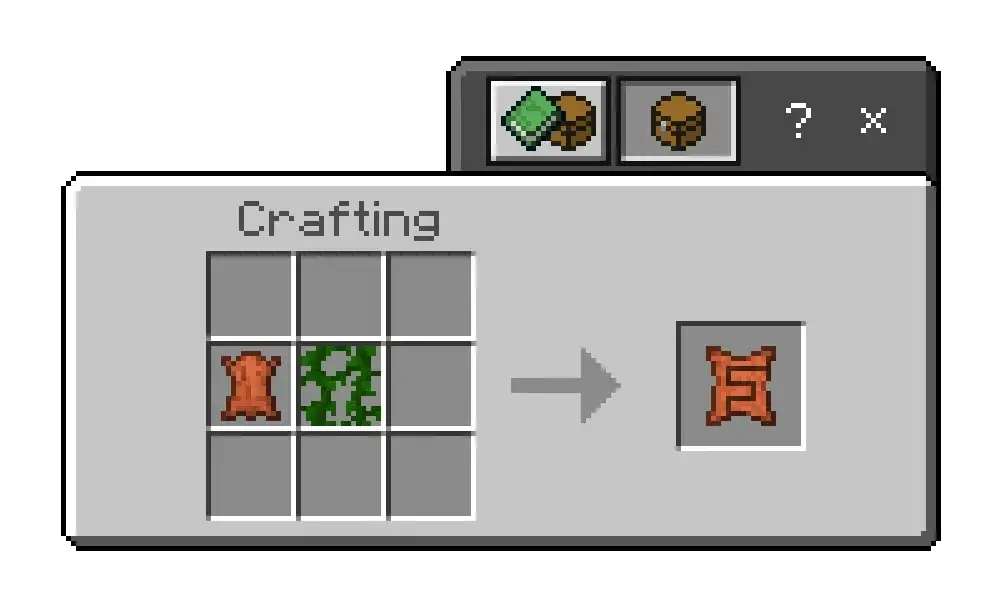
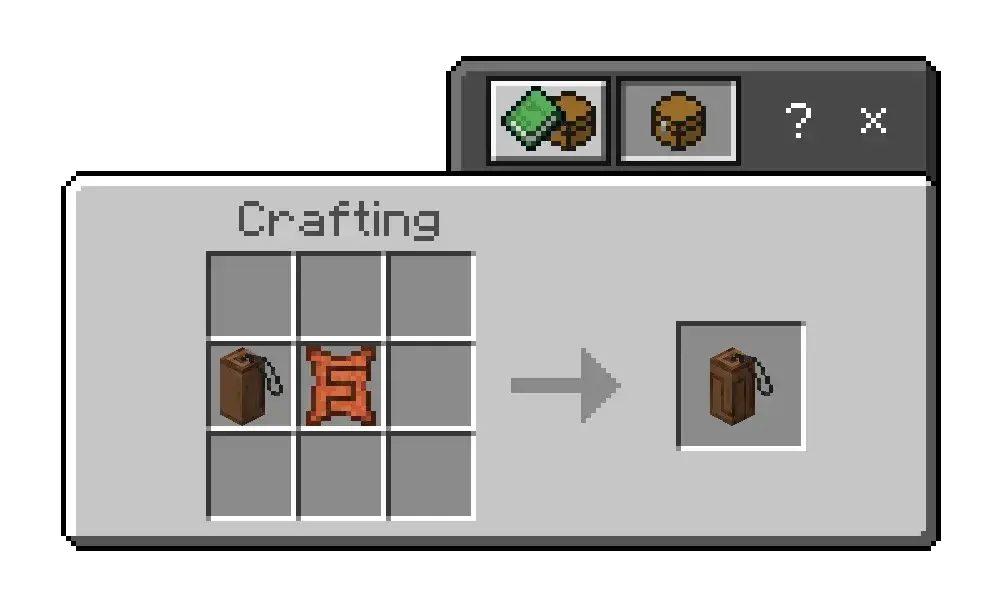
You can also decide what happens to your respawn point. If you’re traveling far from home and want to keep your base as your return location, you can sleep without changing it. If you’d rather make your campsite the place you return to, the add-on lets you set your spawn there instead. That choice makes a difference on long journeys, especially when you’ve spent ages looking for a particular biome or building a temporary camp. Think about whether you want to continue from the wilderness or return to your home base before making the choice.
The sleeping bags can be used in the Nether and the End as well, opening up some unusual camping opportunities. Set up a small expedition outpost near a Nether route or give your End base a place to rest after a long trip. The add-on also includes a time acceleration feature that affects things such as crop growth, which can be useful when you’re waiting for your farm to produce its next harvest. For multiplayer worlds, the settings let you adjust sleep behavior, including how many players need to be resting before time moves on.
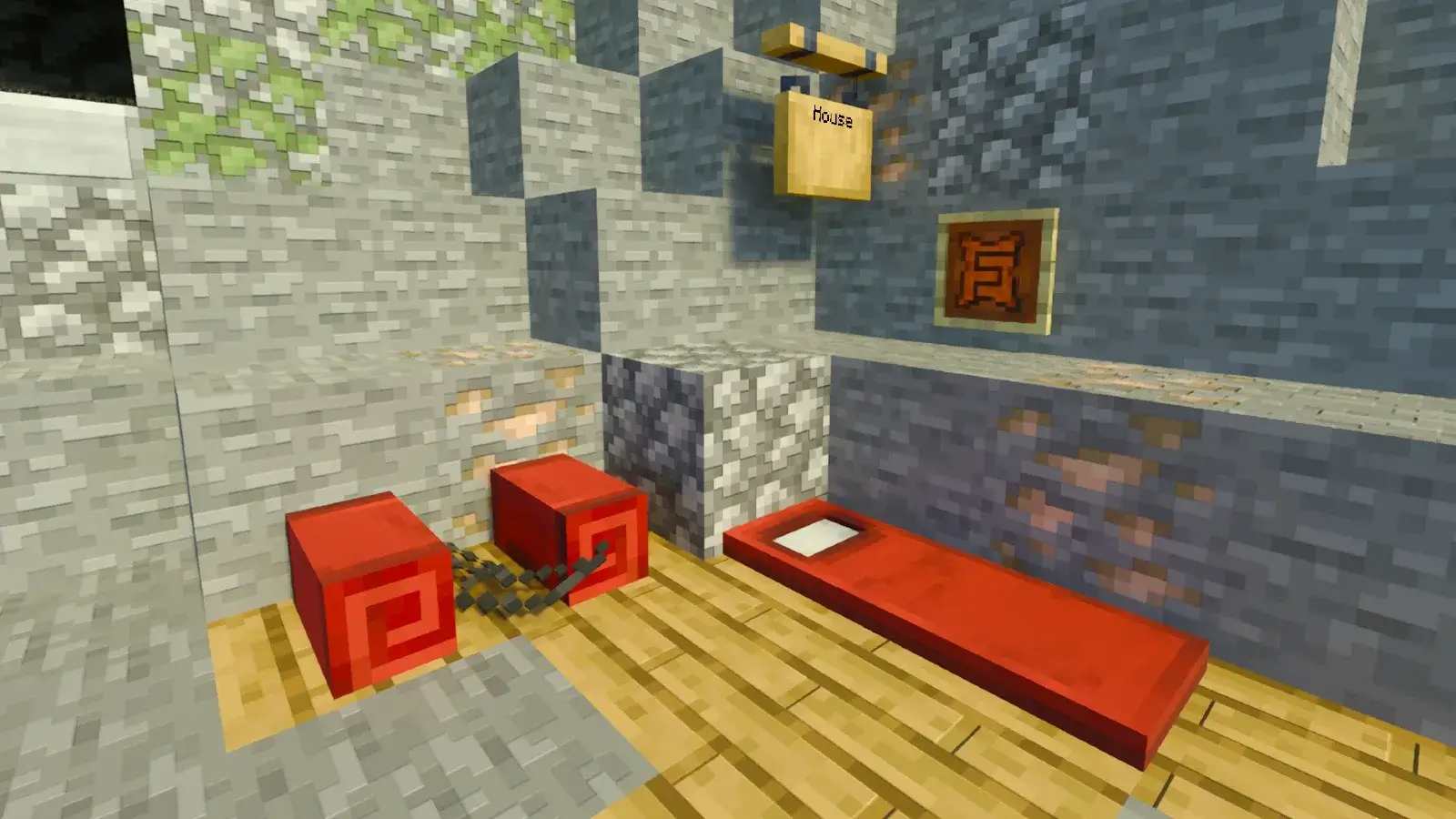
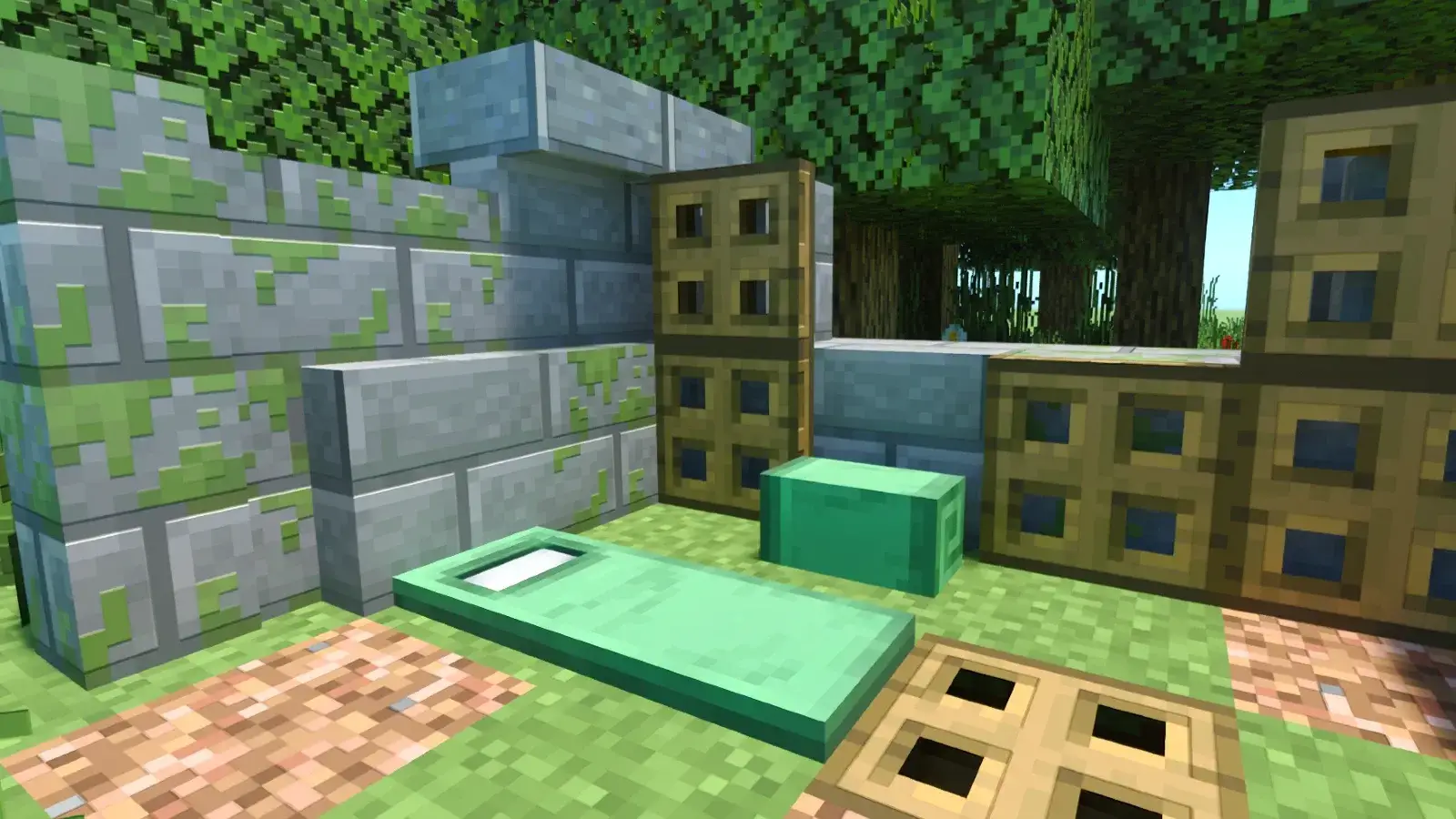
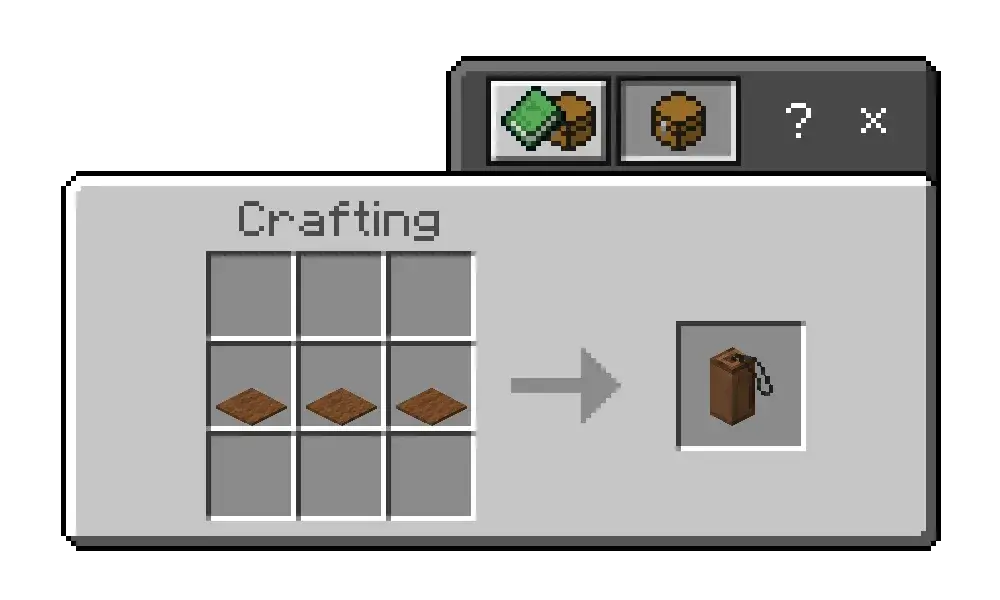
You can craft a plain sleeping bag from three wool carpets and choose from different colors to suit your gear or campsite. Patterns add another way to personalize it, with snake and ladder designs available for players who want something beyond a single color. Give each member of your group a different bag, arrange them around a campfire, and turn a quick overnight stop into a proper campsite. Whether you’re crossing mountains, working on a distant farm, or making an outpost in another dimension, Sleeping Bags gives you more control over when and where your character takes a break.
Installation:
— Download McPack
— Install McAddon or McPack files, just open it for this;
— Select new textures in the settings;
— Done.
Comments (0)