All Enchantments Menu Mod / Addon
- 18-04-2025, 14:11
- 1 566
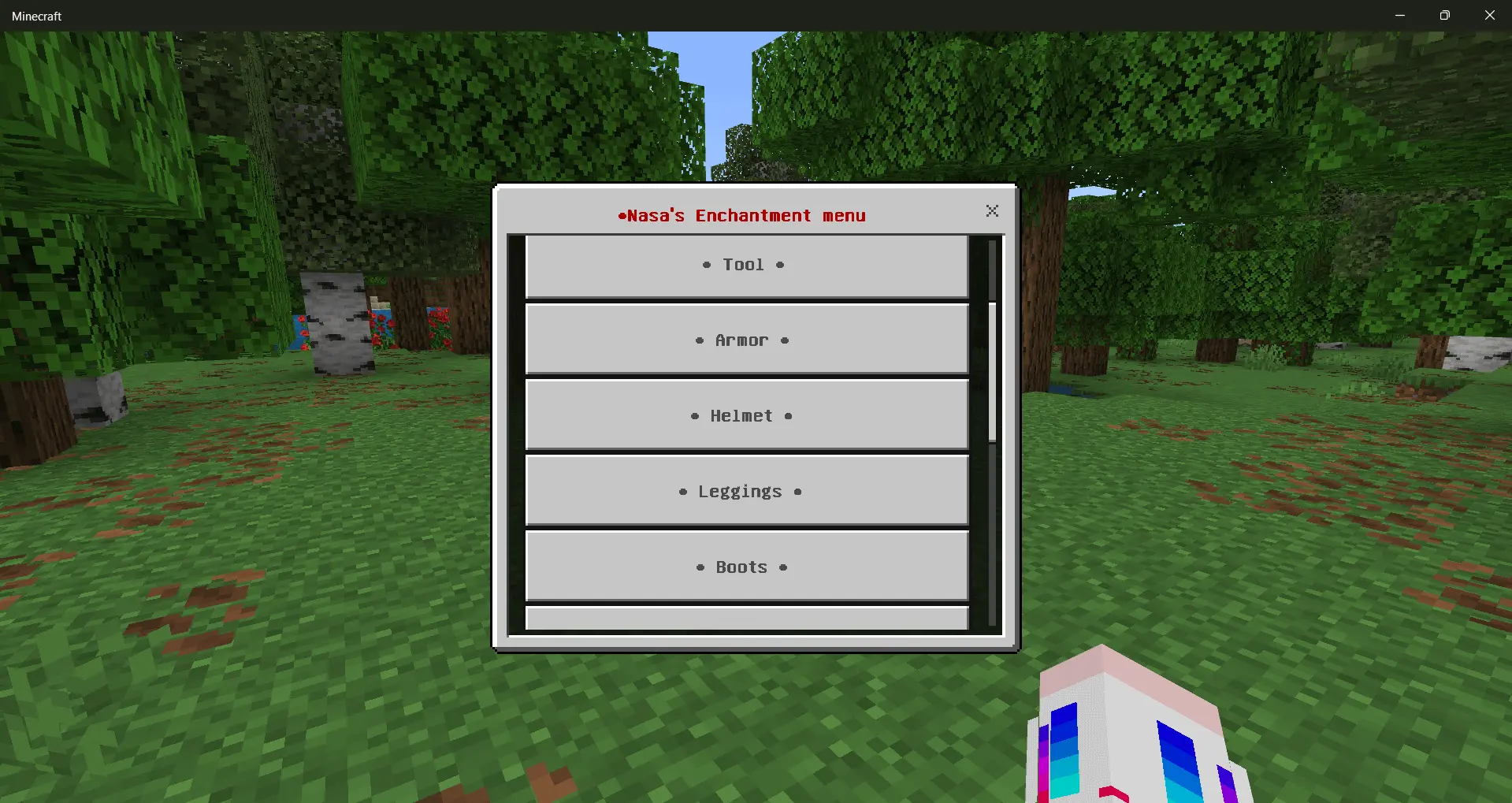
All Enchantments Menu Addon is a special menu with item enchantments in Minecraft Bedrock. Your favorite pickaxe deserves better than another disappointing enchantment roll. All Enchantments Menu gives Minecraft Bedrock players a straightforward way to choose upgrades for their gear through an in-game menu.
The idea is simple: hold the item you want to enchant, type !enchant in chat, and choose from the options in the menu. You can use it with equipment or books, making it easier to put together the setup you have in mind before heading out on an adventure. Want a pickaxe suited for mining? Looking to improve your sword before a dangerous fight? Open the menu and work on the item you’re actually planning to use. The addon also lets you apply multiple enchantments without returning to the menu after each selection, which is useful when you’re preparing more than a single upgrade. Instead of stopping to repeat the same process over and over, you can focus on getting your gear ready and getting back to the game. It’s especially handy when you’ve just replaced a worn-out tool and want your new one prepared for the next job.
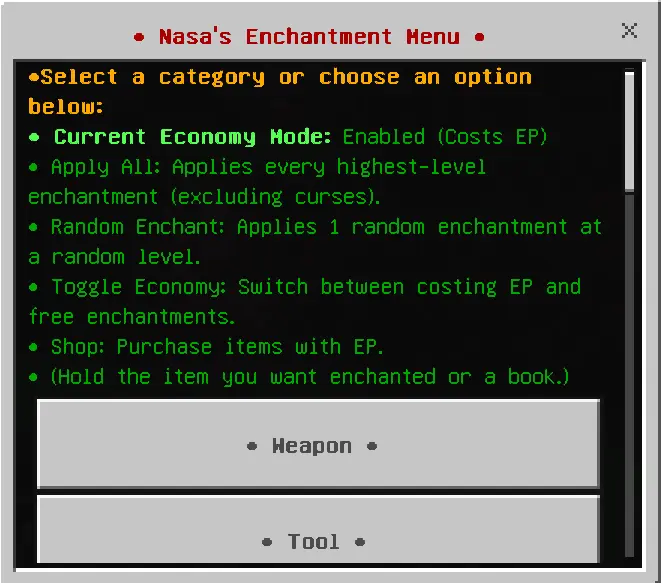
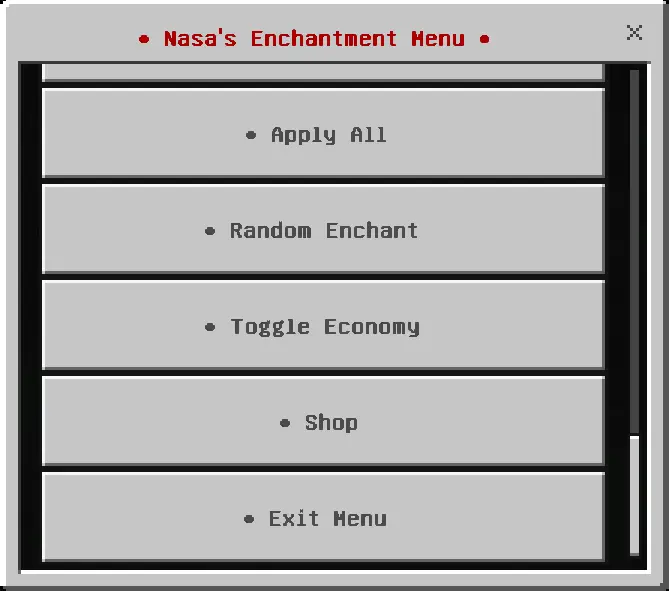
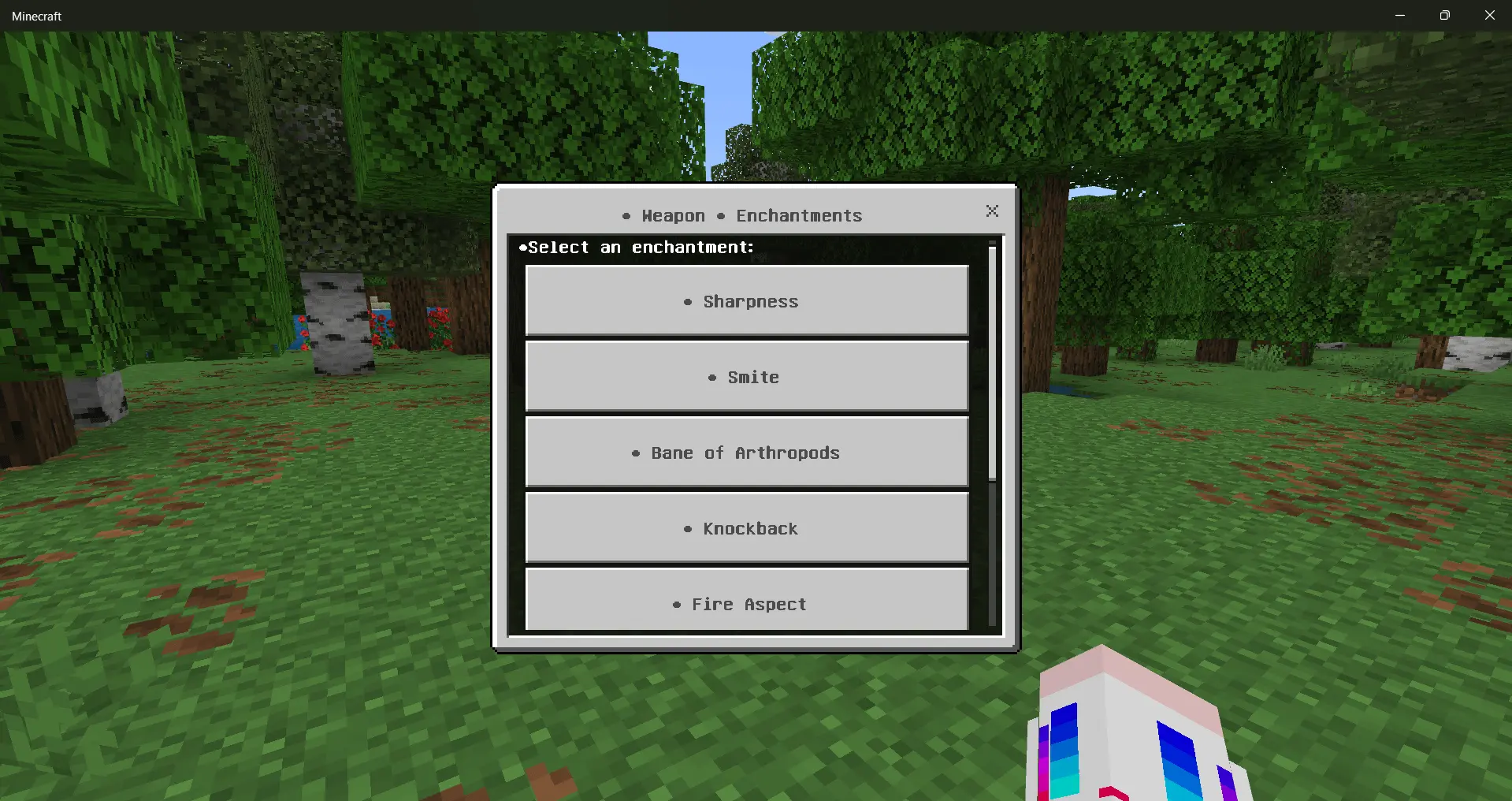
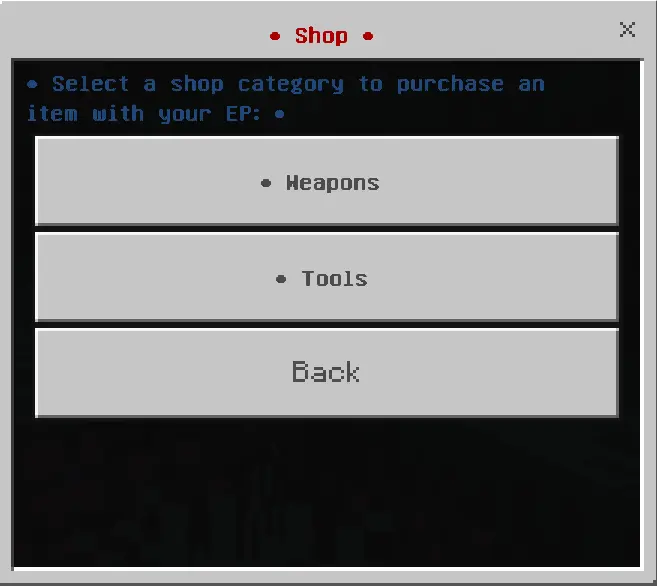
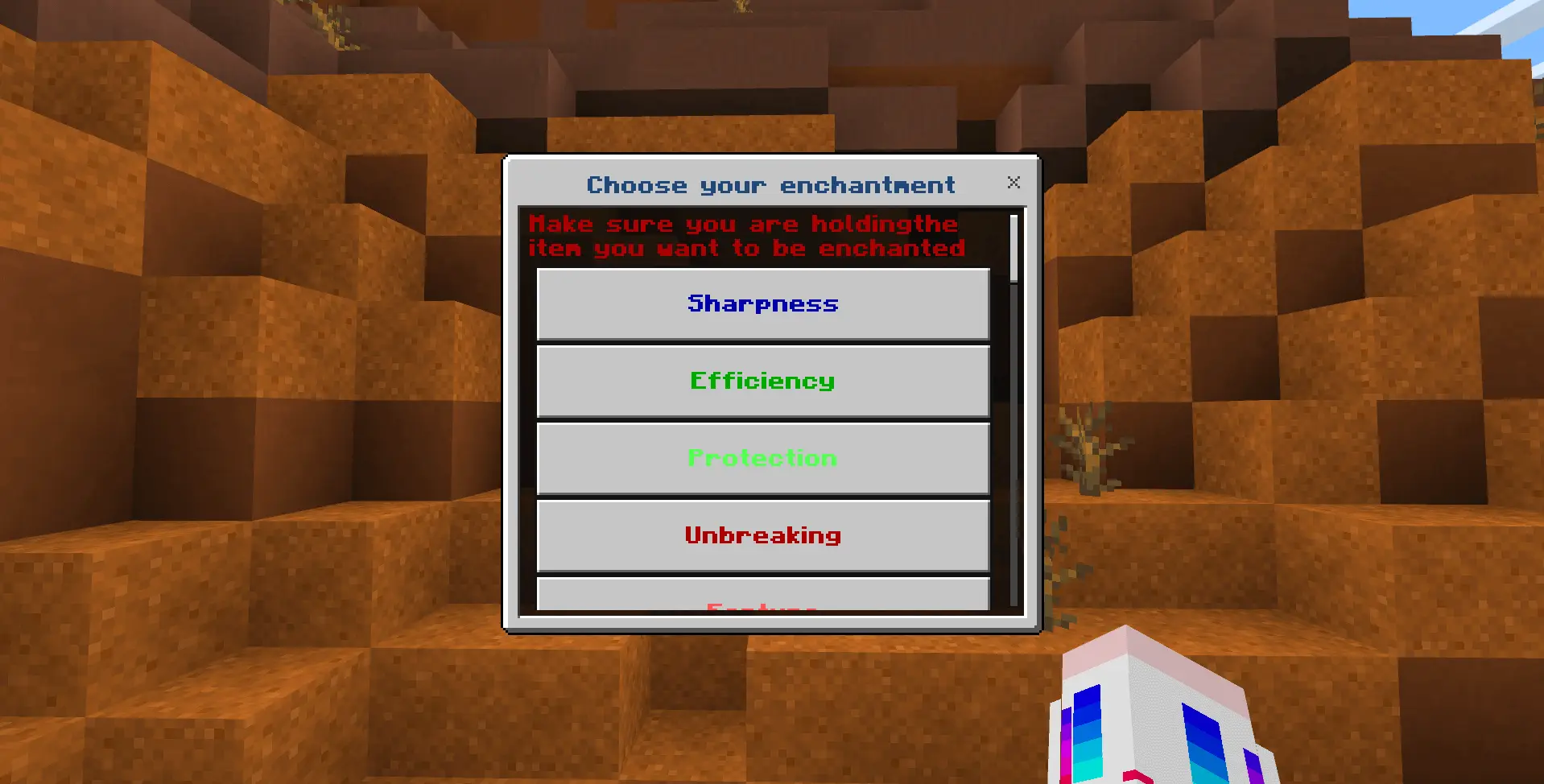
The menu gives you room to think about what you want each piece of equipment to do. A mining trip might call for a pickaxe with Fortune, while Silk Touch could be the better choice when you’re collecting blocks for a build. A sword with Sharpness can help when you expect a fight, and stronger armor is always welcome when your plans involve an unexplored cave. Enchanted books give you another way to prepare for future projects, whether you’re organizing equipment for yourself or gathering supplies for a group. You don’t have to settle on one favorite activity either. Keep a tool ready for mining, another for building, and combat gear for the trips that tend to go wrong. Being able to choose from a menu makes planning those different setups feel much less like a guessing game.
All Enchantments Menu also fits worlds where players enjoy experimenting with equipment. If you’re building an adventure map, you can prepare gear for the challenges you’ve designed and see how different enchantments affect the experience. In a shared world, friends can work on their own tools and armor before meeting up for a trip to the Nether or a long caving session. The menu doesn’t need a dedicated room in your base, so you can spend less time organizing an enchanting setup and more time deciding where to go next. It’s a useful addition for players who know exactly what they want on their equipment, as well as anyone who wants a clearer way to explore their choices. Pick the item, choose the enchantments that suit the job, and head back out with a loadout that feels ready for the adventure ahead.
Installation:
- Download Mod;
- Open the downloaded file to install;
- Select it in the settings;
- Have fun!
Comments (0)