Carry Container Mod / Addon
- 12-09-2025, 06:47
- 1 369
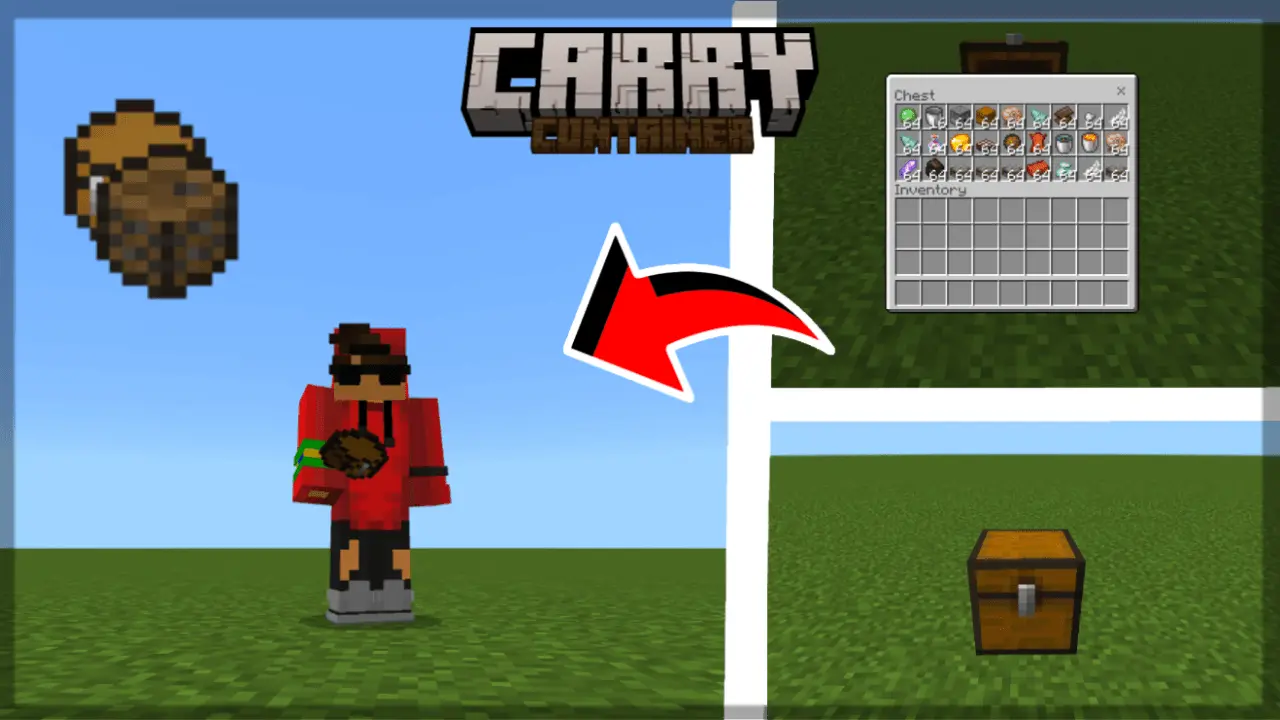
Stop tearing down your storage wall one block at a time. Carry Container mod lets you yoink a chest or barrel in Minecraft Bedrock and drop it somewhere else in seconds, so reorganizing a base or shifting a camp isn’t an evening-long chore.
The flow is dead simple and it just feels right: sneak and click a Minecraft chest or barrel with an empty hand to pick it up, then face the spot you want and click the ground to place it. No special tools, no commands, no weird UI—just clean, muscle-memory controls. It only works with vanilla chests and barrels, which keeps things predictable for Survival and SMP play. Once you get used to it, you’ll start planning builds around the idea that storage can move with you instead of pinning you down.
In practice, it’s a lifesaver during mid-season base upgrades. I’ll pull the bulk chests off my workshop floor, lay fresh flooring, then drop them back into a tighter layout without juggling ten temporary containers. Out in the wild, I’ll drag a barrel from a mining outpost up to the ridge, stash loot for a quick sort, then plant it by the nether portal before heading home. Farms benefit too—shift the collection chest a few blocks to clean up a path, rebuild the hopper line, and you’re done. On Realms, one player can clear space while another places storage where the build team actually needs it, and nobody is stuck ferrying stacks by hand.
Moving a chest shouldn’t mean covering your floor in loose stacks of cobblestone. Carry Container makes it easier to pick up a single chest or barrel, take it somewhere else, and put it back down with its contents.
The controls are simple. Empty your hand, crouch, and interact with the chest or barrel you want to move. Once you’ve picked it up, carry the container to its new spot and interact with the ground to place it. You don’t need a special tool or a command. That comes in handy when you’re halfway through decorating and decide the barrel beside your workbench would look better on the other side of the room.
There’s one important limitation: don’t use the pickup feature on a double chest. The addon’s description warns that a double chest and its contents can disappear when moved. Empty it and move the items separately instead. For normal use, stick to single chests and barrels. The addon only supports those Minecraft containers, so don’t expect it to pick up furnaces, hoppers, or storage blocks from other addons.
Carry Container is especially useful when your starter base has grown into something much bigger. Maybe the chest you dropped beside your first crafting table is now in the middle of a hallway, or your new storage room is finally ready across the courtyard. Pick up the individual containers and move them where they belong without sorting every stack into your inventory first. You can rearrange a workshop, clear space for a new floor, or bring a barrel of building supplies closer to the project you’re working on.
It can save a few trips around farms and mining outposts, too. If you’ve been collecting stone in a barrel near a mine entrance, move the barrel to a more convenient spot when you’re ready to organize it. At a farm, you might shift a collection chest while changing the layout. Just check any hoppers or other connections afterward; the container may be in its new home, but the rest of your setup still needs to point to the right place.
To install Carry Container, download the .mcaddon file, open it with Minecraft Bedrock, and activate the addon in your world settings. Try moving a single chest with a few ordinary items first so you can get comfortable with the controls. The addon is described as achievement-friendly, making it a useful addition to a survival world. Once you’ve tried it, moving that badly placed barrel is a lot less tempting to put off.
Pro tips: keep that hand empty so you don’t misclick, face a solid block when placing for tidy alignment, and reconnect any hopper lines after you move things. For a tiny quality-of-life tweak that you’ll use every session, Carry Container mod just makes Minecraft Bedrock flow.
Installation:
- Download Mod;
- Use Minecraft
- Open the downloaded file to install;
- Select it in the settings;
- Have fun!
Comments (0)