Furniture Builder Mod / Addon
- 3-07-2026, 13:59
- 3 578

Furniture Builder Mod — the moment your Minecraft Bedrock world stops looking like a storage unit and starts feeling like a home. It’s all about turning empty rooms into actual spaces you want to hang out in. You still mine, craft, and build like normal, but now the payoff isn’t just walls and chests; it’s a starter base with a place to sit, a corner that looks like a kitchen, and a bedroom that doesn’t scream “day one dirt hut.”
In survival, the loop stays familiar. You grab logs, smelt stone, shape the room, then drop furniture to lock the vibe. I like anchoring the layout first—bed tucked into a nook, a crafting corner that reads like a workstation, and a little dining spot so the main hall doesn’t feel empty. Keep pathways clear so you’re not clipping on edges when a creeper shows up. The cool part is how fast the house starts telling a story: you dump loot, turn around, and the place actually looks lived-in instead of a chest maze.
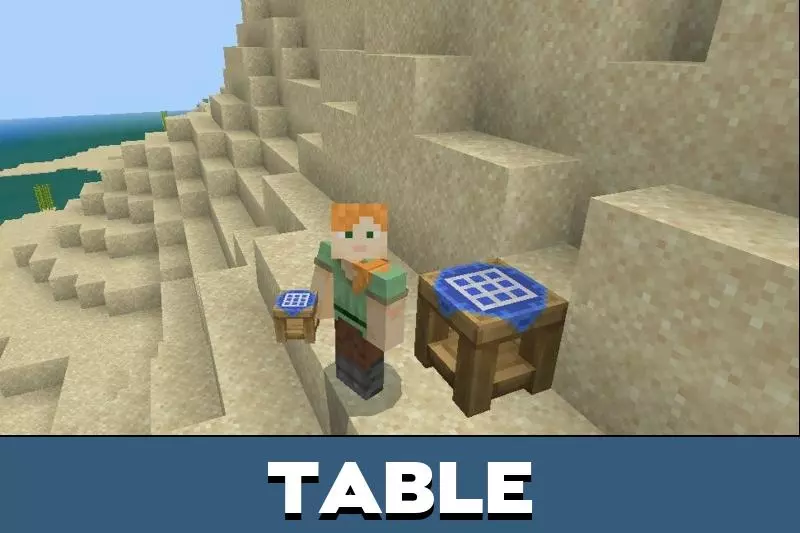
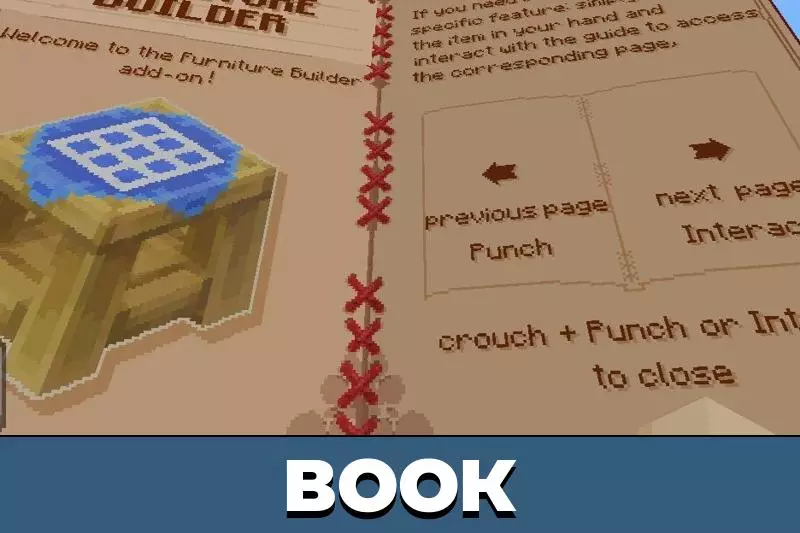
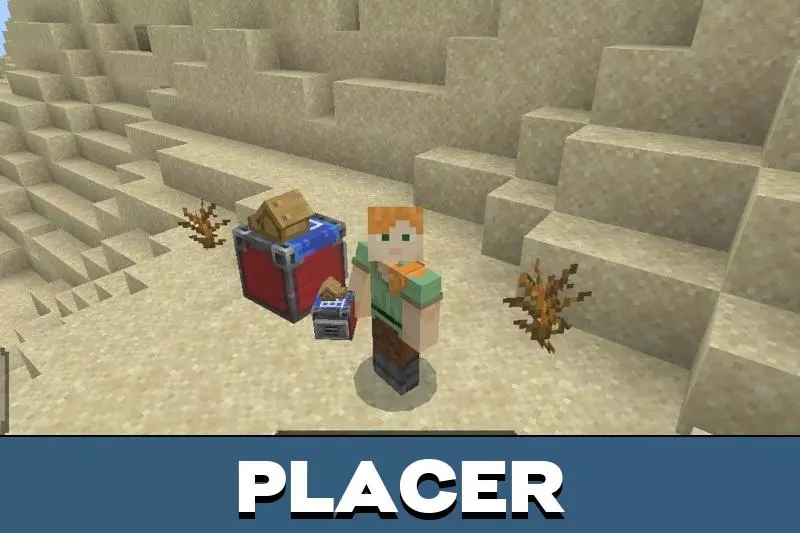
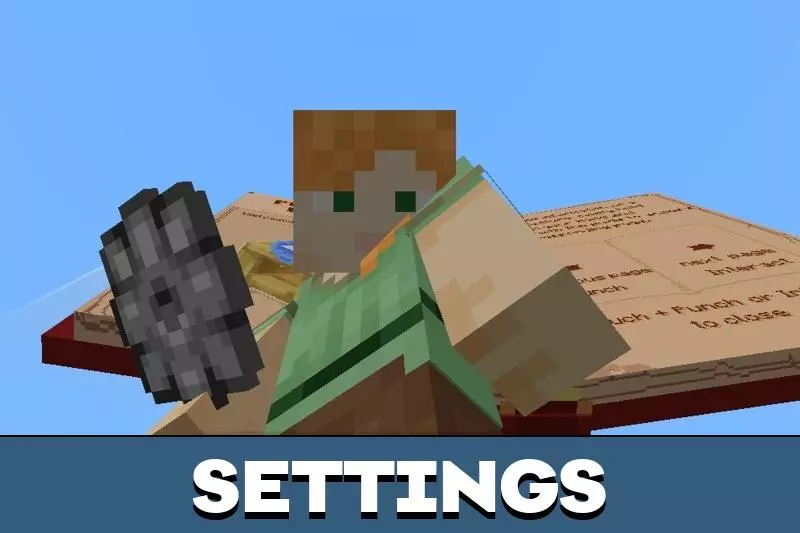
Creative runs are where Furniture Builder Mod really flexes. You can kit out a town square with benches and planters, give a library some depth so it isn’t just books on a wall, and turn a blank apartment into something that photographs well without shaders. On realms, this is perfect for role-play hubs—cafés that feel like meetups, offices that look like someone works there, spawn lobbies that don’t need signs to make sense. It all plays clean with Minecraft Bedrock’s flow: build the shell, drop the pieces, take a step back, and suddenly your world has scenes you want to screenshot. If you’re tired of “functional but boring,” Furniture Builder Mod is the upgrade that makes every build session click.
The recent 3.0 update takes that customization ceiling and pushes it straight through the roof. You can now deck out your base with highly requested modern hardware like active TV screens, spinning ceiling fans, and outdoor patio umbrellas. If you despise spending three hours trying to make a roofline look mathematically correct, the pack even introduces dedicated roof edges and 8 entirely new craftable structures. You literally just drop these craftable houses straight into your Minecraft Bedrock realm, completely bypassing the tedious foundation-laying phase so you can instantly focus on interior styling. Plus, the developers added a heavily optimized preview mode to the variant selector, letting you visually cycle through multiple styles and variants before committing your hard-earned crafting materials.
From a performance standpoint, loading this addon into your active world won’t destroy your framerate or cause massive block desync during intense multiplayer sessions. The code includes tons of backend improvements and bug fixes to ensure raw stability across mobile and console platforms. It is insane how having legitimate, interactable decor totally shifts the vibe of a multiplayer base. This add-on genuinely transforms any world you load it into, acting as an absolute must-have for players who treat their survival servers like dedicated architectural sandboxes. Stop tricking yourself into thinking a stone pressure plate on a fence post is a valid dining table. Gear up, run some actual blueprints, and furnish your base properly.
Installation:
- Download Mod;
- Use Minecraft
- Open the downloaded file to install;
- Select it in the settings;
- Have fun!
Comments (2)