Lucky Blocks Mod / Addon
- 4-06-2026, 05:06
- 1 881

Lucky Blocks Mod is the kind of add-on you install when your world needs chaos on purpose. Lucky Blocks are all about that gamble: you break one block and you have no clue if you’re about to get hooked up with enchanted tools and items or if you’re about to get jumped by a whole situation. That unpredictability is the entire fun, because every break turns into a little “please don’t be bad” moment, and it keeps even a normal survival session from feeling routine.
The outcomes listed already show the range. You can pull enchanted tools and items, which can instantly speed up early survival and make you feel like you just hit the jackpot. But you can also spawn snow golems, which is hilarious because sometimes that’s a clutch helper and sometimes it’s just extra noise in your base. Then there are the nasty pulls: a horde of zombies or several different traps. That’s where Lucky Blocks flip from “free loot” to “oh no, I shouldn’t have done that here.” If you break them inside your house or in a tight tunnel, you’re basically inviting a mess you might not be able to control.
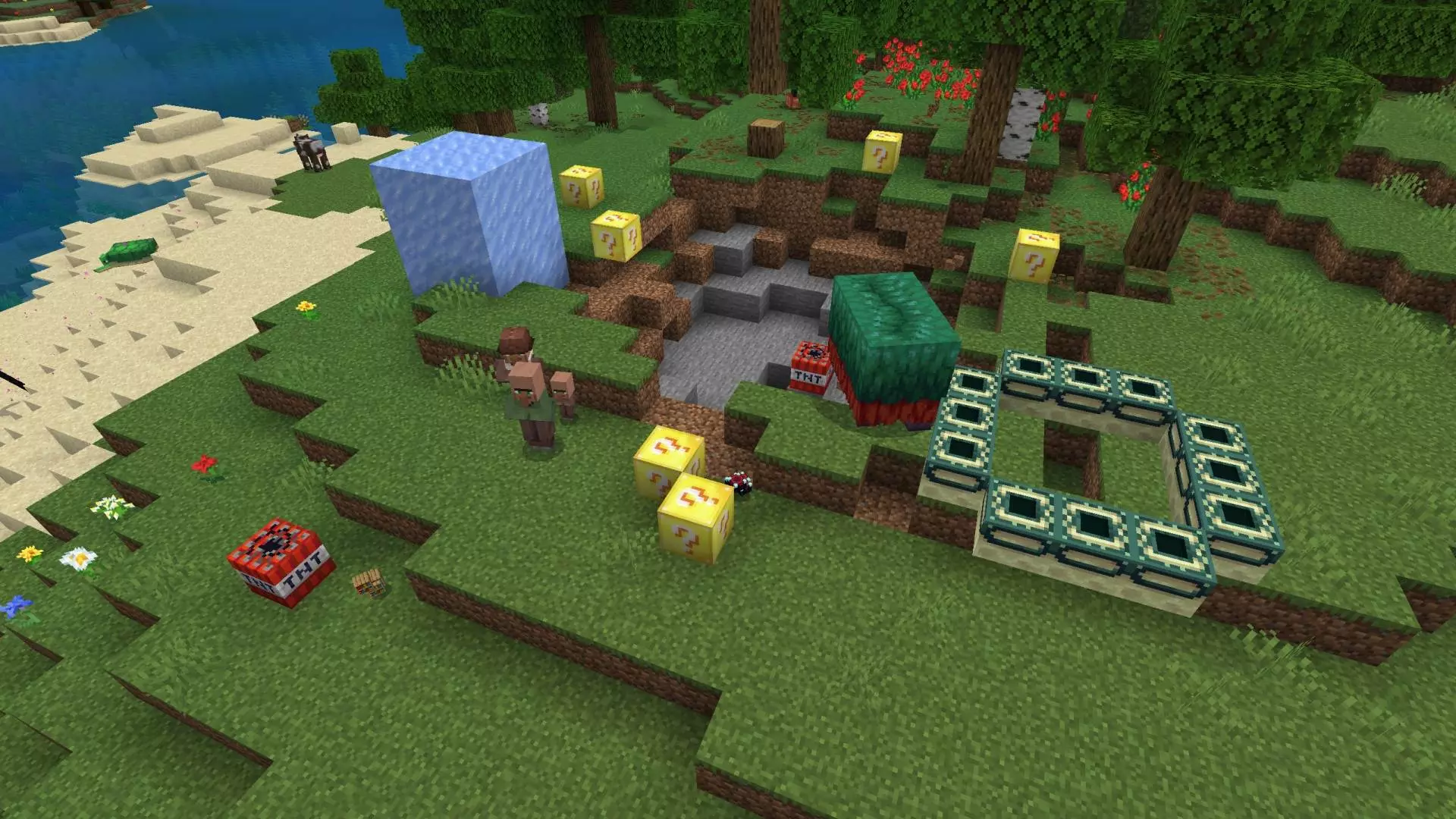
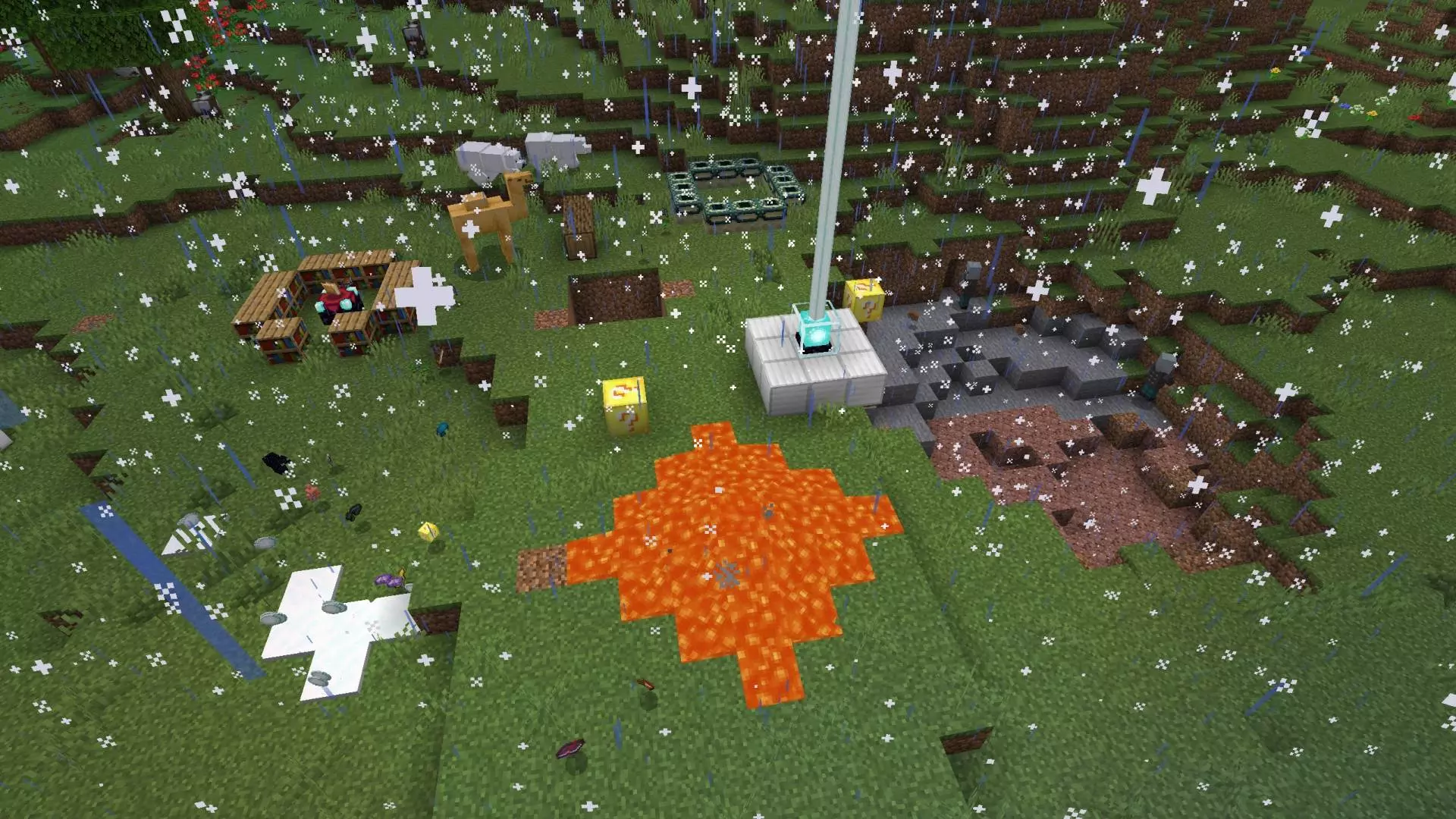
Smashing a question-mark cube to hit the god-roll jackpot or get utterly blown to pieces makes the Lucky Blocks Mod Addon the supreme chaos engine for Minecraft Bedrock. It injects unhinged casino energy right into the sandbox, guaranteeing zero dull moments from the second you swing your pickaxe.
Routine survival loops can get mind-numbing once you have automated your food farms and secured your backup gear. You explore caves without flinching, sort your storage chests on autopilot, and basically know every danger before it crawls out of the dark. That predictable flow gets shattered the moment you scatter these volatile yellow boxes across the grass. Every single punch is a blind leap of faith. One crack might shower your boots in enchanted diamond blades, god apples, and high-tier armor that skyrockets your progression into the stratosphere. Pulling a bad roll, however, immediately flips the scene into survival panic. Nasty traps drop out of thin air, surrounding you in ticking explosives or locking you into suffocating cages while aggressive zombie squads swarm your flank. Crack one of these blocks inside your cozy wooden living room and you will be rebuilding your front porch for the next three in-game days.
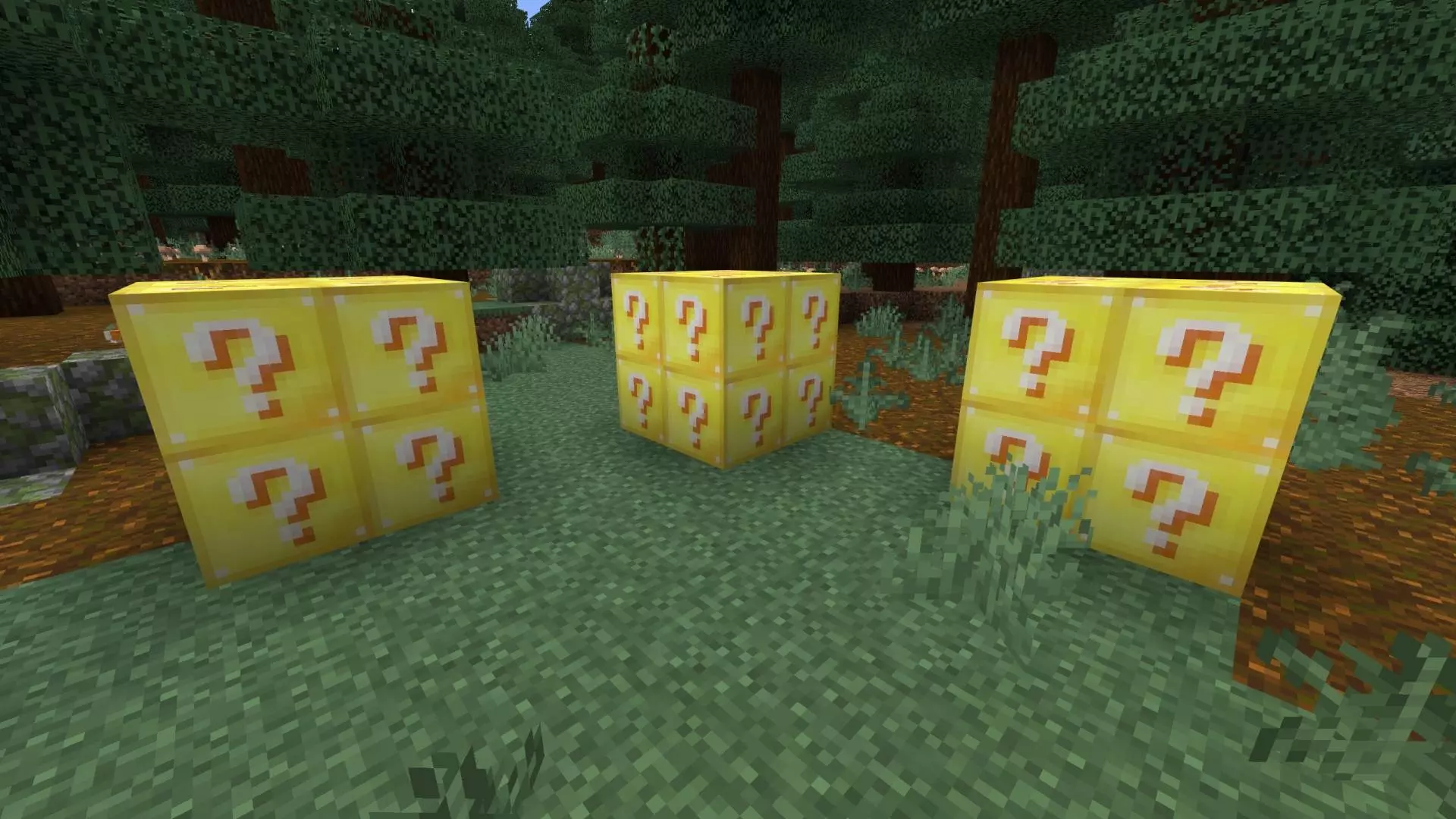
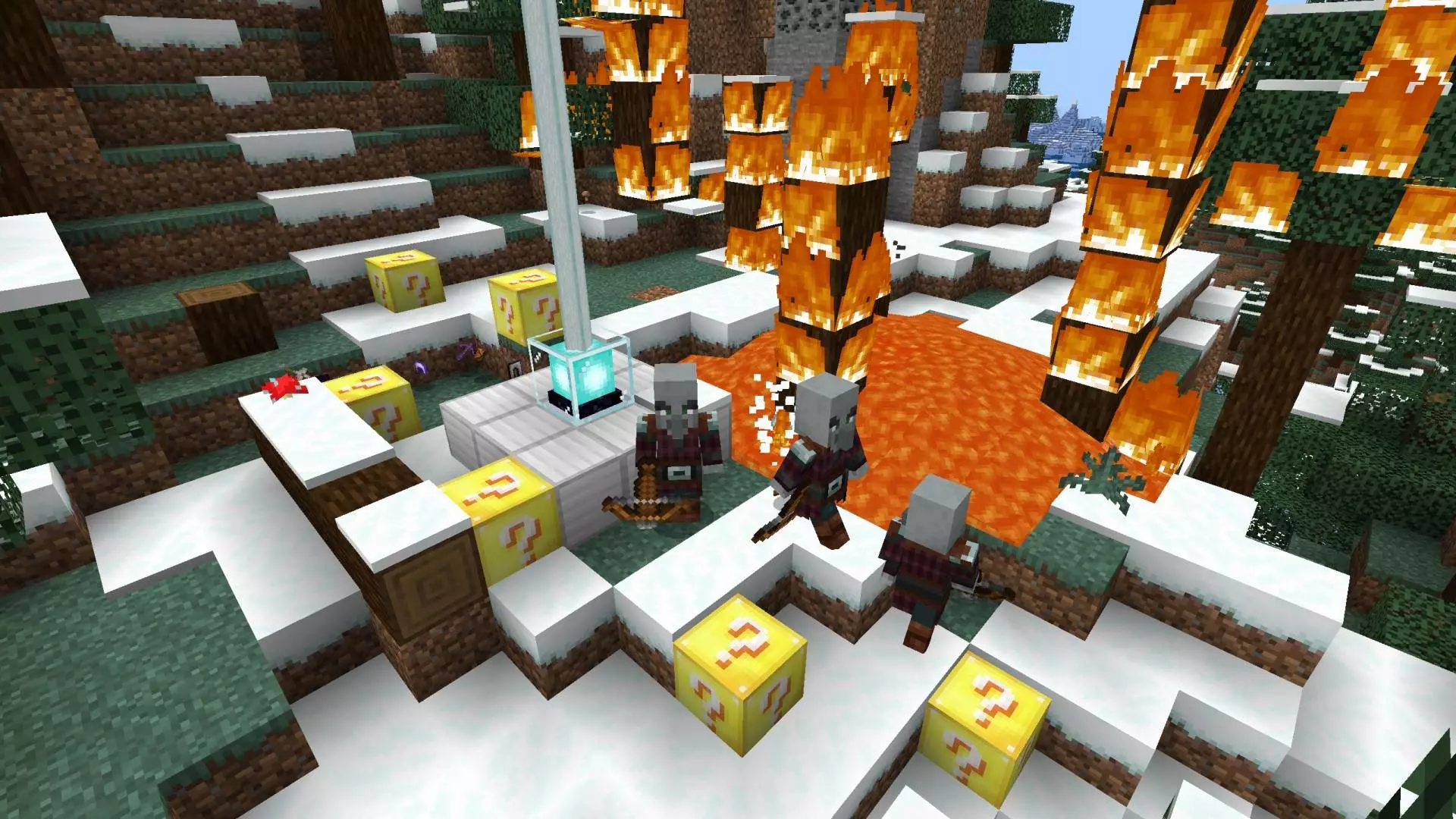
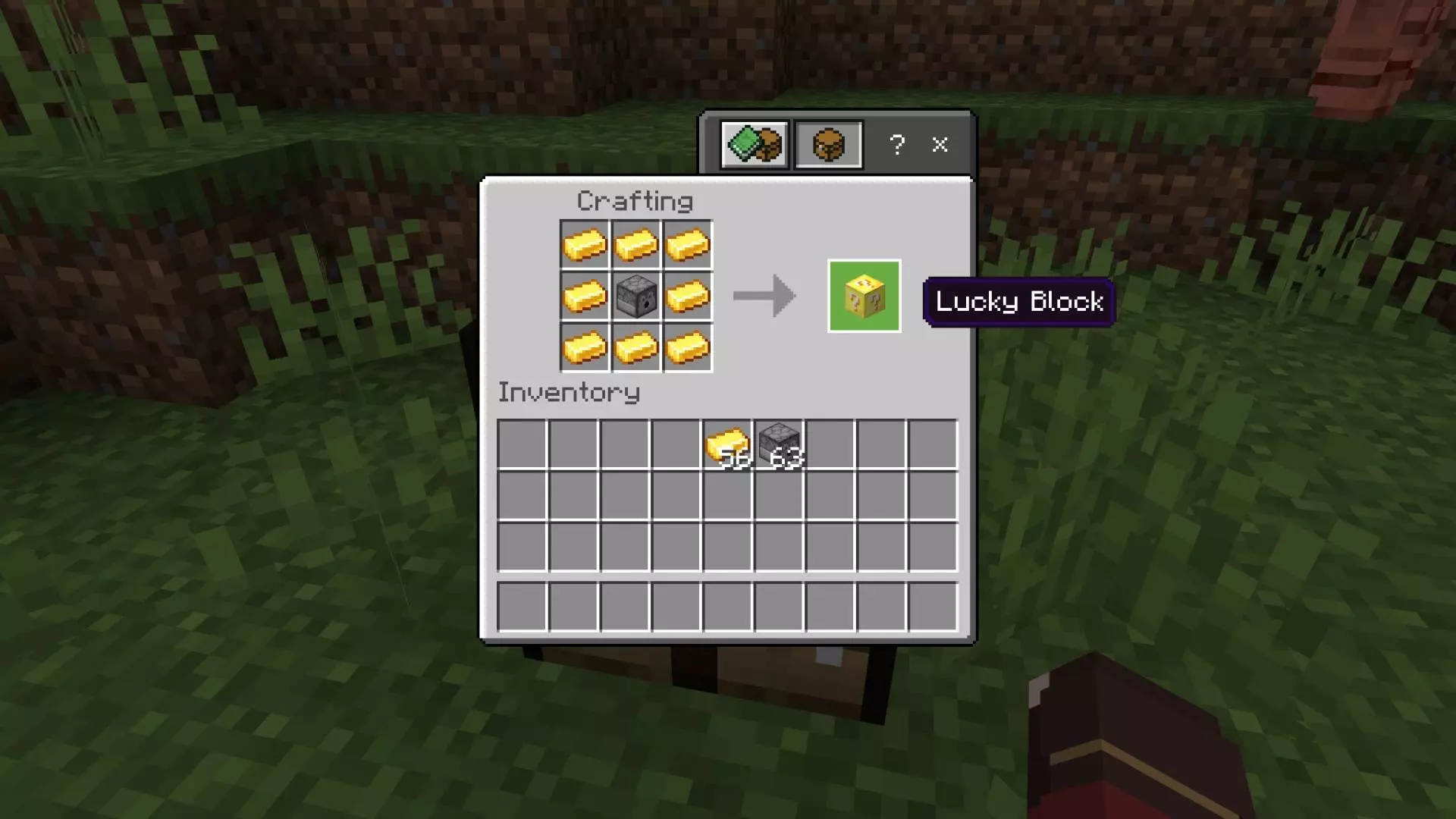
Since the mod pushes you to craft a lot of Lucky Blocks, it’s clearly meant for repeat runs, not a one-time novelty. The best way to play it is to treat Lucky Blocks like an event you plan for. Set up an open area away from your main storage and farms so if you roll a trap or a zombie wave, you’re not watching your base turn into a disaster scene. If you’re playing with friends, it’s perfect for mini-challenges too—everyone breaks a set number and you see who gets stacked and who gets destroyed.
Practical tip: keep a “Lucky Block arena” with room to move, and don’t break them while low on food or durability, because bad rolls get way scarier when you’re already weak. Lucky Blocks Mod is pure Minecraft Bedrock roulette—sometimes it’s a jackpot, sometimes it’s a trap, and that’s exactly why it’s fun.
Installation Mod:
- Download the .mcaddon / .mcpack;
- Open the file to import into the game;
- In World Settings → Resource Packs and Behavior Packs, enable it (turn on Experiments if needed);
- Have fun!
Comments (1)