Volcanic Block Mod / Addon
- 20-02-2026, 17:15
- 479
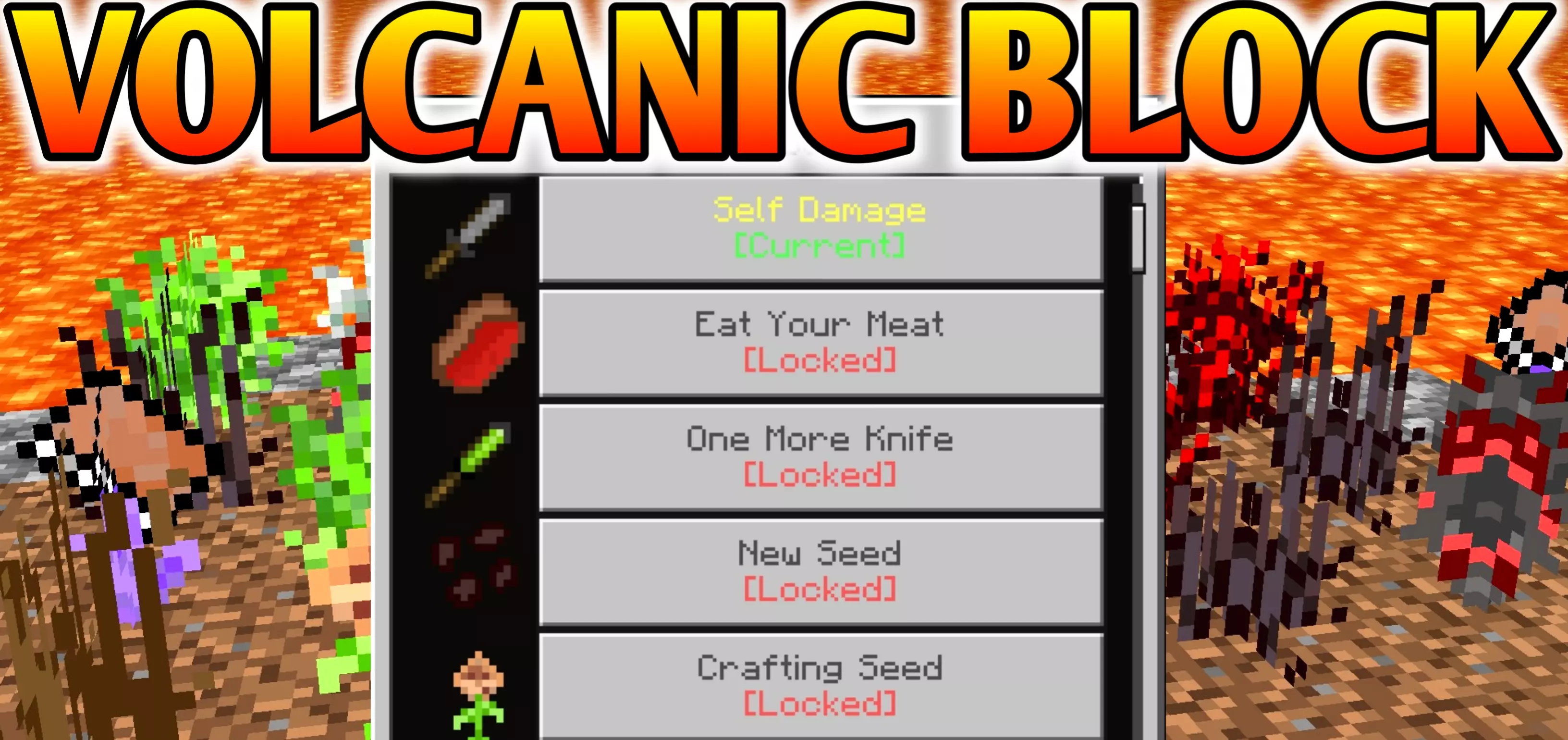
Volcanic Block Mod is a fresh survival challenge built around one brutal idea: your world is surrounded by lava, and the usual “punch a tree, make tools, chill� start just isn’t the vibe. There are no normal resources and no easy opening, so progress has to be earned through quests, exploration, and step-by-step advancement that feels closer to hardcore survival than a casual sandbox run.
The first thing you’ll notice is how much pressure the lava setting puts on every decision. Traveling stops being mindless because one bad step can end a run fast, and building a safe route becomes part of the gameplay instead of a side chore. Since Volcanic Block Mod pushes you to complete quests, those tasks become your lifeline—when you’re not sure what to do next, you follow the quest path and let it guide your progression. That structure is perfect when the environment is trying to bully you, because it keeps you moving with a purpose instead of wandering until you get stuck.


In-game, this mod hits best when you play smart and slow. Treat every new area like it can punish you, and build safe platforms and barriers whenever you’re working near the edges. Don’t rush your steps around lava, and don’t carry everything on you when you’re experimenting—stash what you can and take only what you need so mistakes don’t wipe your whole momentum. The “no normal resources� vibe also means you should value anything you get, even if it feels small, because early progress is usually about stacking tiny wins into something stable.
Volcanic Block Mod is the kind of Minecraft Bedrock experience that rewards players who like challenge runs with real progression. If you’re into quest-driven survival and you enjoy that feeling of slowly turning a hostile start into a livable world, this is your lane. Volcanic Block Mod doesn’t promise comfort—it gives you a harsh environment, a quest path, and the chance to prove you can survive when the world is basically lava with attitude.
Installation Mod:
- Download the .mcaddon / .mcpack;
- Open the file to import into the game;
- In World Settings → Resource Packs and Behavior Packs, enable it (turn on Experiments if needed);
- Have fun!
Comments (0)