Hotbar Swap Mod / Addon
- 21-02-2026, 14:59
- 827
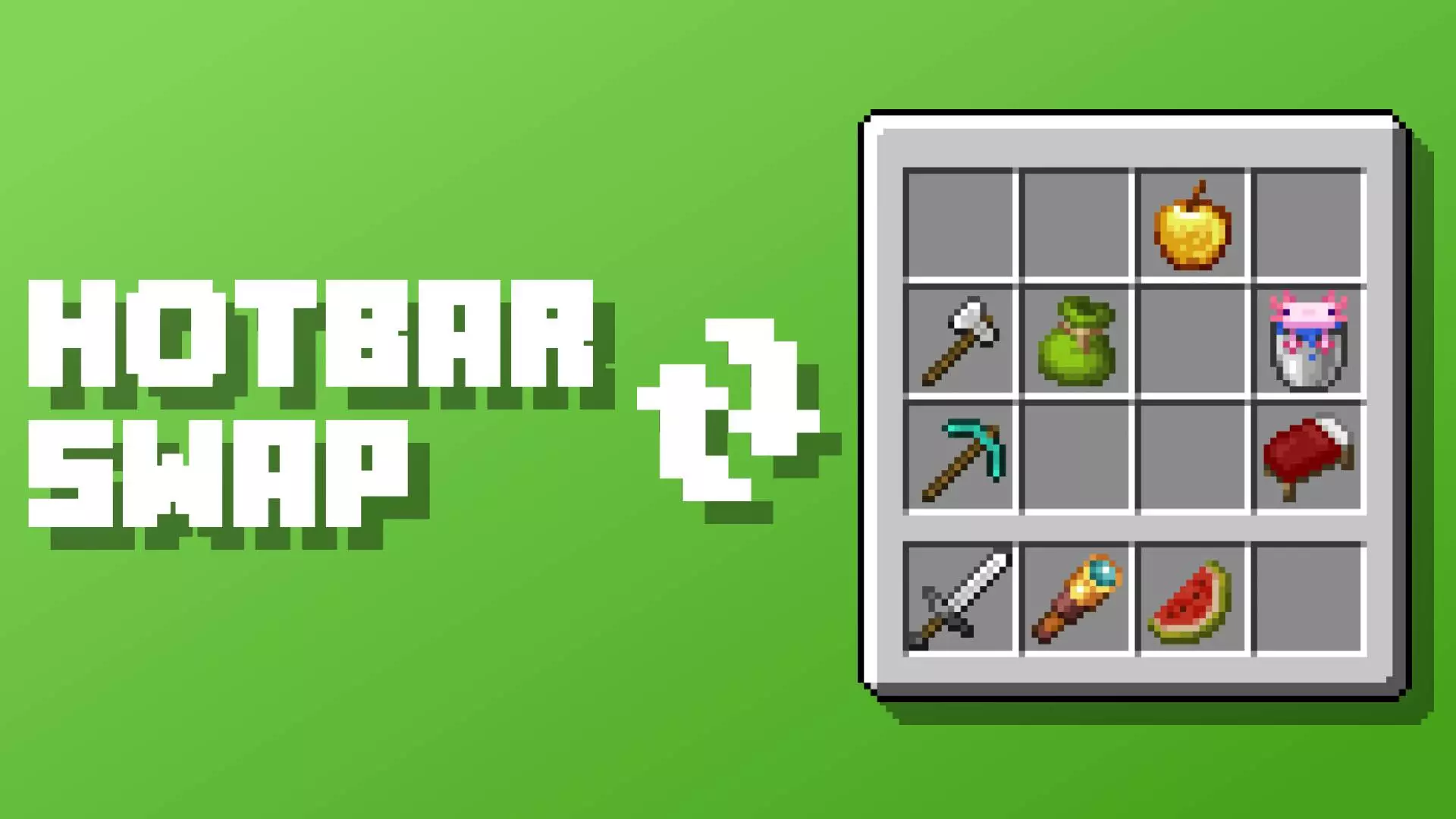
Hotbar Swap Mod is aimed at one thing: cutting down the “inventory menu tax� that slows down building and general gameplay on Minecraft Bedrock. Instead of constantly opening your inventory, dragging stacks around, and breaking your flow, this addon gives you a flexible swap system that can move items between hotbar slots and inventory slots with a single trigger. It’s basically a speed tool for anyone who builds big or swaps tools/items a lot.
The customization is the main appeal. You can choose the activation method, so you’re not forced into one awkward control scheme. You can also skip empty slots, which keeps swaps from feeling clunky when your inventory isn’t perfectly packed. It supports different behaviors for each hotbar slot, which is huge if you like having “roles� for your hotbar—like one slot that always pulls building blocks, another that always pulls redstone parts, and another that stays reserved for tools. That kind of per-slot control can make your hotbar feel like a real loadout system instead of a messy row you’re constantly reorganizing.
There’s also a random placement mode, which is a fun option for creative building where you want more dynamic patterns without doing extra work. If you’re making walls with mixed textures or trying to add that messy, natural look to paths, random placement can speed up the process by letting the addon shuffle where items land instead of you micromanaging every single placement.
In practice, Hotbar Swap Mod shines most during long build sessions. You keep your inventory stocked with the blocks you want, then use the swap trigger to refill or rotate hotbar items quickly without stopping. It also helps in survival when you’re switching between mining tools, food, and combat gear, because smoother swapping means fewer “I opened my inventory at the worst time� moments.
Practical tip: don’t overcomplicate your setup at first. Start with one or two hotbar slots that you use constantly for building, set those behaviors up, and let the rest stay normal until you’ve built muscle memory. Once it feels natural, you can add more per-slot rules or try random placement mode for specific builds. Hotbar Swap Mod is basically for players who want faster building, less inventory dragging, and a cleaner gameplay flow in Minecraft Bedrock.
Installation Mod:
- Download the .mcaddon / .mcpack;
- Open the file to import into the game;
- In World Settings → Resource Packs and Behavior Packs, enable it (turn on Experiments if needed);
- Have fun!
Comments (0)