Auto Tool Swap Mod / Addon
- 28-05-2026, 04:23
- 1 614
Auto Tool Swap Mod is one of those quality-of-life addons that you don’t realize you need until you’ve used it for a day. The whole idea is simple: the script detects the block you’re looking at and automatically swaps to the correct tool in your hotbar. So when you go from stone to wood to dirt in the same swing rhythm, you’re not doing that constant “scroll-scroll-scroll” dance and breaking your flow every five seconds.
In survival, this feels amazing during messy cave runs and early-game mining where your hotbar is already packed. You’re clearing a tunnel, you hit some gravel or dirt pockets, you chop through a wooden mineshaft section, then you’re back to stone—Auto Tool Swap Mod keeps you moving without that little pause every time the block type changes. It also helps when you’re strip mining or digging out a big base room, because the tool switching becomes invisible and you stay focused on the actual job.
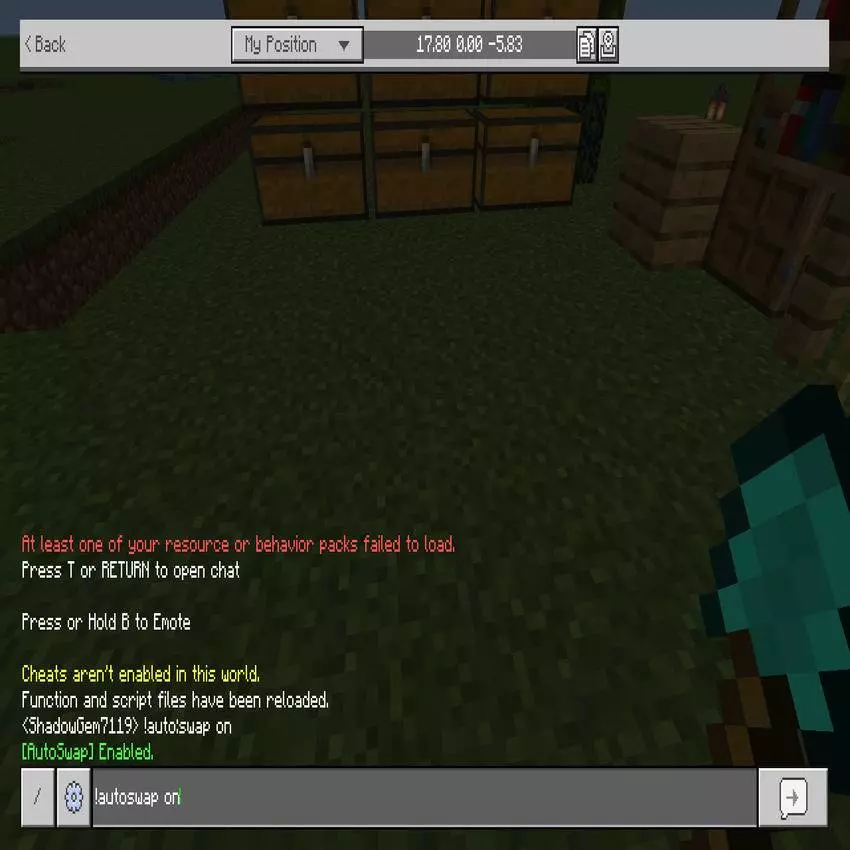
For building, it’s even more noticeable. When you’re terraforming, placing logs, cutting out space, and shaping paths, you usually bounce between axe and shovel nonstop. This addon turns that into one smooth loop where you aim at what you want to break and the right tool shows up instantly. It’s perfect for creative sessions too, especially if you build fast and hate losing momentum just to select the “correct” tool.
A practical tip: keep your pickaxe, axe, and shovel in consistent hotbar slots so the swapping stays predictable. If your hotbar is random chaos, the mod will still swap, but it’ll feel less clean because you won’t build that muscle memory. Also, since it swaps based on what you’re looking at, be a little deliberate with your crosshair when you’re working in tight spaces—aim at the block you actually want to break so you don’t accidentally pop the wrong thing while the tool changes.
Auto Tool Swap Mod is basically a tiny upgrade that makes Minecraft Bedrock feel faster and less annoying, especially when you’re doing long mining sessions or big builds where switching tools is the main thing slowing you down.
Installation Mod:
- Download the .mcaddon / .mcpack;
- Open the file to import into the game;
- In World Settings → Resource Packs and Behavior Packs, enable it (turn on Experiments if needed);
- Have fun!
Comments (0)