More Build Range Mod / Addon
- 22-02-2026, 17:14
- 906
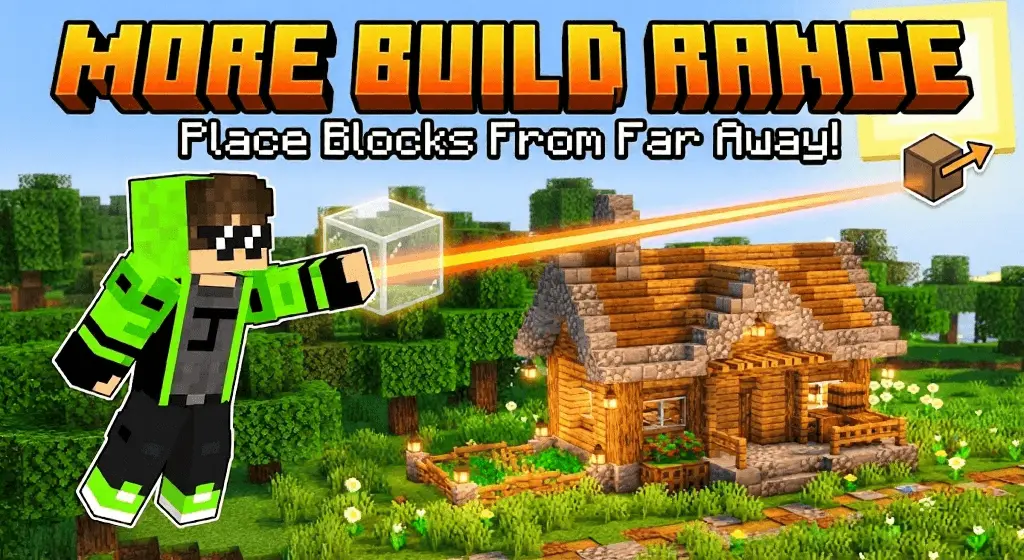
More Build Range Mod “break the range limit with +20 block more� is a utility addon made for anyone who’s tired of building like it’s a constant balancing act. The whole point is an advanced long-reach building system that increases how far you can place blocks, with the description calling out a +20 block reach boost. Instead of having to stand right next to the spot you’re working on, you can build from a safer distance and still place blocks with precision.
The best part is that it’s not framed as a special “magic block� system. It uses normal blocks, but with enhanced reach logic so you can target faces and place exactly where you mean to without hugging the edge of a cliff or scaffolding your way into danger. On Minecraft Bedrock, that’s a big deal for survival builds, SMP servers, and any large-scale construction where you’re constantly placing blocks over gaps, across water, or high in the air.
In survival, this changes your workflow instantly. You can build bridges, walls, and roofs without doing that awkward shuffle of placing one block, stepping forward, placing one block, and hoping you don’t fall. It also makes “safe placement� a real feature. If you’re working above lava, over a ravine, or on a tall tower, being able to place from farther away means you can stay on solid ground more often and reduce the number of dumb deaths that happen during building instead of combat.
A practical tip is to use the extra reach to clean up your builds and reduce scaffolding clutter. Start by laying out long straight lines from a stable spot, then move in closer only when you need detail work. It also pairs well with big projects where you want consistent block placement without constantly repositioning—like megabases, huge farms, or city builds. More Build Range Mod is basically a “builder comfort� addon for Minecraft Bedrock that makes ambitious builds smoother, safer, and way less annoying to construct.
Installation Mod:
- Download the .mcaddon / .mcpack;
- Open the file to import into the game;
- In World Settings → Resource Packs and Behavior Packs, enable it (turn on Experiments if needed);
- Have fun!
Comments (0)