mini Vault-Boy Fallout Mod / Addon
- 22-02-2026, 08:12
- 469
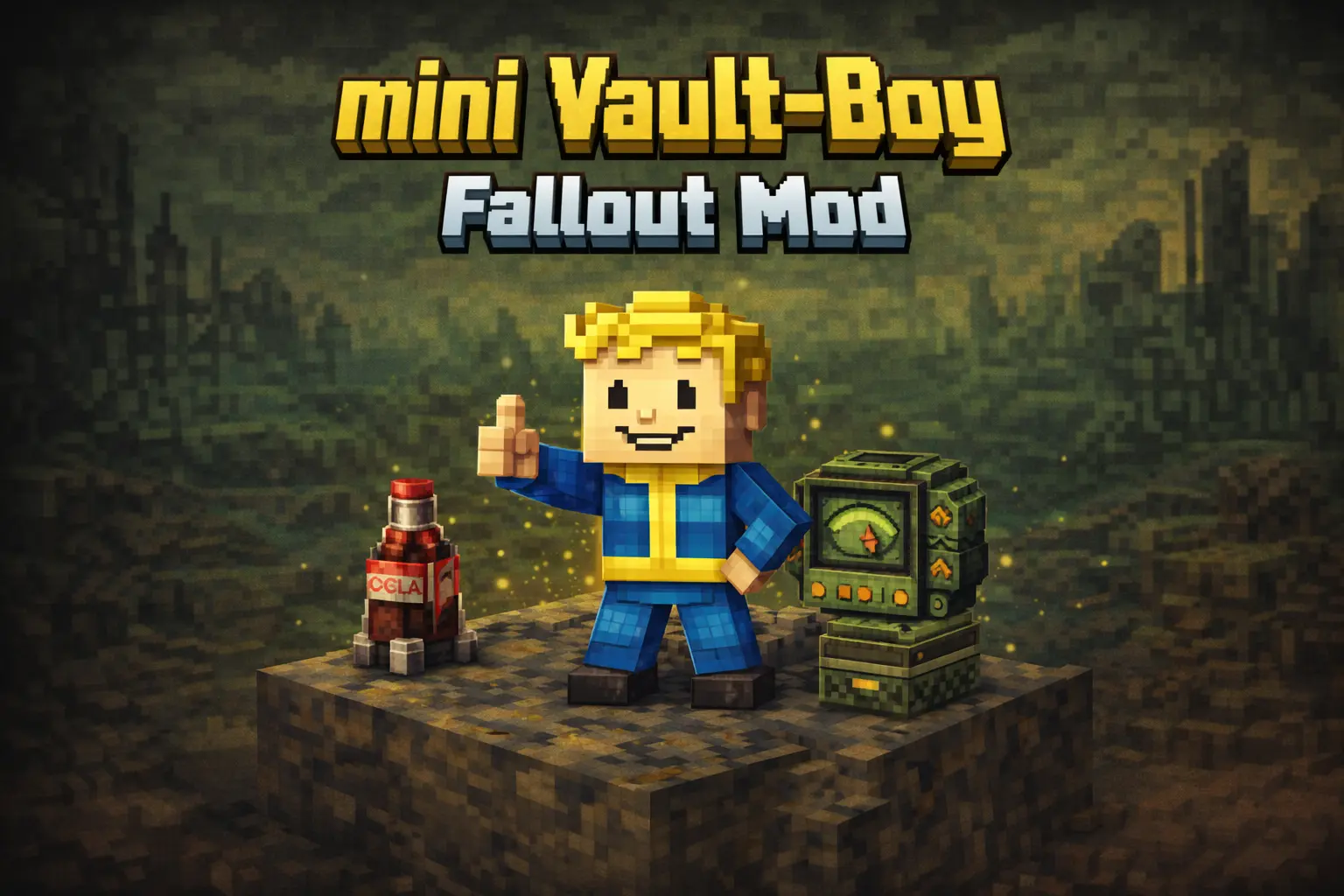
mini Vault-Boy Fallout Mod is a lightweight, theme-focused texture change made for players who want Fallout flavor without turning their whole world into a massive overhaul. The main idea is super clean: the Allay—your little harvesting helper—now looks like a tiny Vault-Boy. That fits perfectly because the Allay already has that “friendly helper� energy, and turning it into Vault-Boy makes your utility mob feel like part of a Fallout crossover world instead of a random fantasy sprite floating around your base.
The pack is described as a small texture for Minecraft PE and Bedrock, so it’s meant to be easy to run and easy to stack with other stuff. You can use it in a full Fallout mash-up world, or just sprinkle Fallout vibes into a mostly normal survival save. Since it’s based on the Minecraft collaboration with Fallout, it’s leaning into that official crossover mood, but it also adds your own creative twist with the Vex.
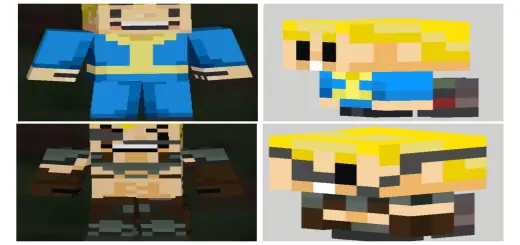
In this pack, the Vex becomes a version created by the author called the Assault-Boy. That’s a fun contrast because it gives you a “good Vault-Boy� helper on the Allay side and a more aggressive, hostile-feeling Fallout-styled counterpart on the Vex side. It makes encounters feel more themed, especially if you’re exploring or fighting and suddenly that familiar Vex threat looks like something pulled from a retro-future Fallout vibe.
Practical tip: this texture shines most when you actually use Allays the way they’re meant to be used—keeping them around your base for gathering runs and tidy resource collection—because then you’re constantly seeing your little Vault-Boy helper doing work. mini Vault-Boy Fallout Mod is basically a simple reskin that adds a lot of personality to two mobs, making your Bedrock/MCPE world feel more Fallout-themed without changing core gameplay.
Installation Mod:
- Download the .mcaddon / .mcpack;
- Open the file to import into the game;
- In World Settings → Resource Packs and Behavior Packs, enable it (turn on Experiments if needed);
- Have fun!
Comments (0)