UtilityCraft: Tiered Machinery Mod / Addon
- 2-06-2026, 12:52
- 610
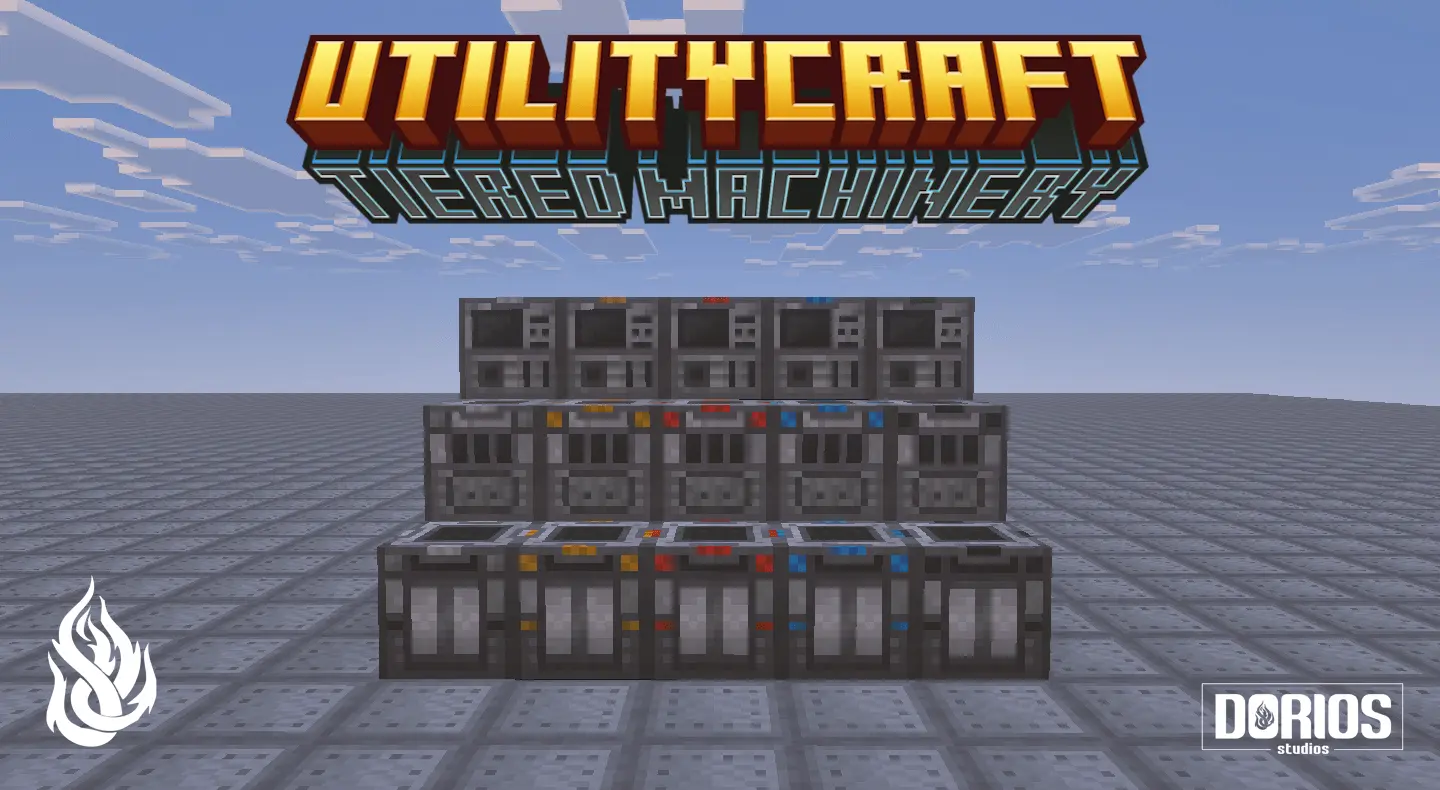
UtilityCraft: Tiered Machinery Mod is described as an official extension for UtilityCraft, and its main job is introducing advanced tier progression to the mod’s core machinery. That means the focus here isn’t a brand-new theme or a totally different direction, but a deeper upgrade path for the machines you already build your world around. If you like progression that feels structured instead of random, this is the kind of add-on that can make your long-term base plans feel more intentional.
In a survival world, tier progression usually changes how you think about your grind, because you’re not just crafting “a machine� and calling it done. You end up building with a roadmap in mind: early setup first, then upgrades as your resources and plans expand. UtilityCraft: Tiered Machinery Mod leans into that mindset by making “core machinery� something you can grow over time, which fits players who like the feeling of slowly leveling up their base rather than hitting a fast end point and getting bored.


The way this typically feels in-game is that your base starts small and practical, then becomes more organized as you upgrade your machinery tier by tier. It’s the kind of thing you notice when you’re doing your usual loops—mining, hauling materials back home, improving your work area, and tightening your routine. Even if you’re playing casually, a tiered system can give you a clean reason to keep pushing forward, because there’s always another upgrade step to work toward instead of just stacking more of the same.
A solid way to approach UtilityCraft: Tiered Machinery Mod is to plan your base layout with upgrades in mind so you don’t end up ripping everything apart later. Keep space for expansion, keep your core area tidy, and treat your early builds as “phase one� instead of your final form. Since UtilityCraft: Tiered Machinery Mod is an official extension and centered on advanced tier progression, it’s best when you let it guide your pacing in Minecraft Bedrock and build your world’s tech setup like a real progression path, not a one-and-done craft.
Installation Mod:
- Download the .mcaddon / .mcpack;
- Open the file to import into the game;
- In World Settings → Resource Packs and Behavior Packs, enable it (turn on Experiments if needed);
- Have fun!
Comments (0)