X-RayVision – Addon / Texture Pack
- 28-02-2026, 17:46
- 517
Mods 1.26 / Mods 1.21 / Textures
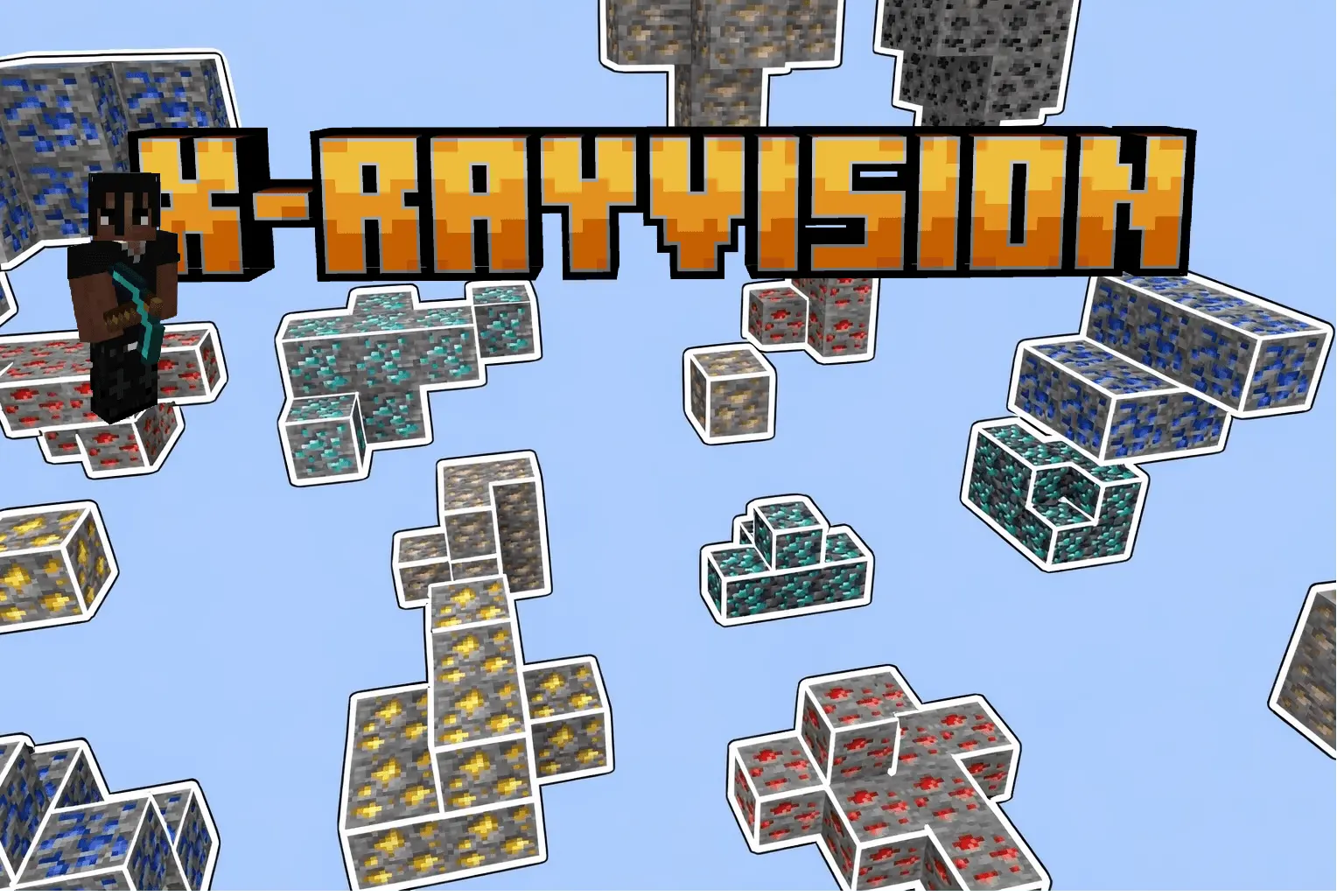
X-RayVision Mod is made for one very specific job, and it does not try to hide it. This pack gives the player x-ray so valuable minerals are easier to locate, which means the whole survival loop shifts from blind digging to direct searching. Instead of spending long stretches breaking through layers of stone and hoping something useful shows up, the idea here is to make the hunt faster and more targeted from the start.
That changes the feel of normal mining right away. In a regular survival world, a lot of time goes into wandering through caves, branch mining, or clearing long tunnels just to maybe run into the ore you actually need. X-RayVision Mod cuts through that slower process and turns resource gathering into a much more focused routine. If your main goal is stacking up on important minerals fast, this pack is clearly built for that kind of play. It is less about the atmosphere of mining and more about getting straight to the materials that matter.


The one setup detail that really matters is the night vision potion. The description says the player will need to use a night vision potion for better x-ray functionality, and that makes sense in actual gameplay because visibility is everything with a pack like this. If you want the effect to feel cleaner and easier to use underground, night vision is part of the flow. A smart way to use X-RayVision Mod is to prepare your mining trip first, bring the potion you need, and then go in with a plan instead of just turning it on and running around randomly.
X-RayVision Mod fits players who care more about fast mineral collection than traditional mining pace. It is the kind of pack you use when you are tired of wasting time in empty tunnels and just want a direct route to the good stuff. If the point of your session is getting valuable minerals with less guesswork, X-RayVision Mod is built exactly for that, and the added night vision setup helps make the whole thing work more smoothly.
Installation:
- Download Texture;
- Open the downloaded .mcpack to install;
- Select texture in settings;
- Done.
Comments (0)