ReWave – Texture Pack
- 23-02-2026, 10:16
- 1 198
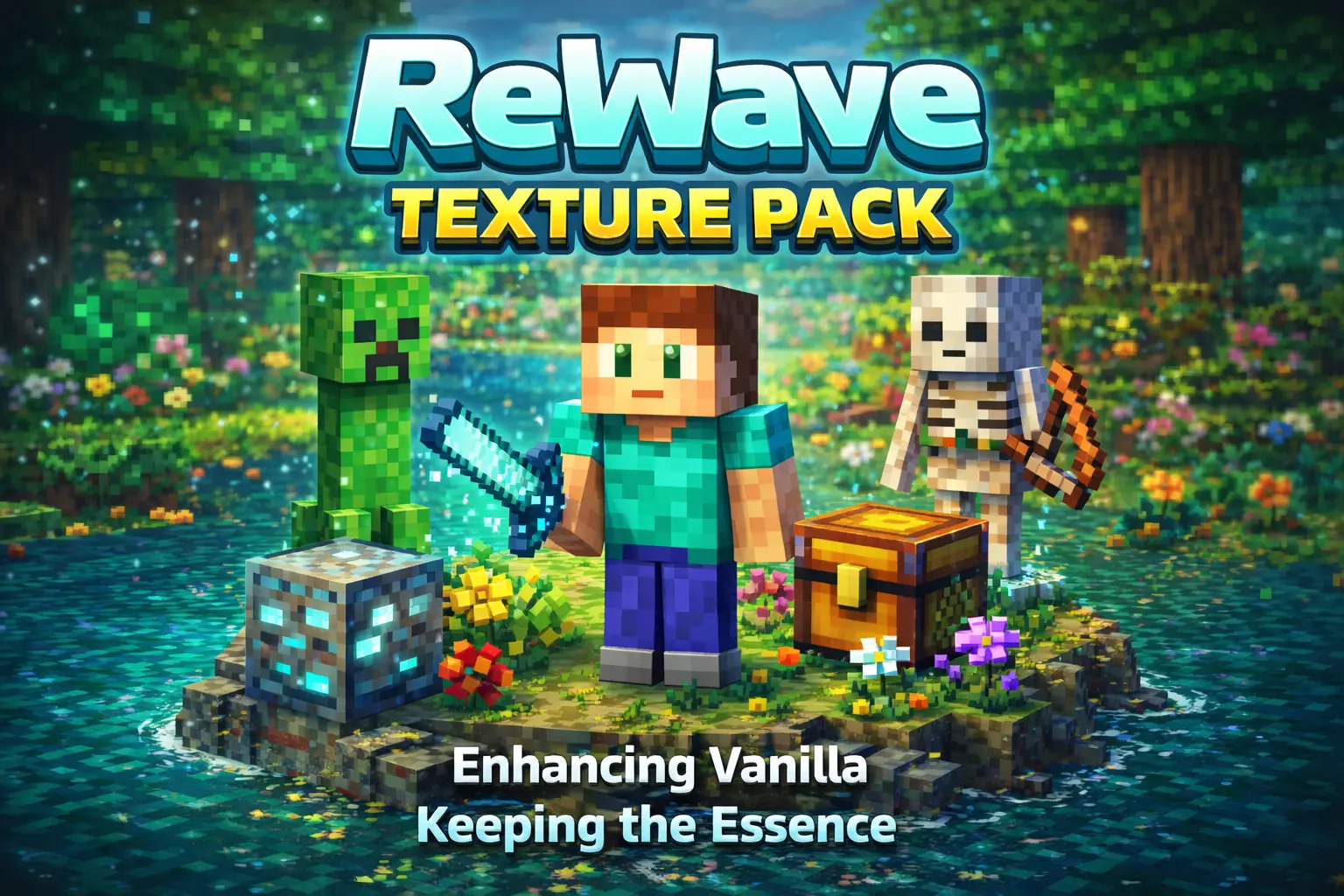
ReWave Texture Pack is built for players who want a noticeable visual change without losing the core style that makes the game feel familiar. The main idea is not to replace the identity of the world, but to reshape the atmosphere around it. That balance matters, because some packs look so different that normal survival stops feeling natural, while ReWave Texture Pack is described as keeping the original essence intact.
What stands out here is the attention to visual detail. The pack specifically mentions modified particles, textures, and other visual elements, which usually means the difference shows up in small moments just as much as big scenes. You notice it when moving through your base, breaking blocks, exploring caves, crossing fields, or just watching the world during a normal play session. That kind of visual consistency can make a texture pack feel way better long-term, because it is not only about one “cool screenshot� area, but about how the whole world feels while you actually play.

ReWave Texture Pack sounds like a good fit for players who spend a lot of time in survival or building worlds and want a fresh atmosphere without having to relearn how everything looks. Since it keeps the original spirit of the game, it should still be easy to recognize blocks and spaces during mining, base work, and exploration. That is a big deal in Minecraft Bedrock if you want a visual upgrade but still care about readability while moving fast, organizing storage, or building with familiar block palettes.
A practical way to enjoy ReWave Texture Pack is to test it in a world where you do a little bit of everything—walking outside, working indoors, mining, and checking water or weather-heavy areas—so you can see how the updated particles and textures affect the overall mood across different situations. ReWave Texture Pack is a strong choice if you want a fresh visual atmosphere that feels carefully crafted, but still respects the classic look that makes the game feel like home.
Installation:
- Download Texture;
- Open the downloaded .mcpack to install;
- Select texture in settings;
- Done.
Comments (1)