CCTV Security System Mod / Addon
- 3-11-2026, 05:08
- 1 735
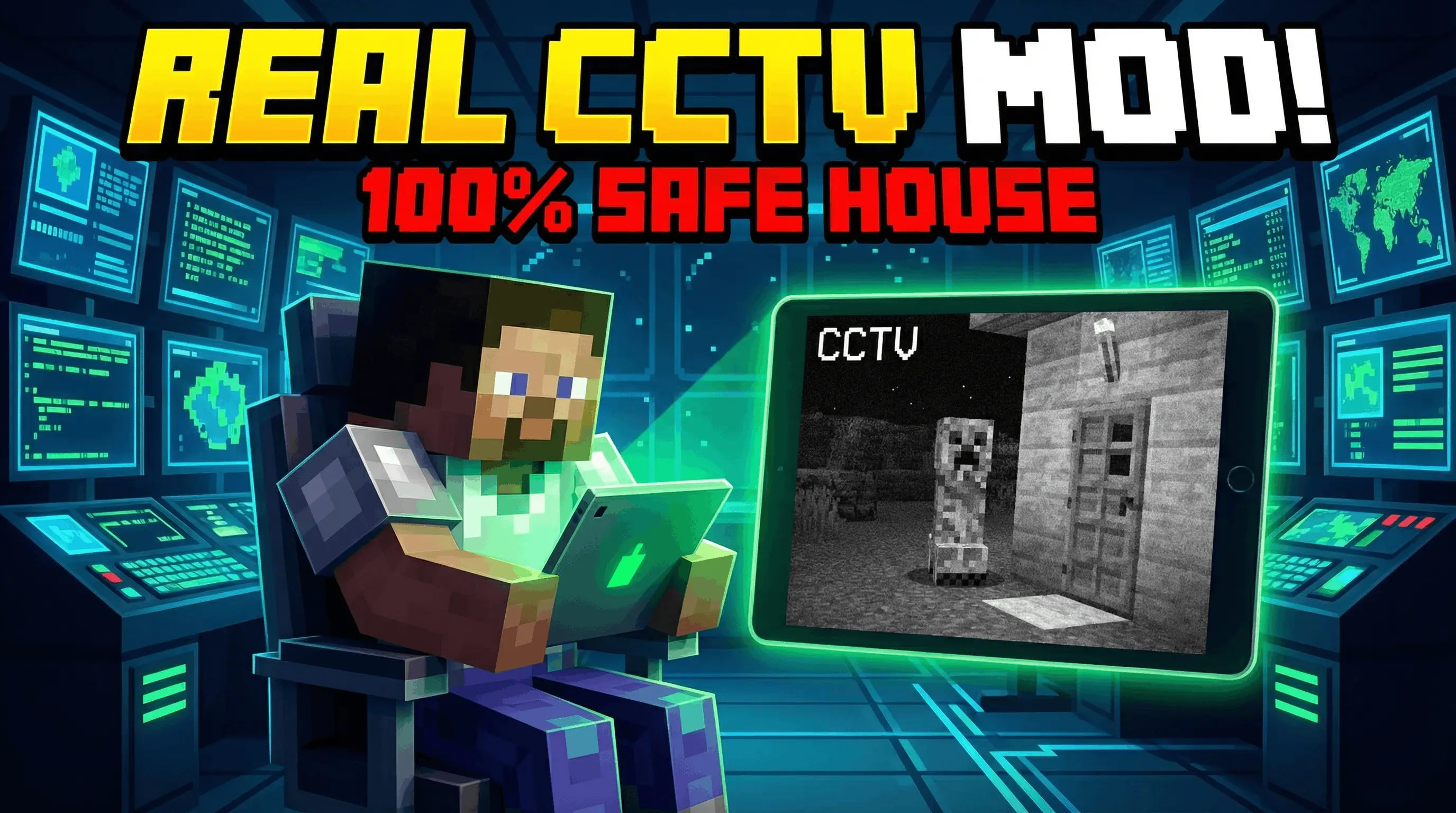
RR CCTV Security System Mod is built for players who hate leaving their base blind, especially on servers or Realms where trouble shows up the second you walk away. This add-on lets you place fully functional security cameras around your world with up to 150 blocks of range, then connect them to a portable monitor so you can check live feeds anytime.


You’re halfway through a mining trip when you start wondering what’s happening back at your base. RR CCTV Security System lets you check your Minecraft world through security cameras without running all the way home.
The add-on turns a regular compass into a portable monitor for your camera network. Set up a view near your front gate, keep another eye on the farm, and switch between them when you want to see what’s going on. Cameras can be given different names, making it easier to tell your storage area from the entrance when you open the monitor. The display also shows how far away each camera is, with a range of up to 150 blocks. That gives you room to watch several parts of a base or keep tabs on a nearby build while working somewhere else.
Setting up a camera takes a few familiar Minecraft items. Place an armor stand where you want the view, then use an anvil to rename a name tag with the prefix CCTV_. For example, CCTV_MainGate makes a useful label for a camera near your entrance. Apply the tag to the armor stand, and it becomes part of the network. To open the monitor, hold a compass, crouch, and use it. You can then cycle through your active cameras and check their views. Spend a little time choosing your positions: a camera is most useful when it’s actually facing the place you want to watch.
The system can also warn you about hostile mobs near a camera. Its background checks look for threats such as creepers and zombies, then send an alert in chat with a sound when danger is detected. That could give you a chance to deal with an unwelcome visitor before walking straight into it on your return. There’s a cooldown on repeated alerts, too, so the same mob shouldn’t flood your chat every second. A night-vision mode adds a green-tinted view for checking darker areas, which is handy if your camera is watching a spot beyond the reach of your base lighting.
On a shared world, the cameras can add another layer to a security room or secret base. Give each view a name your teammates will recognize, then check the entrance before heading outside or see what’s happening near a distant part of your build. The system relies on scripts, so enable the required experimental settings, including Beta APIs, when setting up the world. Once your cameras are in place, keep that compass close: the next strange noise near your base might be worth investigating before you open the door.
What makes RR CCTV Security System Mod feel useful is that the cameras do more than just show video. They keep scanning in the background every 5 seconds, even when you are not actively watching them. If a hostile mob like a Creeper, Zombie, or Enderman gets close, the system sends a real-time chat warning with a sound. There is also a 10-second cooldown per mob, so alerts stay helpful instead of turning into spam.
You can give each camera a custom name, see its distance on screen, use a green-tint night vision mode, and switch between cameras smoothly with no annoying load time. Even better, the monitoring tablet is just a vanilla Compass.
Installation Mod:
- Download the .mcaddon / .mcpack;
- Open the file to import into the game;
- In World Settings → Resource Packs and Behavior Packs, enable it (turn on Experiments if needed);
- Have fun!
Comments (0)