AFK CHUNK LOADER BOT Mod / Addon
- 2-04-2026, 05:16
- 788
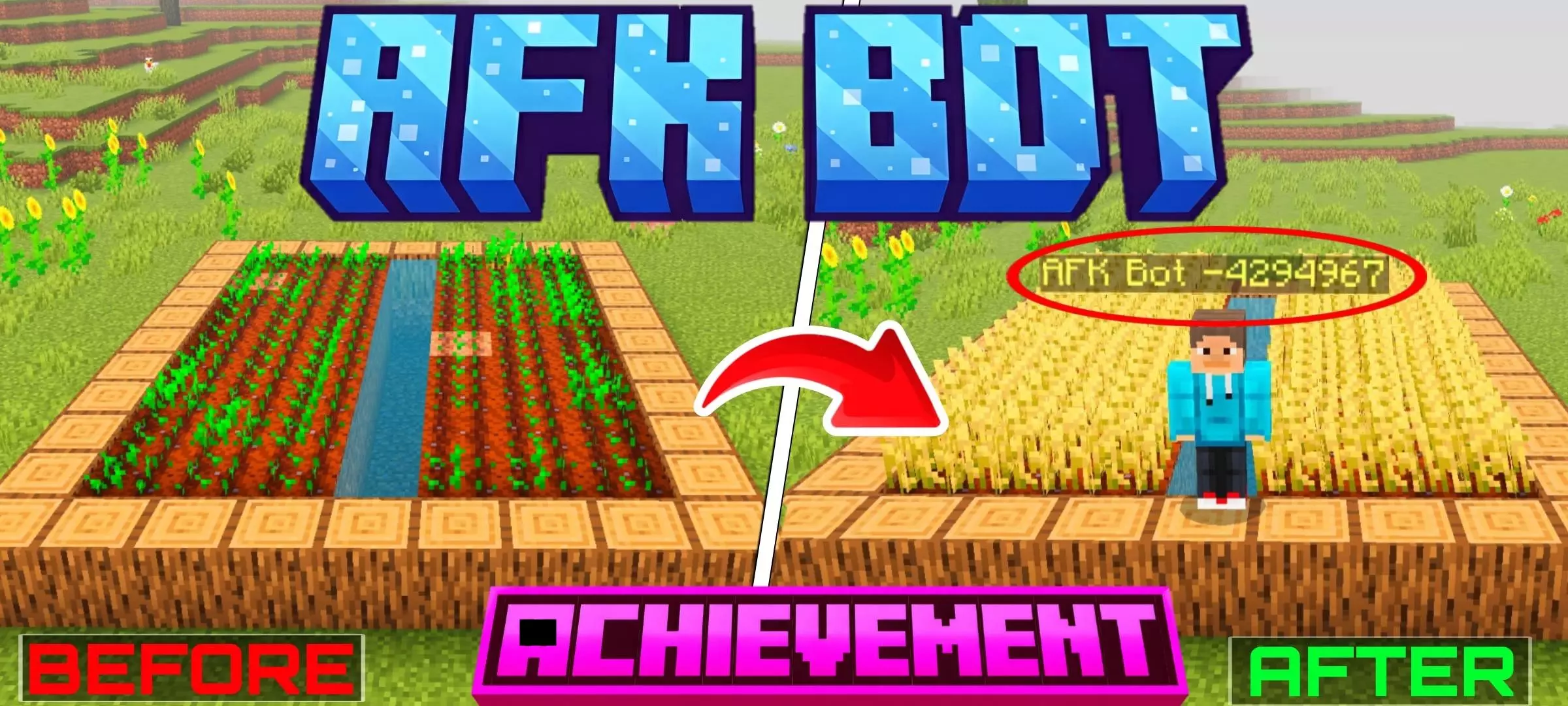
AFK CHUNK LOADER BOT Mod for loading chunks in survival: it will spawn an AFK bot that keeps the desired zone active so that farms work even when you are not around. The addon is suitable for resource and automatic farms, but not for enemy mob farms.

Your sugar cane farm has enough pistons and observers to impress a redstone engineer, yet the whole thing stops working the moment you wander too far away. AFK Chunk Loader Bot fixes that annoying limitation in Minecraft Bedrock by placing a virtual player at your chosen location, keeping the surrounding chunks active while you're busy somewhere else. Finally, your farms don't have to depend on you standing around watching plants grow.
Getting started is surprisingly cheap. You only need two redstone torches and a compass to craft the AFK Bot Remote, so there's no massive collection of rare materials standing between you and your first working setup. Once you've made the remote, head to the area you want to keep active and interact with it. An AFK Bot appears exactly where you're standing, effectively acting as a permanent presence in that location. I'd place mine near the center of a farming complex rather than hiding it in some forgotten corner. Picture a survival base with bamboo growing on one side, sugar cane on the other, and an iron farm quietly producing materials nearby. Normally, leaving that area means parts of your setup stop processing until you return. With the bot keeping those chunks loaded, you can head out exploring without constantly worrying about whether your machinery has gone to sleep. It even continues working when you're in another dimension, which sounds pretty convenient when you've got a lengthy Nether expedition planned.
Before you start building the world's largest monster farm, there's one catch worth understanding. This addon doesn't make hostile mobs spawn without a real player nearby. Creeper, zombie, and skeleton farms still depend on Minecraft's player proximity rules, so placing an AFK Bot beside one won't magically solve that problem. The feature is intended for things like iron farms, crop farms, sugar cane and bamboo setups, and automated machinery. That's still plenty useful if you're the kind of player who spends entire weekends building complicated resource systems. You could create an industrial district away from your main house, place a bot in the middle, and continue working on other projects while the area stays active. Multiplayer builders might find it especially helpful when everyone is scattered across the map doing different things. Just remember that keeping chunks loaded requires processing power, so turning every corner of your world into an active area isn't necessarily a brilliant idea.
There's also a practical limit to keep in mind. The addon recommends using no more than ten AFK Bots in a single world to avoid unnecessary performance problems. If you've placed one somewhere and no longer need it, simply kill the bot to stop loading that area. It's a straightforward way to manage your active farming locations without digging through complicated configuration menus. AFK Chunk Loader Bot is also designed to preserve achievements, which makes it suitable for players who want better automation without abandoning their normal survival progression. To install it, import the downloaded Minecraft addon package and activate the required packs in your world settings. Then craft your remote, choose a useful location, and test the result with a small farm before expanding your setup. I'd begin with sugar cane, wander off to finish another project, and come back to check the results. Having your farm continue working while you're off doing something more interesting is a pretty satisfying upgrade.
Installation Mod:
- Download the .mcaddon / .mcpack;
- Open the file to import into the game;
- In World Settings → Resource Packs and Behavior Packs, enable it (turn on Experiments if needed);
- Have fun!
Comments (0)