Kitty's Build Pack! Mod / Addon
- 8-04-2026, 01:34
- 772
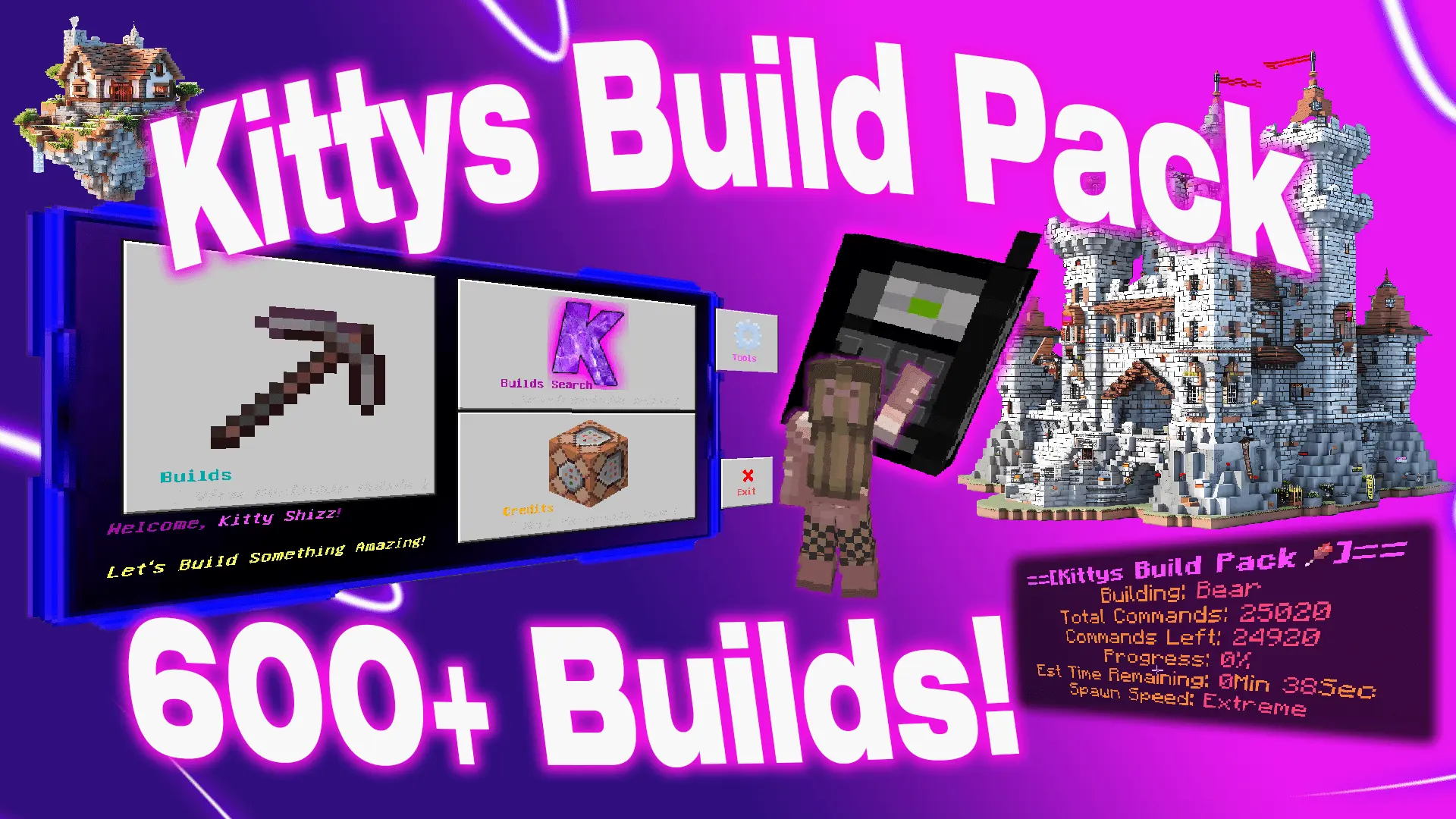
Kitty's Build Pack! Addon menu with 600+ ready-made structures that you can instantly build using this Build menu in Minecraft. A castle on a hill sounds like a great idea until you start counting how many blocks the walls will need. If you’d rather get straight to exploring the rooms and planning the surrounding village, Kitty’s Build Pack gives you a collection of ready-made structures to place in your world. Houses, castles, shops and other builds are available through a menu, so you can find a place for them without laying every block yourself.
The selection is large, with hundreds of structures to browse. You might be looking for a house to use as a base, a building for the centre of a town or something bigger to turn into the main landmark of your world. Rather than scrolling through everything, you can use the search feature to narrow down the choices. It’s worth spending a little time looking around the menu before settling on the first building you find; another design may fit your landscape or plans better.


To open the collection, look for the Kitty’s Builds Mobile item in the creative inventory. It gives you access to the build menu, where you can search or browse the available structures. Once you’ve chosen something, consider where it will go before spawning it. A large castle needs more room than a small house, and a building placed too close to your existing base could interfere with things you’ve already made.
The add-on uses a hologram to show details about a build as it is being spawned. Some of the larger structures take time to appear, and builder entities fly around while creating them. You can also spawn multiple builds, which is useful if you’re putting together a town or preparing an area for friends. Leave enough space between buildings for paths and anything else you want to add later; a little planning makes it easier to turn several separate structures into a place that feels connected.
Ready-made houses can be a good starting point for a settlement. Place one or two, add a road between them and decide what the area still needs. A shop might fit beside the road, while a larger building could become a meeting place or a landmark visible from a distance. Once a structure is in your world, you can spend time exploring it and making changes that suit the way you play. Add your own decorations, connect it to your storage area or build a garden outside.
The pack is also useful when you’re creating a world for other players. A finished spawn area gives everyone somewhere to meet, and a castle or a group of houses can provide a setting for an adventure without requiring a long period of construction first. You can then focus on the parts you enjoy most, whether that means designing paths, adding interiors or organising a game around the buildings.
Before placing a particularly large structure, it’s sensible to try it in an open area or a separate test world. That gives you a chance to see its size and decide whether it belongs in your main project. Kitty’s Build Pack offers plenty to explore, from individual homes to much bigger creations, and makes it easy to give an empty landscape a starting point.
Installation Mod:
- Download the .mcaddon / .mcpack;
- Open the file to import into the game;
- In World Settings → Resource Packs and Behavior Packs, enable it (turn on Experiments if needed);
- Have fun!
Comments (0)