CHAOTIC WORLD Mod / Addon
- 24-04-2026, 12:47
- 590
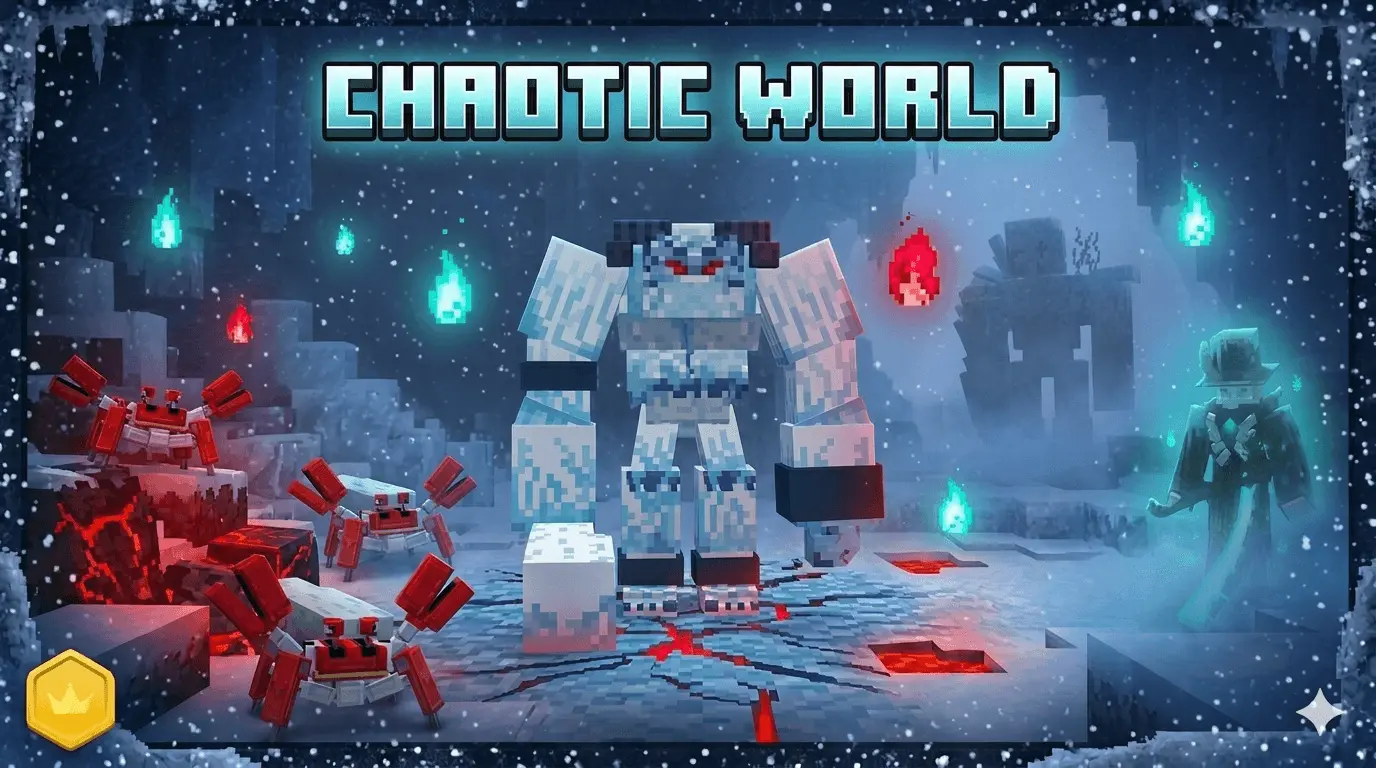
CHAOTIC WORLD Mod new improved boss battle system in Minecraft. You’ve chipped away at a giant boss, dodged its attacks, and finally think the fight is nearly over. Then it enters another phase. CHAOTIC WORLD brings bigger enemies, special weapons, and a much tougher style of combat to Minecraft Bedrock, where showing up with a sword and a stack of confidence might not be enough.
The bosses are the main attraction here. Instead of standing still and trading hits, you’ll need to pay attention as a fight develops and the enemy changes tactics. Later versions feature creatures such as a Giant Zombie, a Yeti, and a Robot Crab, each with its own attacks and rewards. These encounters give you a reason to think about your equipment before charging in. Bring food, prepare your gear, and leave yourself room to move. Getting cornered because you were too busy staring at a giant crab is an embarrassing way to lose a fight.
Your own arsenal grows alongside the danger. CHAOTIC WORLD adds weapons with special skills and effects, including swords, axes, spears, and scythes across different equipment tiers. Some gear uses materials connected to the addon’s enemies, so a boss victory can give you more than bragging rights. You might come away with ingredients for the next piece of equipment you want to make. That gives the fights a satisfying purpose: take on a challenge, see what you earn, and start planning how those materials fit into your next upgrade. Don’t be surprised if you spend as much time looking through recipes as you do deciding which boss you’re ready to challenge.
Armor matters here, too. The addon introduces sets that affect how knockback works, which can make a difference when a powerful enemy is trying to throw you around. Pick equipment that fits the fight you’re preparing for, and give yourself time to learn what your weapons do before relying on them in a dangerous encounter. Later releases also expand the crafting system and add more progression features. Their details can differ from the older download linked on this page, so don’t assume every boss, recipe, or ability described for the newest version will appear in the original release.
If you decide to try a newer version, look for its in-game Tutorial Scroll, which provides information about bosses, weapon skills, and crafting. It’s worth checking before you go hunting for a particular upgrade. The linked download is packaged as a ZIP, so check what’s inside after downloading; an .mcaddon file can be opened to import it into Minecraft Bedrock. Enable the resource and behavior packs in your world settings, and check the requirements for the release you choose. Then get your supplies together and pick your first target. The boss can wait another minute while you make sure you remembered to bring food.
Installation Mod:
- Download the .mcaddon / .mcpack;
- Open the file to import into the game;
- In World Settings → Resource Packs and Behavior Packs, enable it (turn on Experiments if needed);
- Have fun!
Comments (0)