Boosted FPS Addon
- 21-10-2026, 01:05
- 427
Mods 1.26 / Mods 1.21 / Mods 1.20
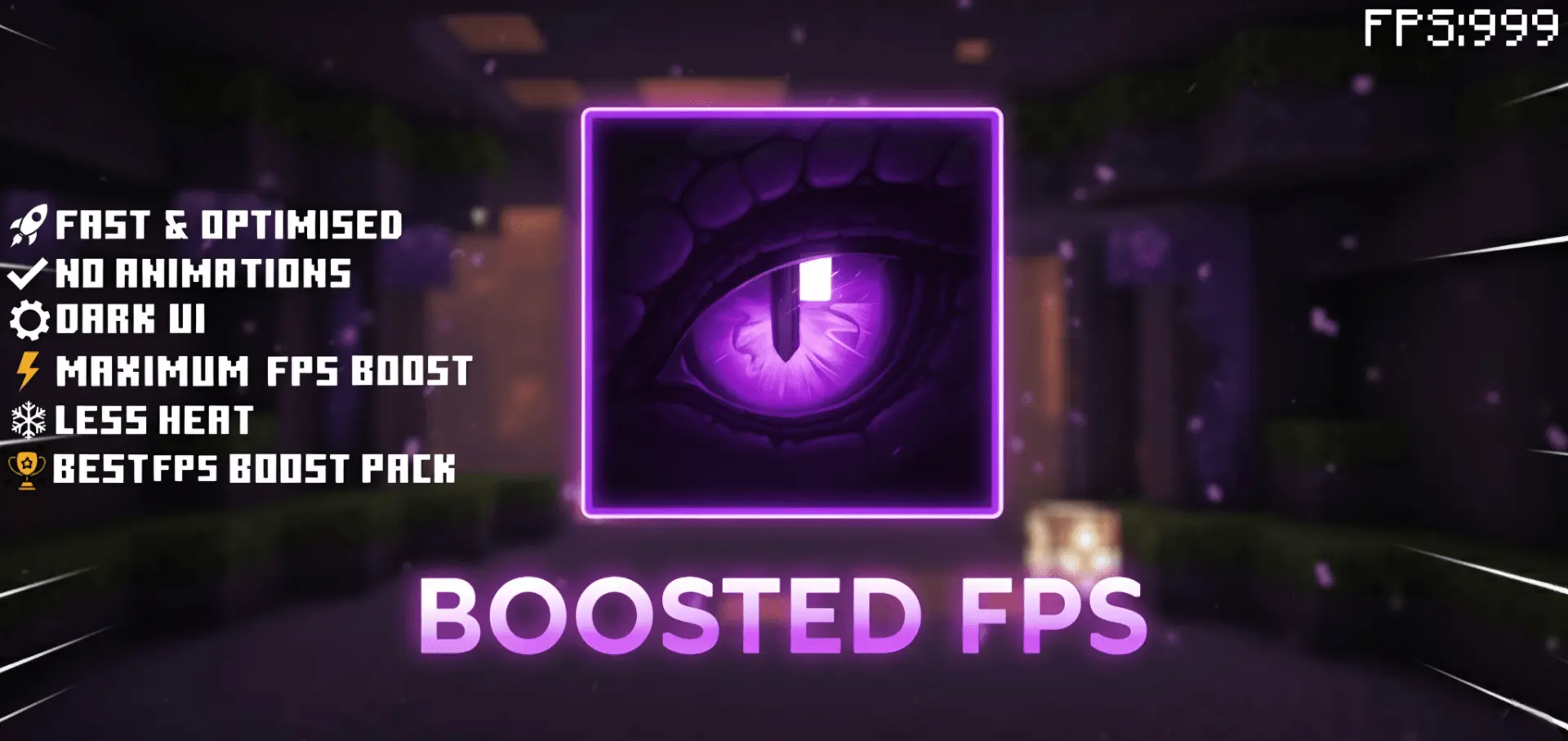
Boosted FPS (Optimized Performance) Minecraft mod will add improvements to graphics to increase FPS in the game. Sluggish input response and ugly frame dips can instantly throw off your rhythm during intense encounters, making the Boosted FPS Addon an essential toolkit for keeping Bedrock running razor-sharp on virtually any setup.
Anyone who spends serious time in Minecraft knows the engine's dirty secret: beneath its simple blocky exterior lies an absolute resource hog. Endless particle bursts, constant animated liquid updates, and dense environmental fog silently choke your system. As soon as you build a massive trading hall, load into an active raid, or jump into a sweat-filled mini-game lobby on The Hive, your frame rate takes a nosedive. This pack attacks that issue at the root. Rather than blindly stripping the world until it looks like an untextured mess, it methodically cleans up the heaviest rendering operations to ensure silky-smooth camera tracking and rock-solid frame times.
The secret weapon here is the dual-profile selector waiting in your pack settings. You aren't stuck with a one-size-fits-all compromise; you get two dedicated subpack modes tailored to how you play. If you're on a budget phone or older laptop that desperately needs every drop of power, the Pure FPS mode cuts out all non-essential visual fluff. It silences noisy explosion clouds, campfire fumes, and portal particles, while converting heavy liquid loops like water, lava, and bubble columns into lightweight single-frame assets. Your hardware stops breaking a sweat, letting you explore dense jungle seeds or deep ravines without your screen turning into a choppy slideshow.
For competitive grinders who live in duels, bed fights, and sky battles, flipping over to the PvP FPS mode changes the entire game. This profile is laser-focused on tournament readiness. It keeps crucial tactical effects like splash potions and spell rings completely visible while wiping out background clutter. On top of pushing render fog further back for cleaner sightlines across long skybridges, it bakes in massive HUD upgrades. You get a low-profile shield model that won't block your right-hand vision, a numbered hotbar for lightning-fast slot swaps, color-coded enchantment names for rapid looting, and a built-in durability counter right on your screen.
Everything operates through an ultra-lean `.mcpack` pipeline that stays entirely client-side. That means you can drop it straight into your active global resources and hop into your favorite multiplayer servers, realm saves, or solo survival seeds without disabling Xbox achievements or gambling with experimental world scripts. If you want your swings to connect instantly and your device to stay cool during marathon gaming sessions, firing up the Boosted FPS Addon is hands-down the easiest way to give your client an immediate performance upgrade.
Installation Mod:
- Download the .mcaddon / .mcpack;
- Open the file to import into the game;
- In World Settings → Resource Packs and Behavior Packs, enable it (turn on Experiments if needed);
- Have fun!
Comments (0)