Auto-Refill & Auto-Totem Addon
- 12-09-2026, 01:56
- 508
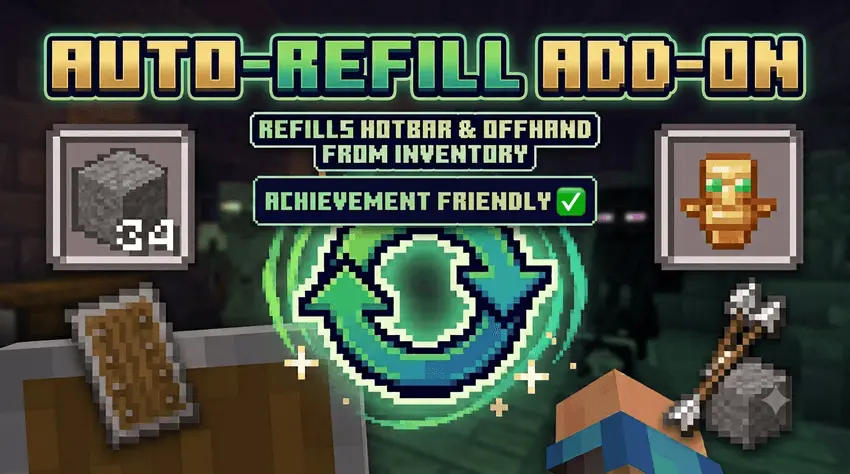
Running out of blocks mid-bridge or fumbling through your inventory for a totem mid-fight is an easy way to lose all your hard-earned gear. The Auto-Refill & Auto-Totem QoL addon completely automates hotbar restocks and offhand swaps on Minecraft Bedrock without disabling your Xbox achievements.
Anyone who has spent hours flattening terrain, speed-bridging across the Void in the End, or laying massive stone foundations knows the headache of constant inventory management. Every sixty-four blocks, your momentum completely dies because you have to pause, open your screen, and drag another stack down to your hotbar. This pack cuts out that tedious busywork entirely. The exact moment you place your last piece of cobblestone, fire your final arrow, or chuck your last ender pearl, it quietly pulls a fresh stack straight from your pockets. There is zero stutter, no item duplication glitches, and no awkward input lag when you are working fast.
Where this setup really saves your skin is high-stakes combat. Most auto-totem scripts floating around Bedrock are notoriously buggy, constantly spamming items or glitching out when you hover items on your cursor. This addon bypasses that entirely with precise pop-detection, meaning it only slots a fresh Totem of Undying into your offhand the exact split second your current one shatters. The same smart logic applies to shields. When your shield breaks under heavy axe attacks from vindicators or piglin brutes, a replacement snaps into place immediately. If you manually unequip a damaged shield to save its durability, the script recognizes the move and leaves your hand empty instead of forcing another one in.
Playing on mobile or console usually makes fast hotbar swaps a clunky chore, but this pack optimizes touch inputs and controller setups right alongside keyboard and mouse. Because it functions strictly as a client-side quality-of-life tweak, you keep full survival progression and can rack up achievements on your realm without hassle.
Installation Mod:
- Download the .mcaddon / .mcpack;
- Open the file to import into the game;
- In World Settings → Resource Packs and Behavior Packs, enable it (turn on Experiments if needed);
- Have fun!
Comments (0)