Item Finder Addon
- 16-09-2026, 15:49
- 272
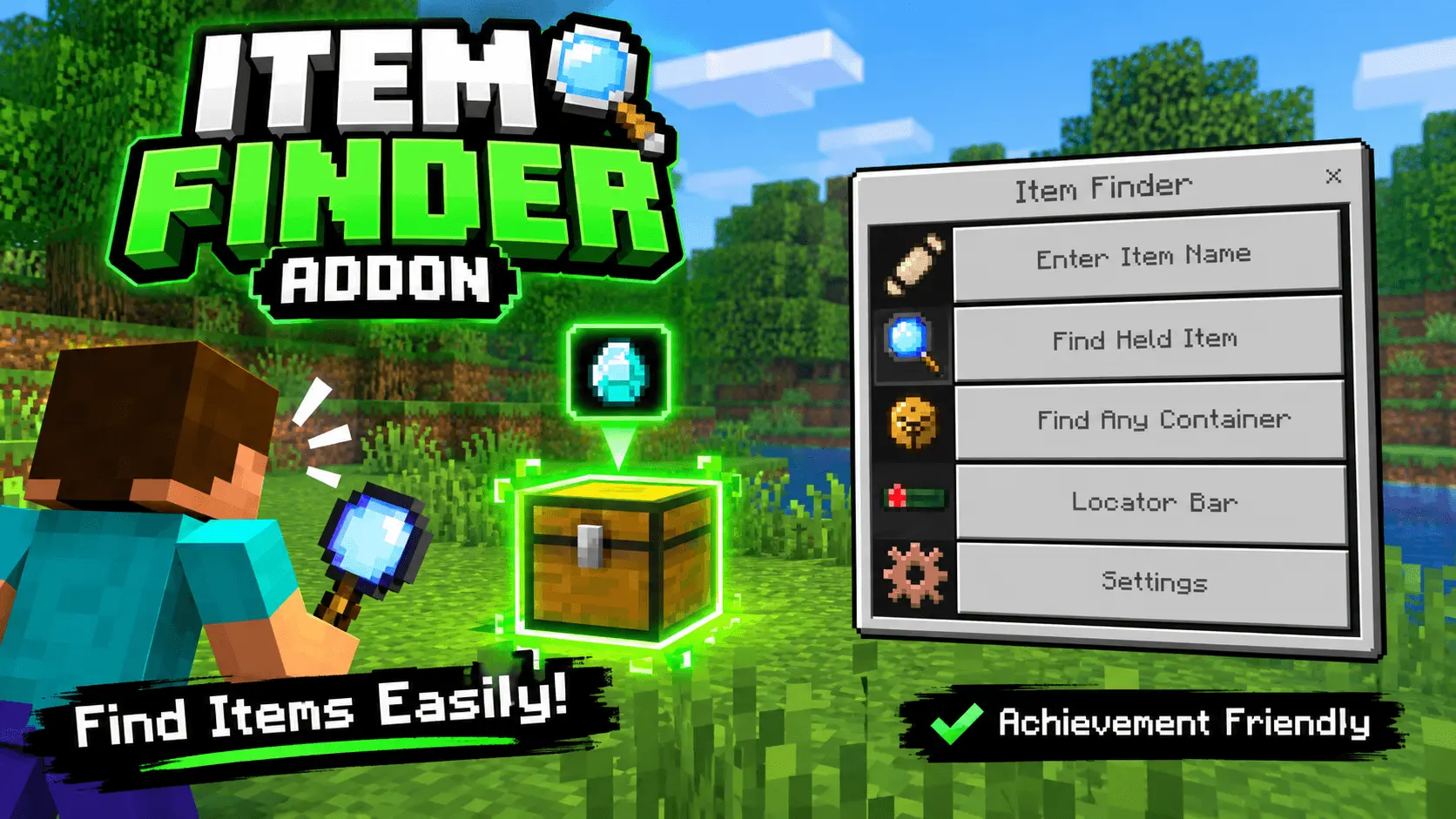
Tired of desperately digging through fifty disorganized chests just to find one stack of iron ingots? The Item Finder Addon is an absolute lifesaver that lets you instantly locate any lost item or container in your base without disabling your Xbox achievements.
Let’s be real, organizing a massive storage room in vanilla survival is a complete nightmare. You start off with good intentions, but after a few chaotic mining trips, your loot ends up completely scattered across barrels, furnaces, and random shulker boxes. This incredibly lightweight utility pack completely fixes that annoying mess. By simply double-sneaking in the game, you pull up a sleek custom menu right on your screen. From there, you can type in the exact name of the item you are looking for, or just hold an item in your hand and hit search. The script instantly scans your immediate area and slaps a glowing visual highlight on the exact container holding your stuff. It even works flawlessly through solid walls, meaning you never have to tear apart your base just to find where you stashed your favorite custom skins or backup diamond gear.
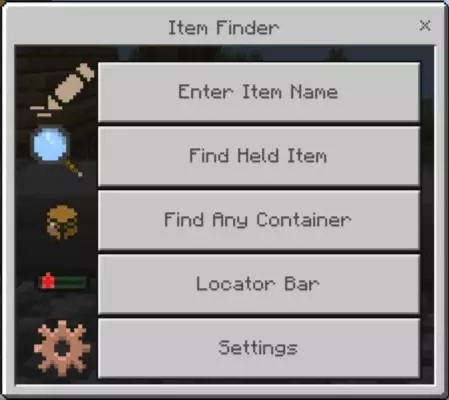
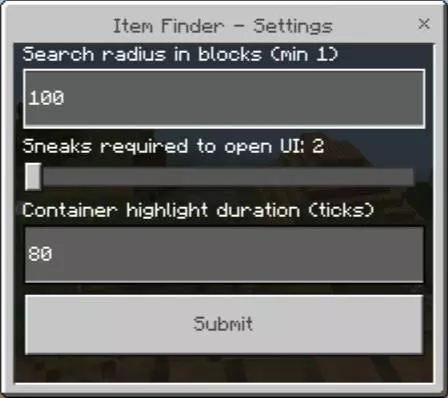
What makes this one of the most essential Minecraft Bedrock addons for long-term survival is the smart detection system. It seamlessly recognizes merged double chests and can actually reveal hidden loot inside naturally generated structures if you are playing on adventure-focused custom maps. If you are out exploring, you can also use the built-in locator bar to set custom X, Y, and Z waypoints, tracking your live distance so you always find your way home. You even get full control over the settings, letting you easily tweak the search radius and how long the glowing highlights stay visible.
Because it relies strictly on clean coding rather than cheats or command blocks, it is completely achievement-friendly and totally safe for multiplayer Realms. It runs brilliantly alongside your other MCPE mods, high-res texture packs, and heavy shaders without tanking your frame rate. Stop wasting your weekend opening every single barrel in your house and download this massive quality-of-life upgrade right now.
Installation Mod:
- Download the .mcaddon / .mcpack;
- Open the file to import into the game;
- In World Settings → Resource Packs and Behavior Packs, enable it (turn on Experiments if needed);
- Have fun!
Comments (0)