Lumenix Shader
- 8-06-2026, 04:24
- 1 046
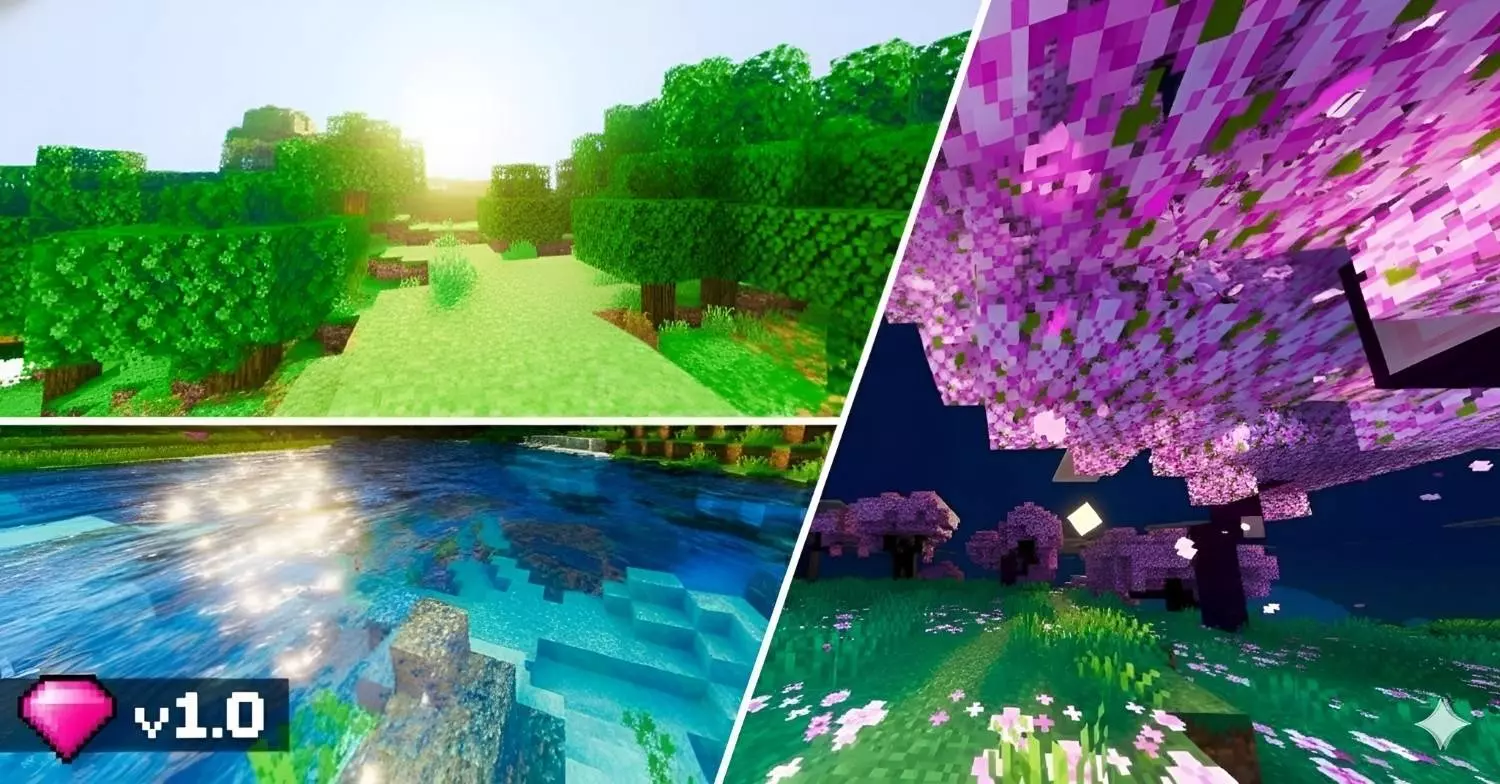
Lumenix Shader is built for players who want their world to look brighter, warmer, and more colorful without changing what they actually do in survival. The main vibe here is saturation and atmosphere—colors pop more, lighting feels richer, and everything gets that soft, vibrant tone that can make even a basic base look way more “finished.� If you like building with color, landscaping, or just exploring and taking screenshots, this kind of shader can make every session feel more visually rewarding.
The shader focuses on enhancing colors and lighting, which is where most Minecraft Bedrock worlds either look amazing or look kind of plain depending on your settings. With Lumenix Shader, the goal is a smoother visual experience where the environment feels more alive, like the world has a little extra depth and warmth to it. It’s especially nice for areas you spend a lot of time in—your home base, farms, villages, and paths—because you’re constantly seeing those blocks and lighting conditions, so any upgrade in tone and atmosphere is noticeable every minute.
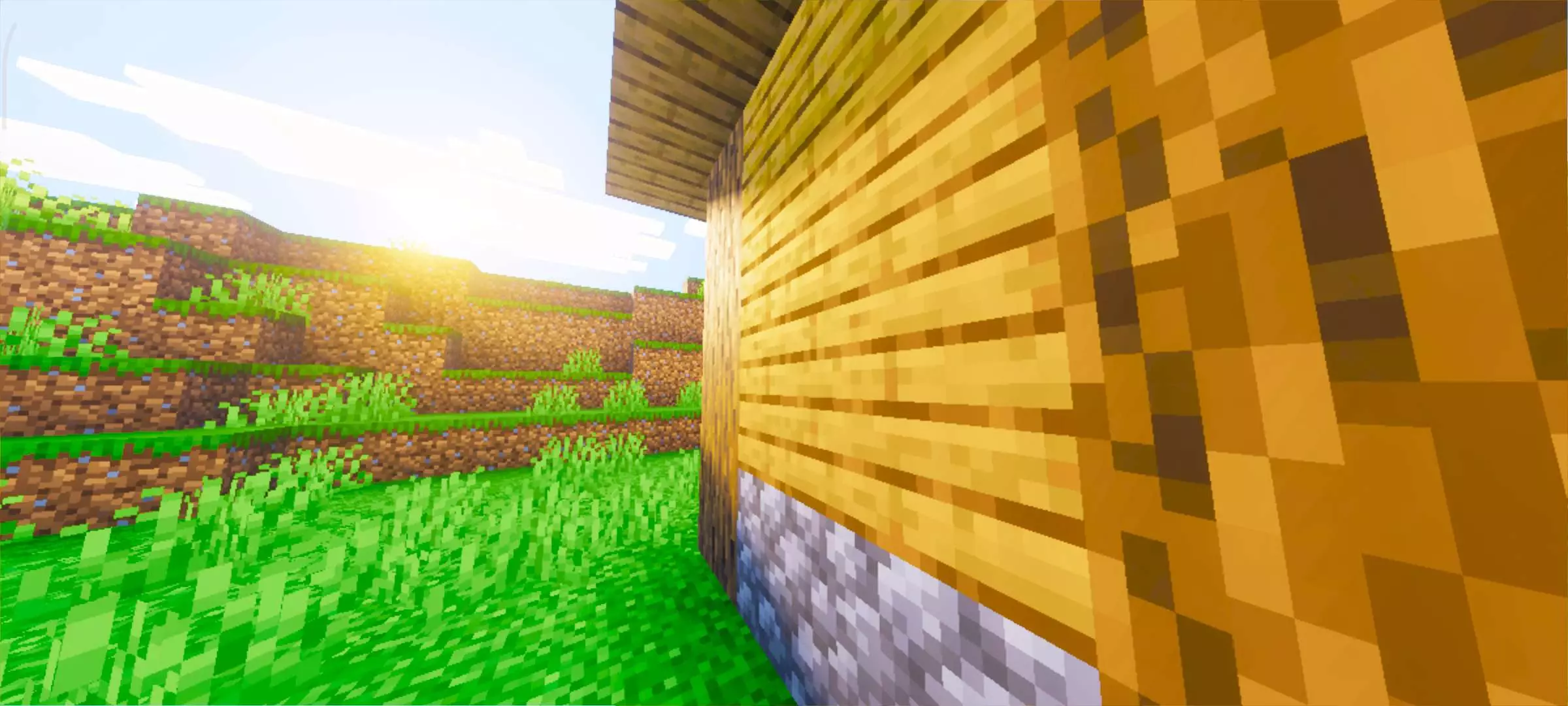


In actual gameplay, Lumenix Shader shines when you build around it. Warm, saturated visuals usually make natural areas look cozy, so wooden builds, gardens, and small town-style bases can look extra clean. If you’re doing modern builds or darker themes, the added warmth can make interiors feel more inviting instead of harsh. Practical tip: if your world starts feeling “too bright� or overly intense in colorful biomes, keep your main build palette consistent and avoid mixing too many loud blocks in one area, because saturation can make clutter feel even busier.
If you play with friends, Lumenix Shader is also a nice “shared vibe� choice because it makes the world feel more appealing without relying on gimmicks. It’s simply a visual mood shift—warm, vibrant, smooth—and that’s exactly what a lot of Bedrock players want when they’re trying to make their world look alive. Lumenix Shader is for anyone who wants richer color and lighting atmosphere while keeping the familiar feel of Minecraft Bedrock.
Installation:
- Download Texture;
- Open the downloaded .mcpack to install;
- Select texture in settings;
- Done.
Comments (0)