Zyra Visuals Shader
- 13-02-2026, 09:35
- 660
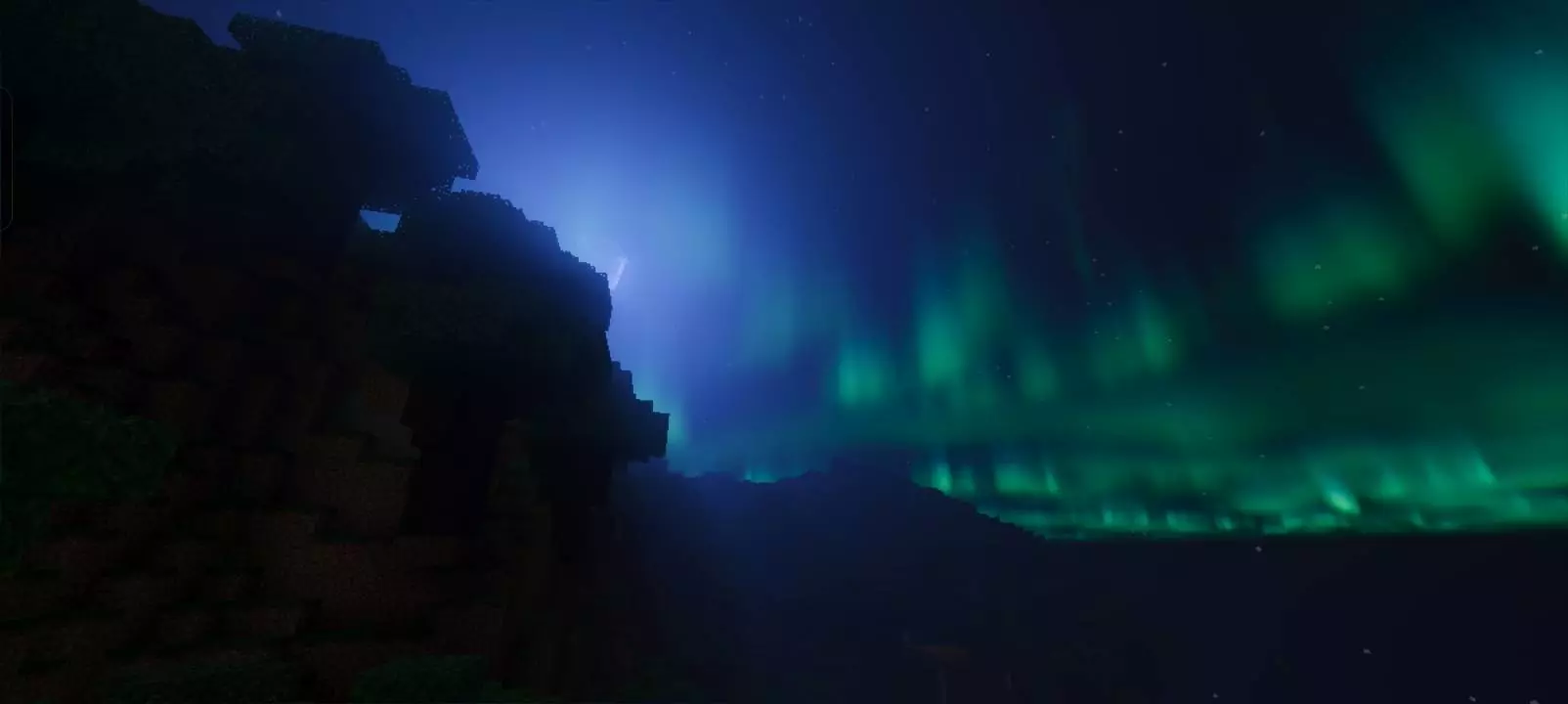
Zyra Visuals Shader is positioned as a “next-gen� visual pack that’s focused on cinematic atmosphere without locking itself to super specific hardware. The description makes it clear the goal is immersion—your world should look more like a showcase, with upgraded lighting and environmental effects that change the mood the moment you load in. If you spend a lot of time exploring, building scenic bases, or recording clips, this is the kind of pack that’s meant to make every location feel more dramatic and visually polished.
The foundation here is Vibrant Visuals and the Minecraft Graphics Pipeline, which the pack uses to push improvements across the big four: lighting, sky rendering, fog, and reflections. Better lighting is usually the biggest difference-maker because it adds depth to terrain and makes builds feel less flat, especially when you’re moving through areas with mixed shade and sunlight. Sky rendering upgrades matter constantly too, since you’re always seeing the horizon, clouds, and color shifts during travel or when you’re just chilling at your base.


Fog is a huge part of “cinematic� Minecraft Bedrock vibes because it changes distance and atmosphere. With good fog, far terrain looks smoother and more moody, which makes forests, mountains, and long paths feel like real places instead of sharp cutoffs. Reflections add another layer of visual punch, especially around water or any reflective-looking surfaces, making coastlines, rivers, and lakes feel more alive when the light hits just right.
Practical tip: Zyra Visuals Shader will feel best when you play in spots that show off sky and distance—open plains, cliff overlooks, riverside bases, or long travel routes—so you actually notice the lighting and fog doing their thing. If you’re doing survival, keep main paths and entrances comfortably lit so the cinematic atmosphere stays fun instead of making navigation annoying. Zyra Visuals Shader is for Minecraft Bedrock players who want a more modern, immersive visual style powered by Vibrant Visuals, with lighting, skies, fog, and reflections doing the heavy lifting.
Installation:
- Download Texture;
- Open the downloaded .mcpack to install;
- Select texture in settings;
- Done.
Comments (0)