Simple Shader – Shader
- 1-05-2026, 11:25
- 359
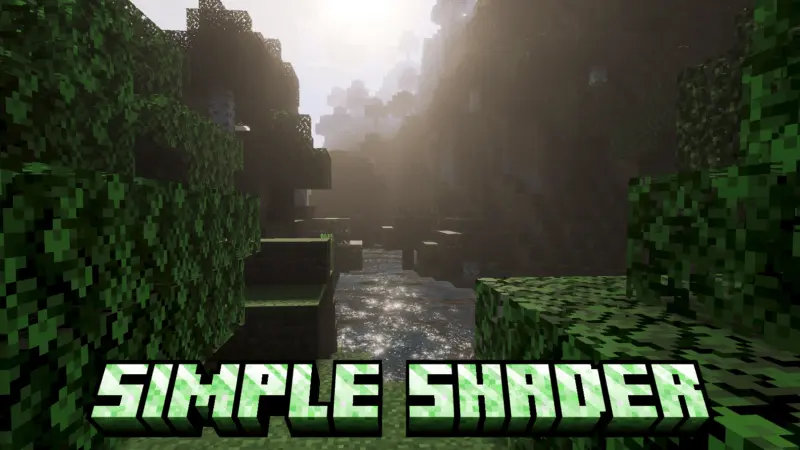
Simple Shader is great for improving graphics, very realistic water and beautiful sky. Simple Shader gives Minecraft Bedrock a fresh look without turning every landscape into an explosion of color and effects. It changes the lighting, sky, fog, and water while keeping the world easy to recognize. If you like the look of Minecraft but feel that your surroundings could use a little more atmosphere, this shader is a good one to try in an existing survival world.
Water is one of the first things worth checking out. Simple Shader gives it movement, making oceans, rivers, and lakes more interesting to look at as you travel. A boat trip across the sea feels different when there’s more going on at the surface, and a house beside a lake gets a nicer view from the window. The effect is particularly noticeable around large stretches of water, where you can see more of the surface at once. If you already have a coastal base, head down to your dock or follow the shoreline for a while. You might find that a place you usually pass on the way to your storage room is now somewhere you want to stop for a minute.
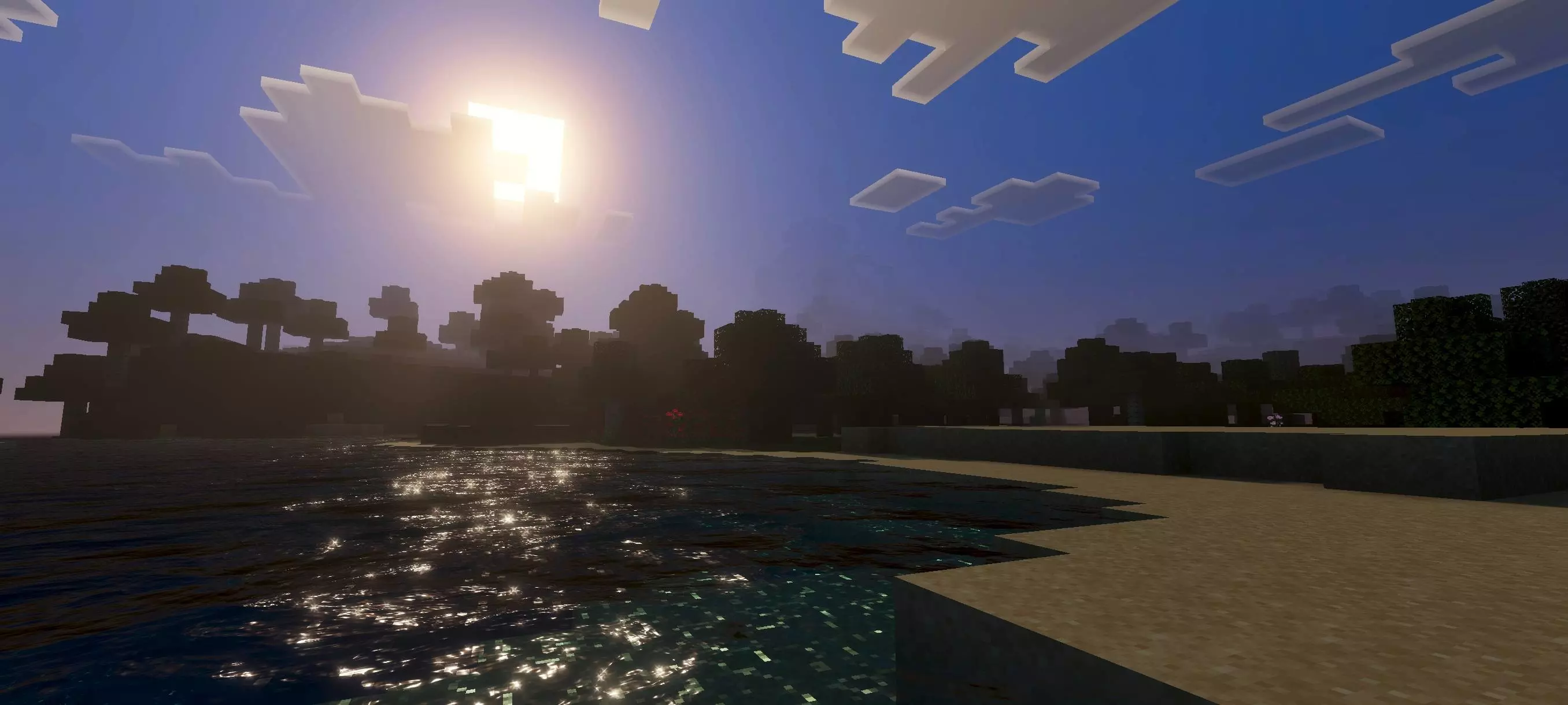

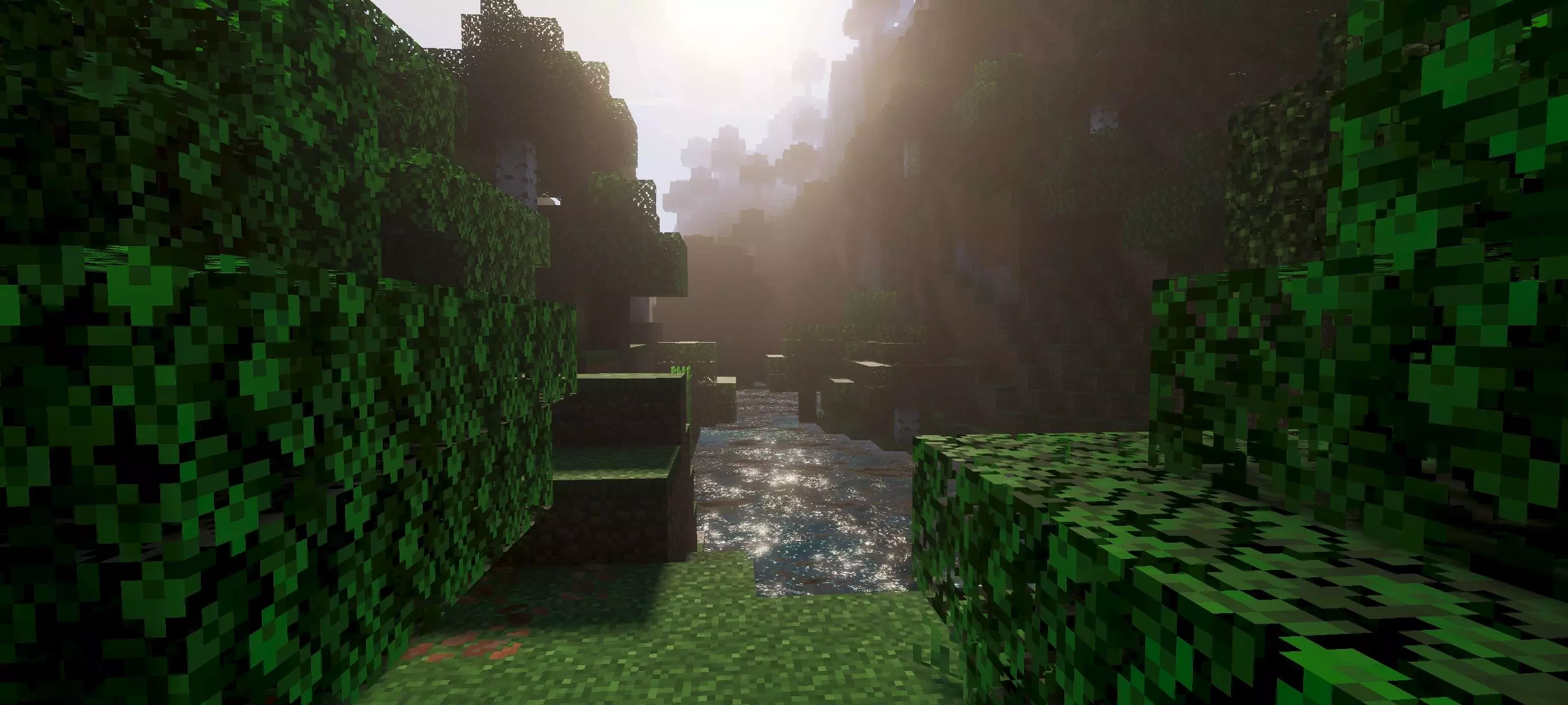
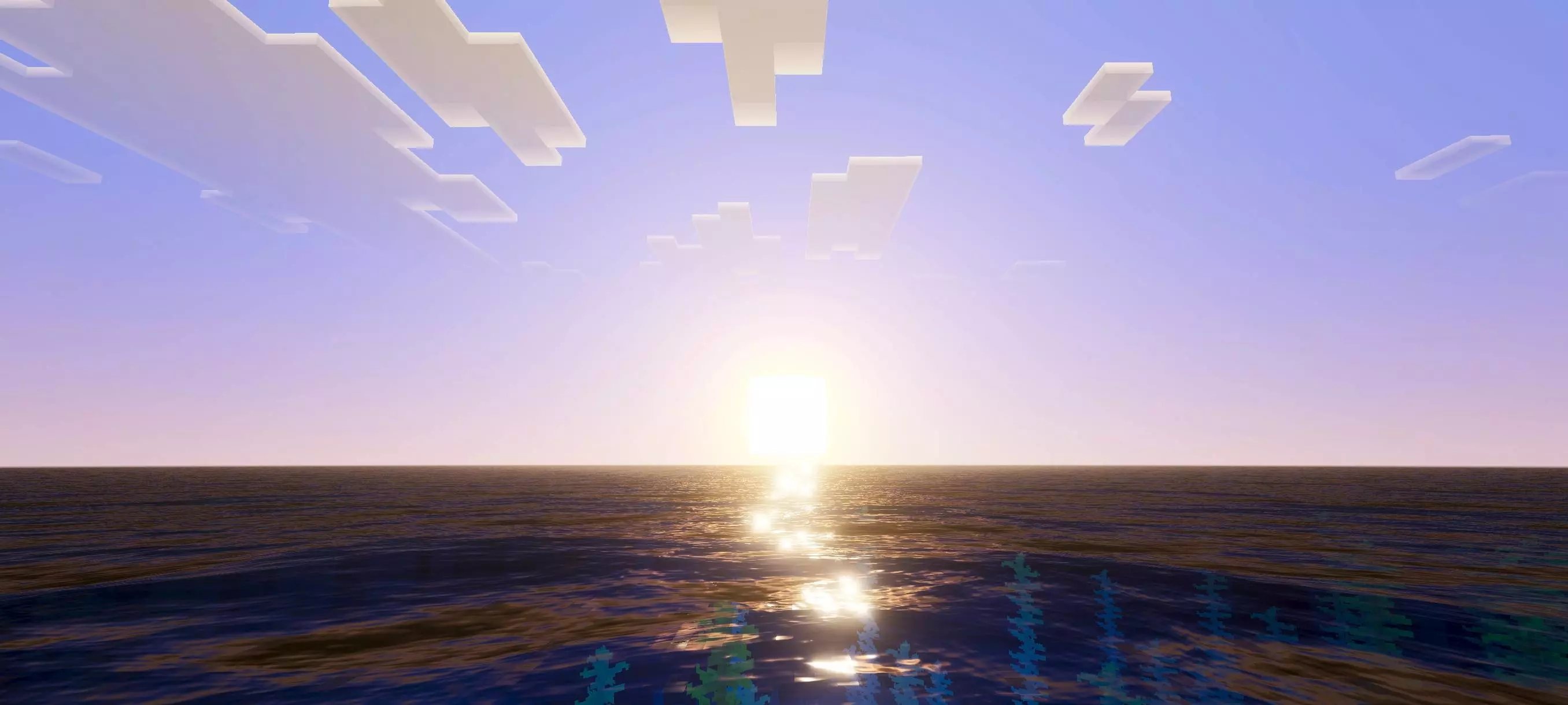
The sky and lighting do a lot for the overall atmosphere too. The shader gives the world a more dynamic appearance, so a journey through familiar terrain can feel different as the day goes on. The effect doesn’t have to be the main attraction every time you play. It can simply make the view more pleasant while you’re gathering wood, looking for a village, or traveling back from a distant mining spot. There’s also fog, which adds a sense of distance to the landscape. From a hill or the top of a tower, look out toward the horizon and see how the terrain appears farther away. It’s a small detail, but it helps the scenery feel like part of a larger world.
Simple Shader can be a good match for building because the changes don’t demand a particular style. A stone castle, a farmhouse, and a modern house beside the water can all be worth revisiting with the shader active. Look at your build from the path you use to approach it, then from a nearby hill or across a river. The surrounding light and atmosphere may draw your attention to parts you hadn’t thought much about before. If you’re planning a new project, you could choose a spot with a view of a lake or an open valley and make the landscape part of the design. A balcony, bridge, or large window gives you somewhere to enjoy that view while you’re at home.
Despite its name, Simple Shader includes more than a single visual change. Its combination of moving water, dynamic lighting, atmospheric fog, and color adjustments gives the world a more polished appearance while aiming for a restrained style. That makes it appealing if you’ve tried shaders that felt too intense for everyday play. You can still focus on finding resources and working on your base without the scenery constantly pulling your attention away from what you’re doing.
The shader changes the way the world looks, so your usual survival activities remain the same. You can explore with friends, work on a village, or continue a building project you started months ago. For a quick first impression, visit a place that brings several features together: a river near your base, a beach below a mountain, or a bridge with a clear view of the sky. Then spend some time playing normally. That’s where a shader like this can be most enjoyable: it gives familiar places a little more character without making you feel as though you’ve stepped into a completely different game.
Installation:
- Download Shader;
- Open the downloaded .mcpack to install;
- Select texture in settings;
- Done.
Comments (0)