Colored Lighting – Shader
- 9-05-2026, 03:55
- 770
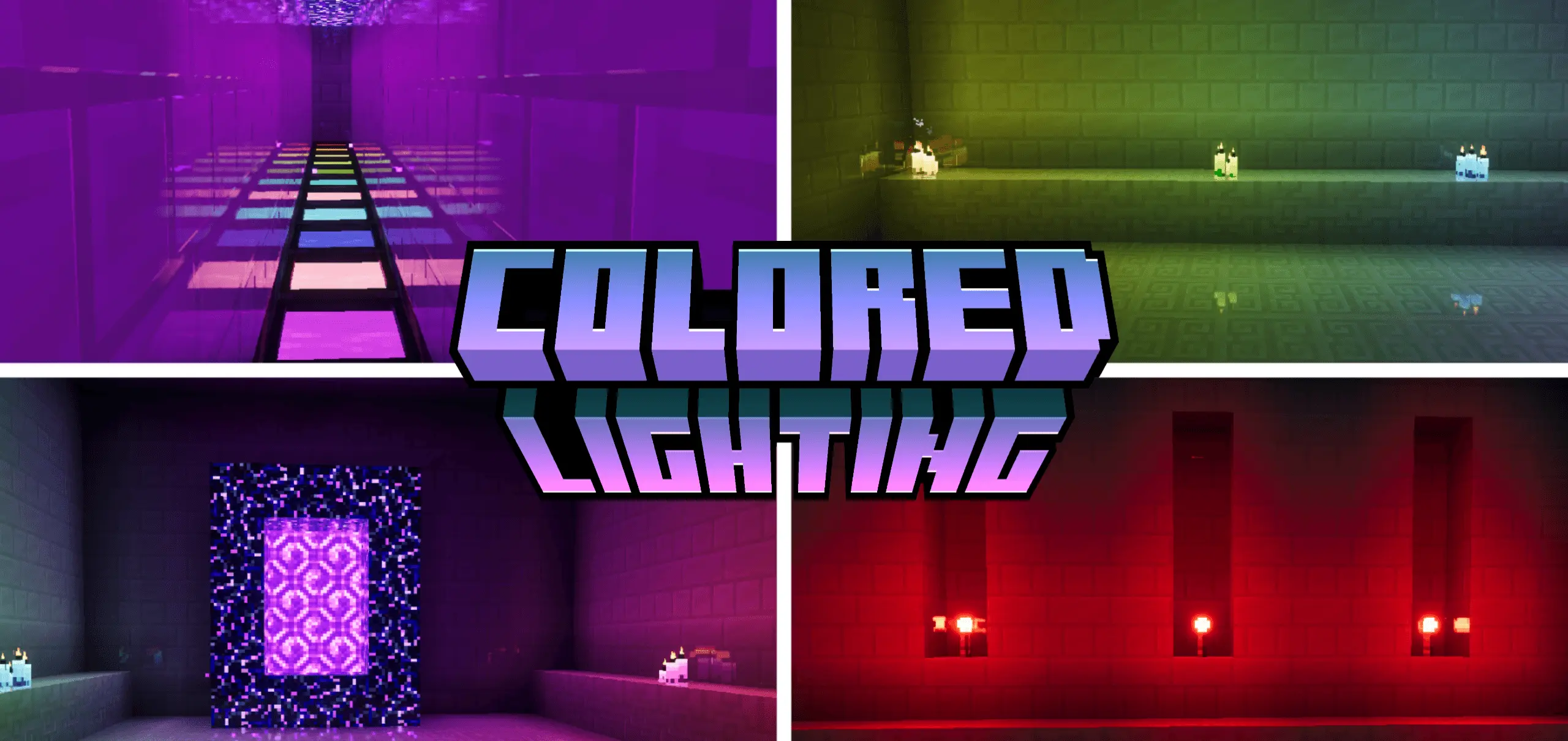
Colored Lighting - very beautiful shaders with colored lighting in Minecraft Bedrock. Every veteran builder knows the disappointment of dropping a soul lantern only to see the same stale yellow glow smudge across the walls. Colored Lighting Shader rewrites that ancient engine bottleneck by granting every glowing block a distinct, authentic spectral radiance.
Vanilla Minecraft has treated all illumination like cheap campfire radiation for over a decade. You spend three days crafting a high-tech subterranean laboratory out of smooth quartz, install rows of sea lanterns, and the whole chamber ends up bathed in muddy amber light instead of clean, clinical white-blue. It kills immersion right on the spot. Shaders usually try to mask this flaw with excessive blur or blinding lens flares, but those cheap tricks do not fix the root issue. You need individual light blocks to actually broadcast the colors painted onto their textures.
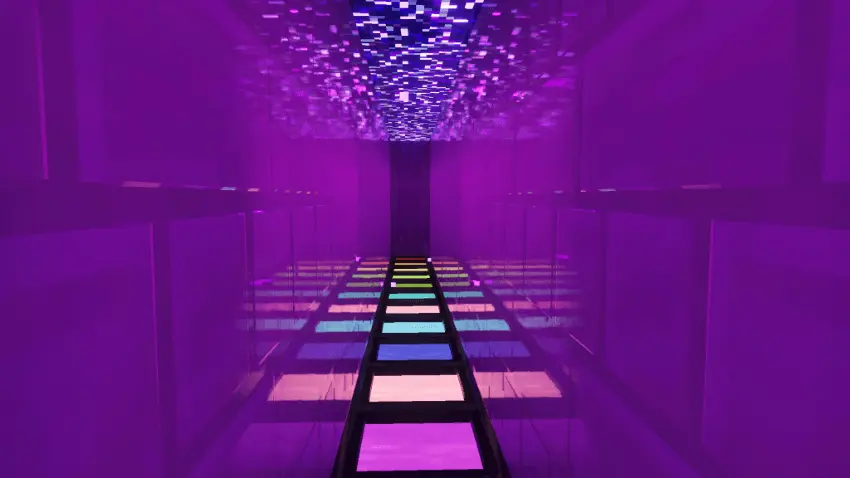
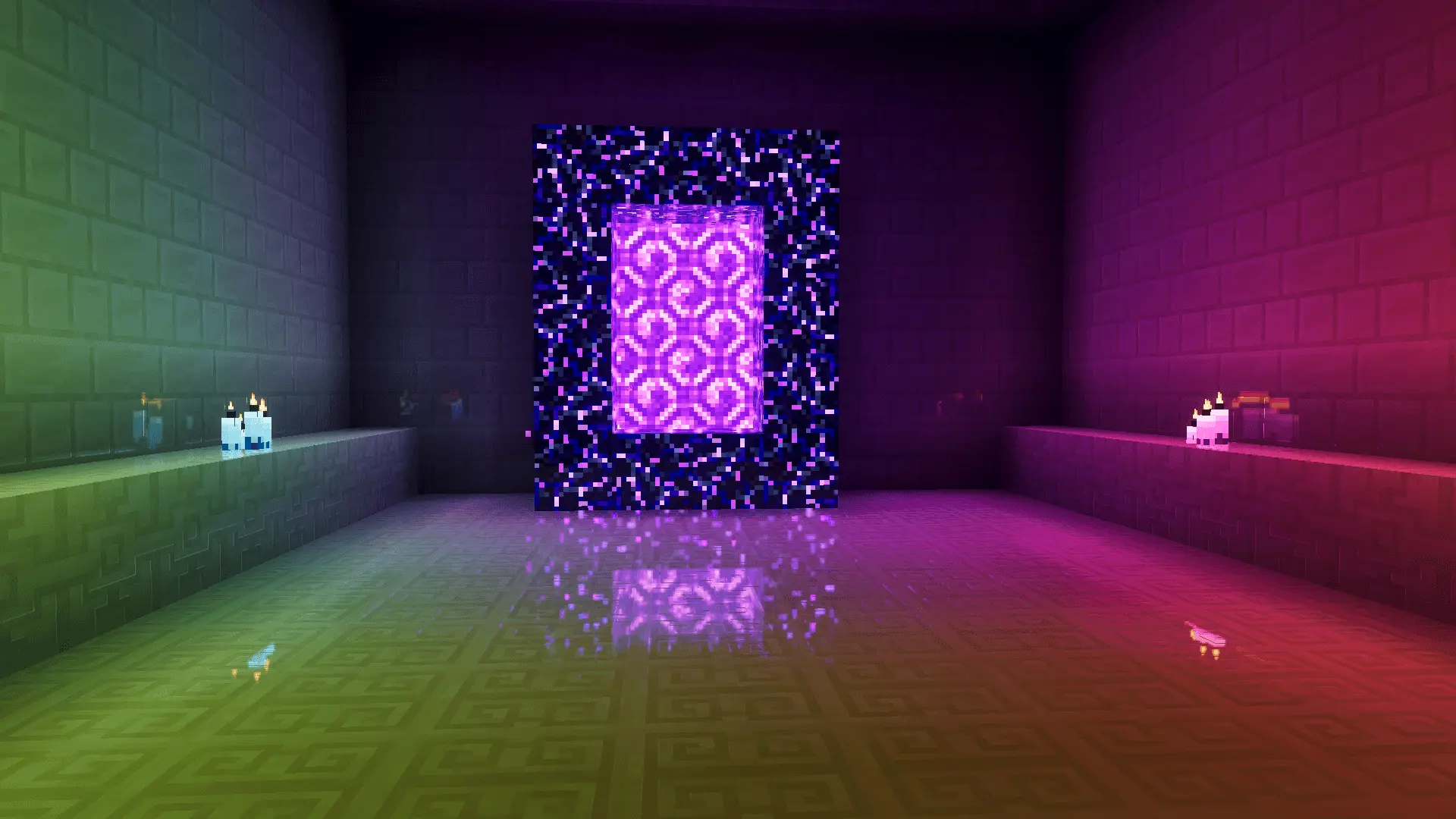

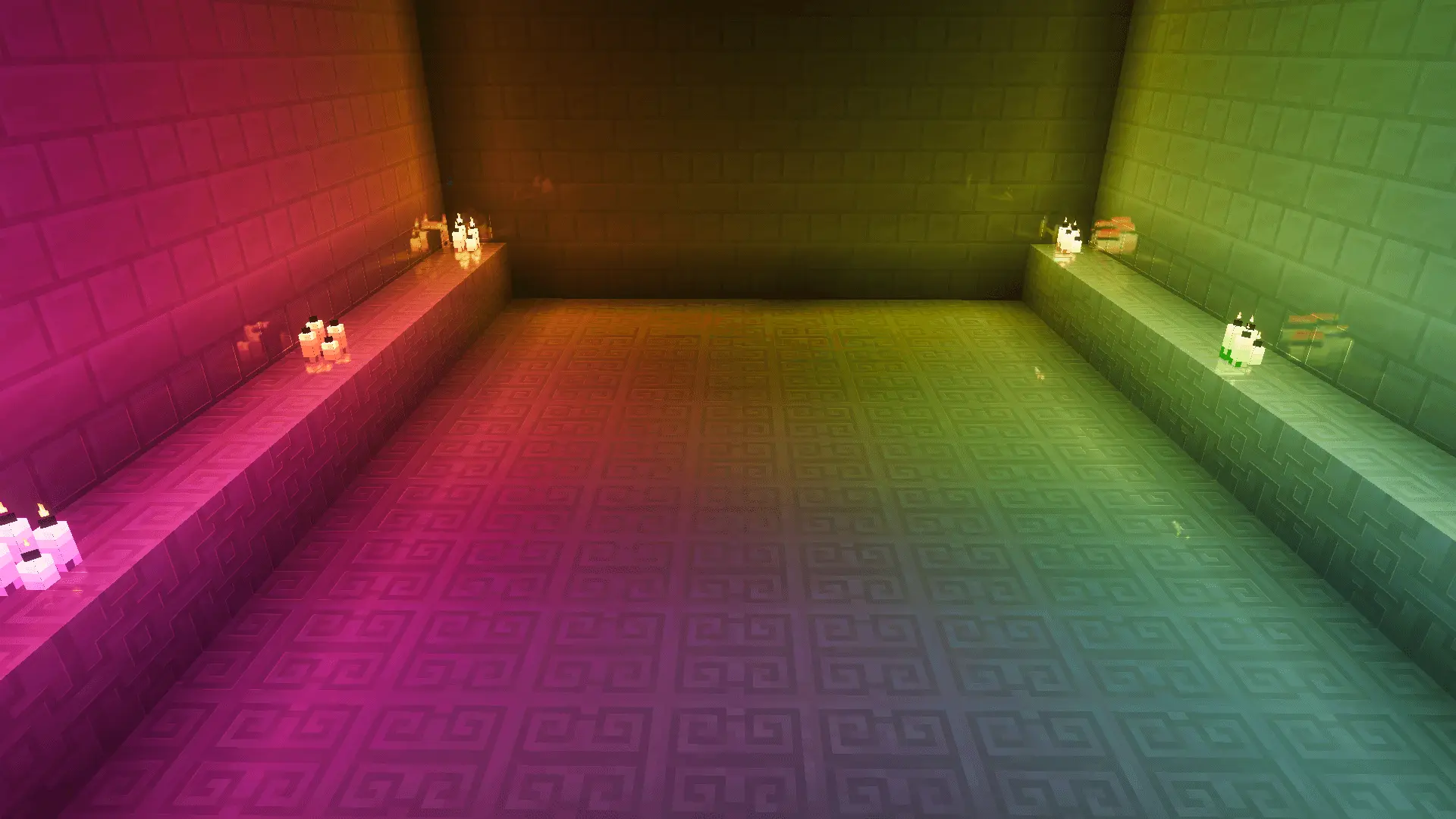
This shader solves the problem at a fundamental level. Place down a trail of redstone torches in an unlit hallway, and you get an immediate wash of deep, menacing crimson bouncing across the floorboards. Swap that out for a soul fire campfire, and the ambient environment turns into an icy, spectral cyan that makes any crypt feel genuinely cursed. The visual distinction between light sources is crisp without turning your display into an over-saturated circus. Standard torches keep their cozy woodfire warmth, while lava pours heavy, intense orange-red illumination over surrounding deepslate walls.
Creative architects get an incredible toolbox out of these chromatic shifts. If you want to design a futuristic cyberpunk market, you can blend purple amethyst clusters with bright turquoise sea lanterns to produce stunning color gradients across rain-slicked asphalt blocks. Nether portal chambers finally carry real dread when you frame the obsidian frame with purple and crimson light blocks that bleed otherworldly hues into the ceiling arches. Even routine survival compounds feel ten times more alive. You can tint your alchemy lab with sickly witch-green glows from brewing stands while keeping your blacksmith forge roaring in fiery industrial tones.
Underground runs through the deep dark or massive dripstone caverns become an entirely different experience with custom light values active. You can ditch clunky navigation markers and use colored torches as tactical waypoints across winding shafts. Drop a crimson torch to signal dead ends loaded with hostile mobs, plant cyan markers along safe routes back to your minecart depot, and reserve warm yellow torches for unexplored ore veins. The sharp contrast makes spotting steep drops and lurking skeleton archers way easier from long render distances.
Best of all, the pack keeps things absurdly light on system memory. You do not need a high-end desktop rig or risky experimental beta toggles just to make it function. The resource files sit right under a single megabyte, which means pocket devices, tablets, and home consoles hold clean frame pacing through dense village raids without choking. Installation takes zero technical skill. Download the pack, open the file through your default storage app, trigger the automatic Bedrock import, and activate the resource in your global settings menu. It is high time your builds reflected real color instead of that ancient yellow haze.
Installation:
- Download Shader;
- Open the downloaded .mcpack to install;
- Select texture in settings;
- Done.
Comments (0)