OS Blocks Skin Pack
- 1-10-2025, 10:45
- 779

OS Blocks — a character-driven skin pack for Minecraft Bedrock where you don’t just build with blocks, you become them. Each skin riffs on an iconic material’s vibe, so your look matches the terrain you’re ruling. I swapped into Grassy for a fresh survival start and it felt perfect: green-trimmed, outdoorsy energy while I punched trees and mapped the spawn. Ten minutes later I was Diamo, flexing a shiny fit for a cavern sprint, then Obsy for a late-night Nether prep run when things got serious.
The pack shines when you match the skin to the mission. Heading into a raid? Rocko reads as unbreakable—great silhouette on village streets—while Brikki fits right in when you’re laying down walls and town paths. Building a cozy lumber settlement? Planko sells the carpenter fantasy without breaking the Minecraft Bedrock look. Frosty turns tundra hikes and iceberg bases into instant screenshots, and if you’re diving into lava-lit chaos, Nethra looks like it crawled straight out of the Nether and dared you to follow. Because these are pure skins, your movement, hitbox, and achievements stay vanilla; you just look dialed while doing the usual mine-craft-fight loop.


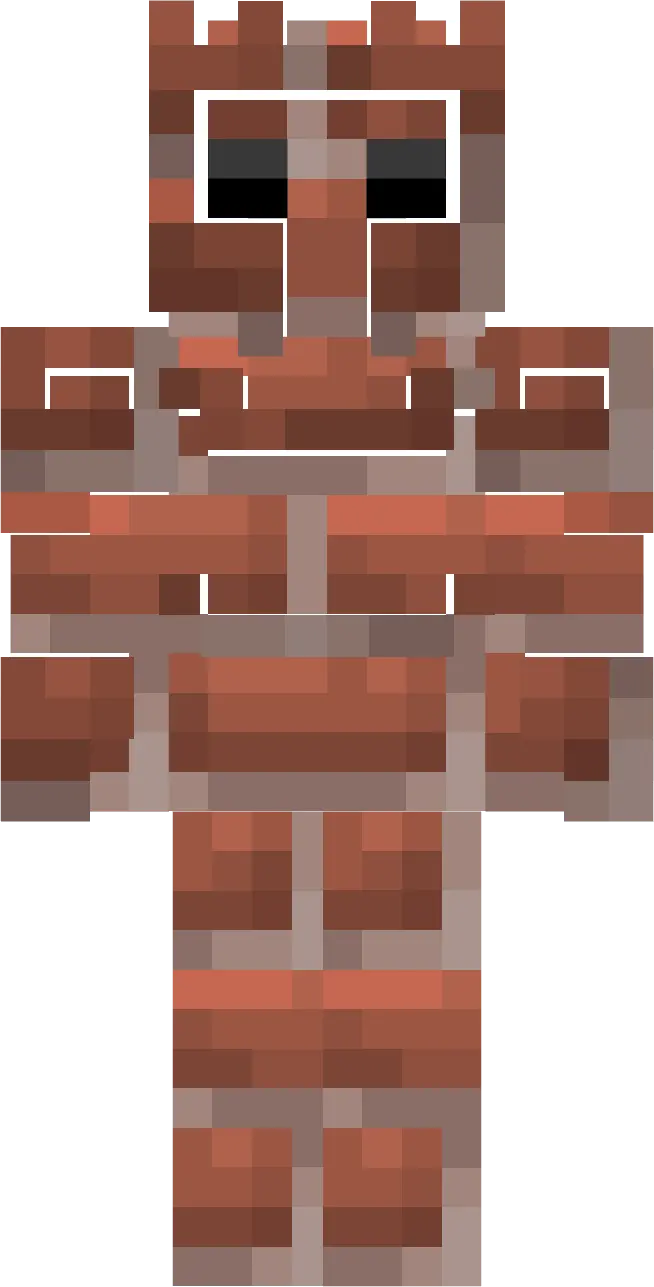


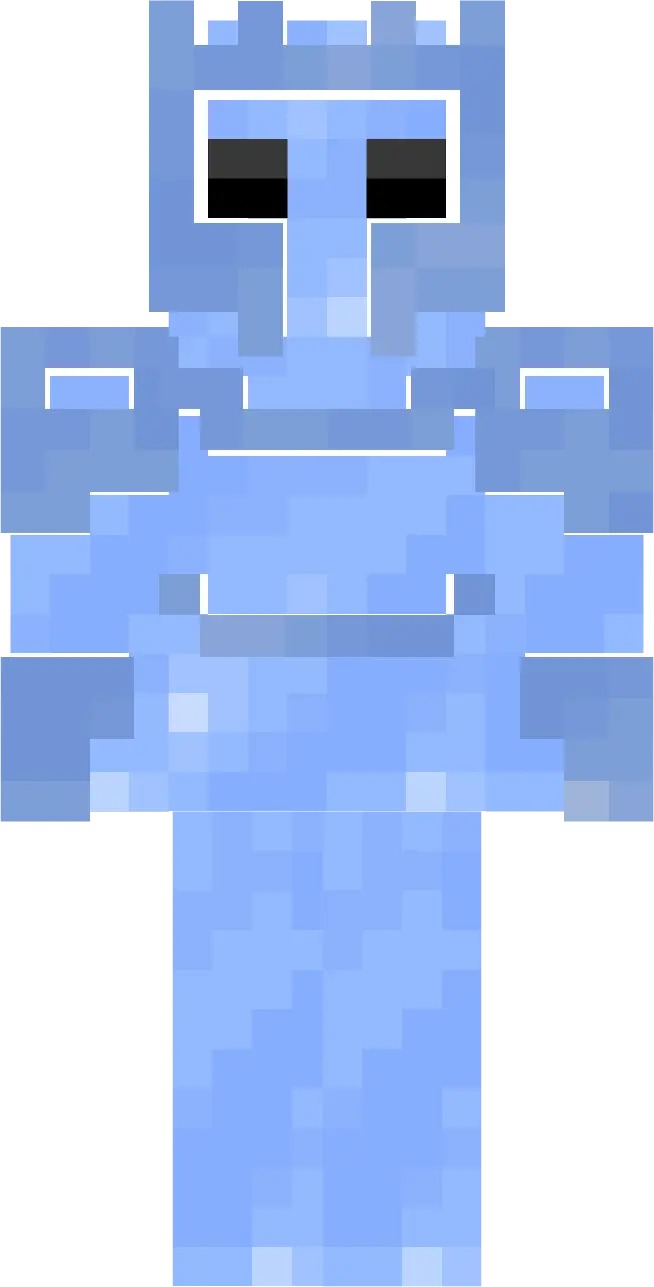

You’ve spent years digging up Minecraft blocks, stacking them into houses, and accidentally falling off them. OS Blocks gives eight of those familiar materials a chance to become the adventurers.
This Minecraft Bedrock skin pack turns blocks into a colorful cast of characters. There’s Grassy, inspired by a grass block; Rocko, based on stone; Brikki, representing bricks; and Planko, taking after wooden planks. They’re joined by Obsy the obsidian character, Diamo the diamond, Frosty the ice-inspired explorer, and Nethra, who brings a bit of the Nether with a netherrack-inspired look.
Grassy feels like a natural pick for the start of a survival world. Choose a spot near a forest, put down your first crafting table, and set off to see what’s beyond spawn. Planko makes a good companion for a building session, especially if you’re turning that first wooden shelter into a proper house. And if you’re the friend who always comes back from a mining trip with an inventory full of stone, Rocko might be the most honest character choice you’ve ever made.
The other skins have plenty of possibilities, too. Take Frosty along when you’re looking for an icy biome, or give Nethra a tour of your Nether base. Diamo is an obvious choice for a diamond-hunting expedition, although finding the diamonds is still very much your responsibility. Obsy looks ready for a trip through the portal, while Brikki fits a player who would rather spend the evening working on a town wall than fighting through a fortress.
The pack works particularly well with friends. Everyone can pick a different material-inspired character, then build a shared settlement with rooms or houses to match. Give Planko a workshop, make a garden for Grassy, and let Brikki take charge of the town square. When the builds are finished, line up for a group screenshot and see how many materials your little neighborhood represents. You could also split into teams for a building challenge and see who makes the best base using their character’s block as inspiration.
These are skins, so choosing an obsidian character won’t make you blastproof and dressing as ice won’t protect you from a lava bath. Your tools, health, and survival rules stay the same. To get started, open the downloaded .mcpack file with Minecraft Bedrock, let it import, and find OS Blocks in the Dressing Room. The listed release supports several 1.21 versions, including 1.21.94. Pick the character you like, grab your gear, and try not to confuse your teammates by standing too close to the building supplies.
Multiplayer gets even better. Call roles by material and everyone knows the plan: Grassy scouts biomes, Rocko anchors defense, Diamo leads the cave push, Nethra runs Nether logistics. In PvP and minigames the silhouettes read from midrange, so team calls are clean and your highlight clips pop. For roleplay, it’s plug-and-play: turn a marketplace into a “materials guild,” run tournaments where each bracket is a block theme, or host a building jam with each player repping their palette. Equipping is dead simple—open your Minecraft Bedrock skin selector, pick your OS Blocks persona, and jump in. If you want your look to sync with your build style and the places you roam, OS Blocks delivers eight personalities forged from the world itself—and they all photograph like a win.
How to Install Skins in Minecraft Bedrock
- Download a .png skin (64×64 or 128×128).
- Open Minecraft Bedrock.
- Go to Profile (hanger icon) → Edit Character.
- Tap Owned → Import → Choose New Skin.
- Select your .png file.
- Pick a model: Classic (Steve) or Slim (Alex).
- Confirm to equip and play.
Comments (0)