Phineas and Ferb Skins
- 20-11-2025, 06:22
- 512
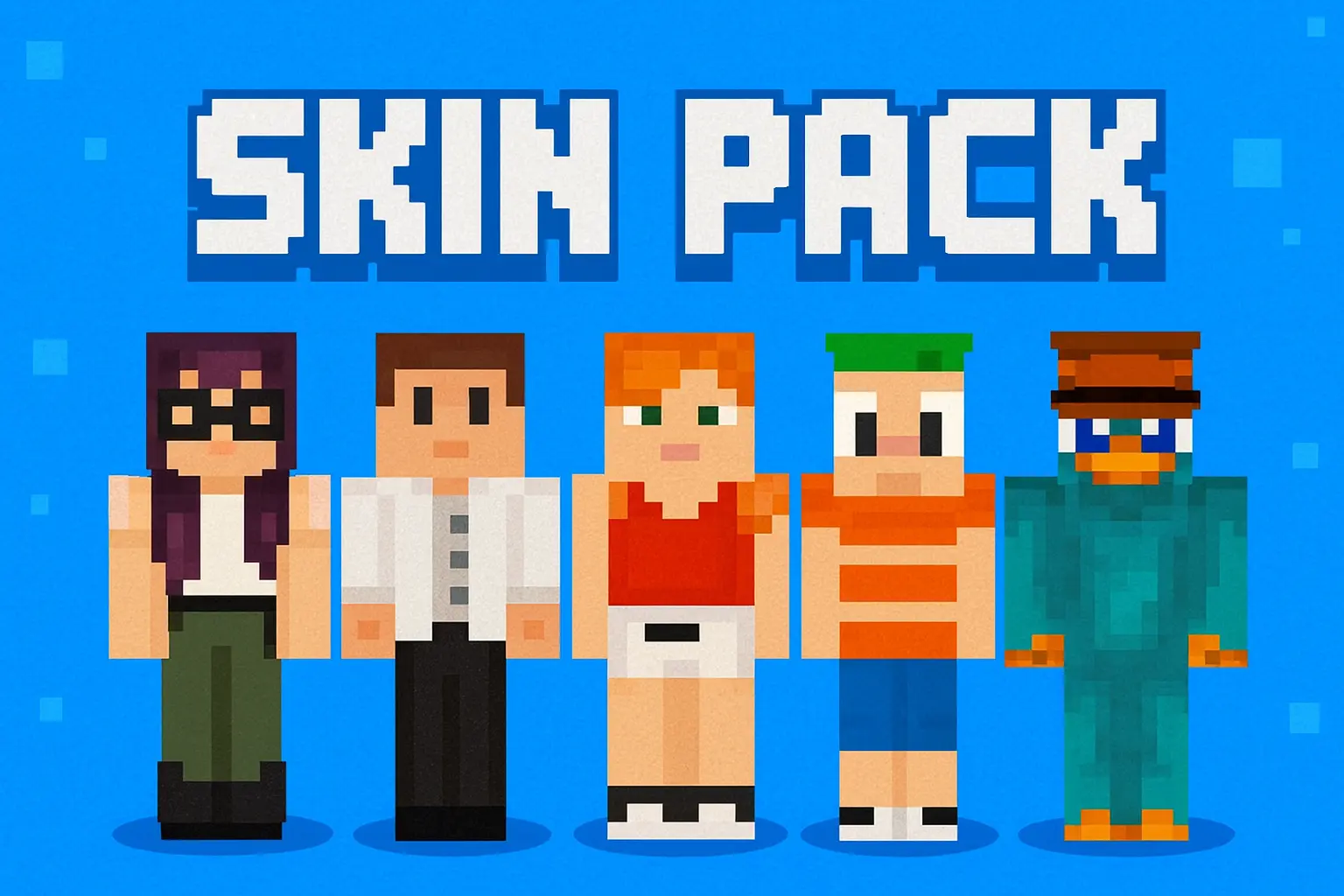
Phineas and Ferb Skins is a character-focused pack that pulls the main cast from the show straight into Minecraft so you can turn your world into your own backyard adventure. Instead of using a random default skin, you get to walk around as Phineas, Ferb, Perry the Platypus, Doofenshmirtz, Candace, or Isabella and build whole stories around them while you play.

With Phineas and Ferb Skins, it’s really easy to set up little roleplay scenarios on a Realm or a private server. One friend can be Phineas leading the next “big idea� build, another can be Ferb quietly cranking through the redstone, and someone else can be Candace trying to catch them “in the act� every time they log on. Perry and Doofenshmirtz are perfect for goofy secret base hunts, trap-filled lairs, or just messing around in adventure maps.
Since this pack only changes how you look, your hitbox and gameplay stay completely normal. You can wear these skins while grinding survival, speedrunning early game, running around hub lobbies, or playing minigames without throwing off balance. If you grew up with the show or just love lighthearted cartoon vibes, Phineas and Ferb Skins is an easy way to make your next Minecraft session feel like a new summer episode with the whole crew.
How to Install Skins in Minecraft Bedrock
- Download a .png skin (64×64 or 128×128).
- Open Minecraft Bedrock.
- Go to Profile (hanger icon) → Edit Character.
- Tap Owned → Import → Choose New Skin.
- Select your .png file.
- Pick a model: Classic (Steve) or Slim (Alex).
- Confirm to equip and play.
Comments (0)