KonoSuba Skin Pack
- 1-12-2025, 15:22
- 730
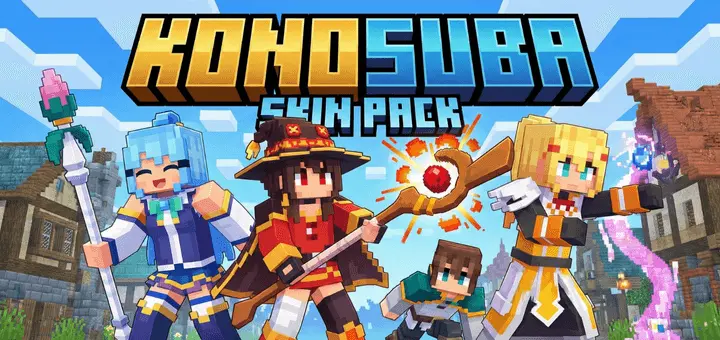
KonoSuba Skin Pack turns your usual survival world into a dumb, chaotic Konosuba party in the best way. Instead of another generic Steve clone squad, your server suddenly has Kazuma arguing with Aqua at spawn, Megumin sprinting around with a bow like it’s Explosion magic, and Darkness charging head-first into mobs like she’s supposed to. The models are shaped for Bedrock and already play nicely with the Actions & Stuffs resource pack, so all the little animations and emotes feel extra in-character when you move, sneak, or fight.
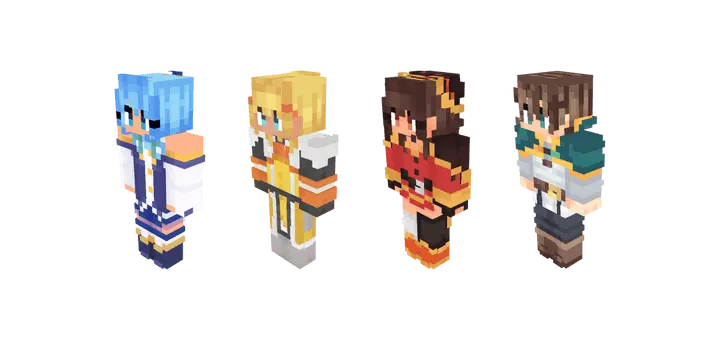
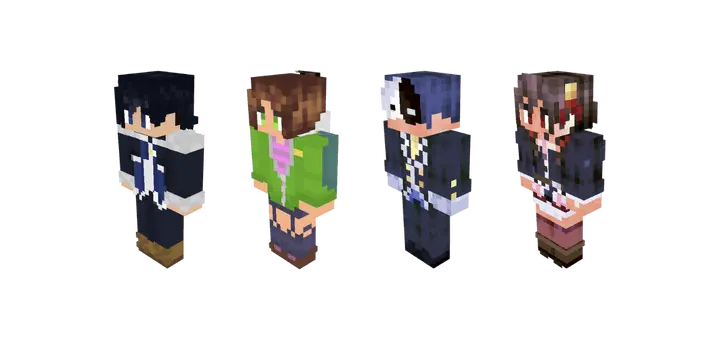
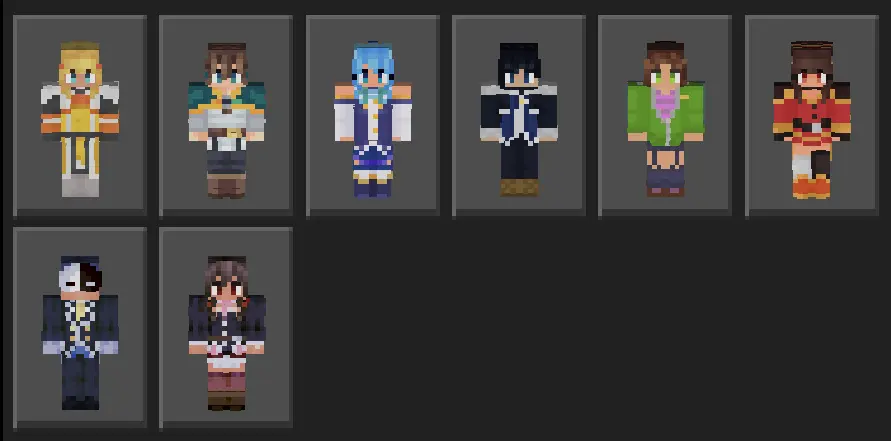
You’re not limited to just the main four either. The pack also brings in Keith, YunYun, Rin and Vanir, which makes it perfect for small friend groups or SMPs where everyone wants their own “main character� slot. You can easily spin up full Konosuba-themed worlds: Aqua running the scuffed church, Kazuma living in the starter house, Vanir lurking in some shady shop under town.
Whether you’re grinding survival, building a fantasy hub, or just messing around in creative, KonoSuba Skin Pack is the kind of thing you drop in once and then never really take off. Every screenshot hits harder, every clip looks funnier, and your world instantly feels like a Konosuba crossover episode that never ends.
How to Install Skins in Minecraft Bedrock
- Download a .png skin (64×64 or 128×128).
- Open Minecraft Bedrock.
- Go to Profile (hanger icon) → Edit Character.
- Tap Owned → Import → Choose New Skin.
- Select your .png file.
- Pick a model: Classic (Steve) or Slim (Alex).
- Confirm to equip and play.
Comments (0)