NiNi Ninja Skin Pack
- 2-12-2025, 20:30
- 781
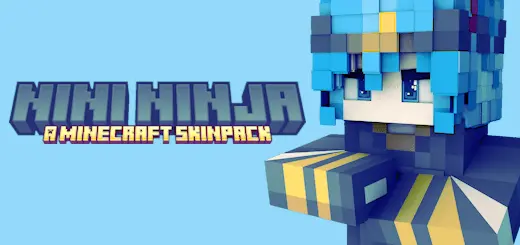
NiNi Ninja Skin Pack drops you straight into shinobi mode the second you load in. Instead of another basic hoodie skin, you’re spawning as one of four anime-inspired ninjas, each with their own personality baked into the design. Kage feels like the classic shadow striker — darker colors, quiet energy, the kind of ninja you imagine slipping across rooftops at night. Kagemi hits more like the flashy rival: sharper lines, a bit more attitude in the look, the sort of character you’d pick if you want to be seen in PvP lobbies and spawn hubs.
Mei brings that agile, quick-footed vibe — perfect if you like parkour maps, scouting ahead in survival, or zipping through tight cave systems while everyone else lags behind. Ren rounds the squad out as that calm, reliable type: the one who looks like they’d be leading raids, organizing the base, and calling the shots when things go wrong. Together, the four skins feel like a full party straight out of a ninja anime, which fits perfectly for small groups or Realms where everyone wants a defined “role� without needing mods or special models.
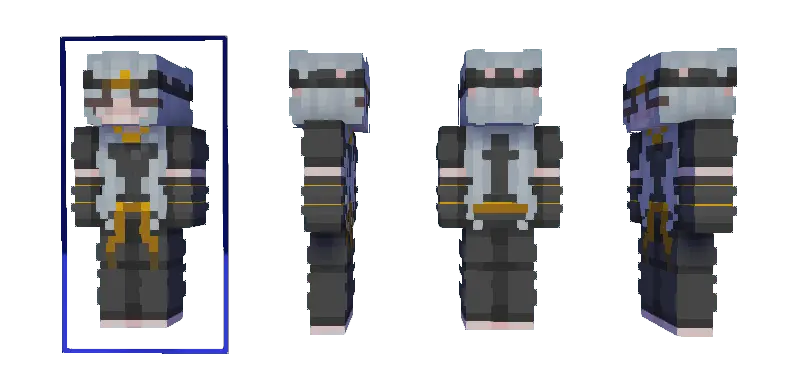
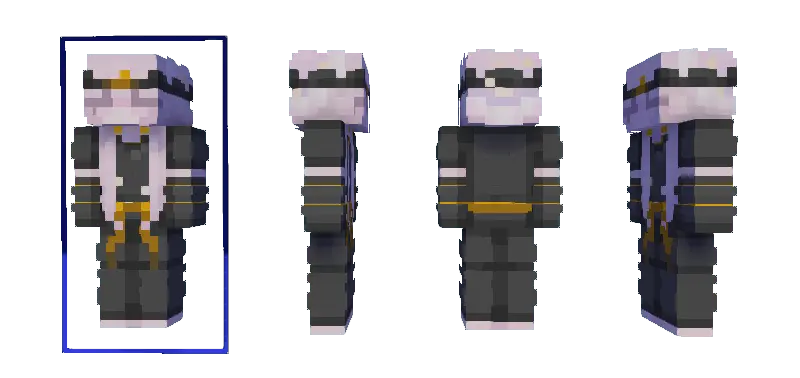
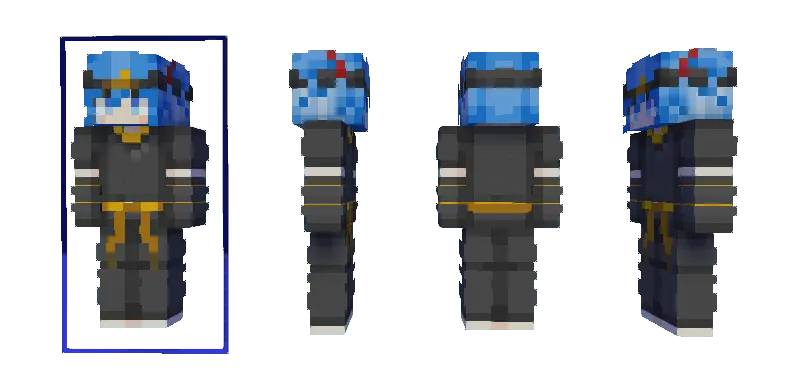
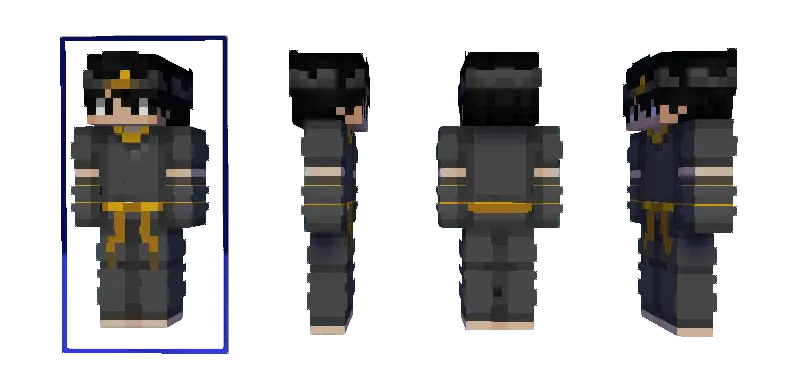
All of the NiNi Ninja skins are built to work cleanly in normal Minecraft Bedrock worlds — same hitbox, same movement, no weird advantages. You can grind survival, speedrun bosses, or just hang around in your village looking like a stealth squad on break. Throw these into a Japanese-style town, mountain base, or cherry grove build, and the whole server suddenly feels like a shinobi hideout instead of just another random world. If you’ve ever wanted your character to look like they stepped out of a ninja show and into Minecraft, NiNi Ninja Skin Pack is an easy lock-in.
How to Install Skins in Minecraft Bedrock
- Download a .png skin (64×64 or 128×128).
- Open Minecraft Bedrock.
- Go to Profile (hanger icon) → Edit Character.
- Tap Owned → Import → Choose New Skin.
- Select your .png file.
- Pick a model: Classic (Steve) or Slim (Alex).
- Confirm to equip and play.
Comments (0)