Villager Fashion Legends Skin Pack
- 10-01-2026, 05:16
- 1 048
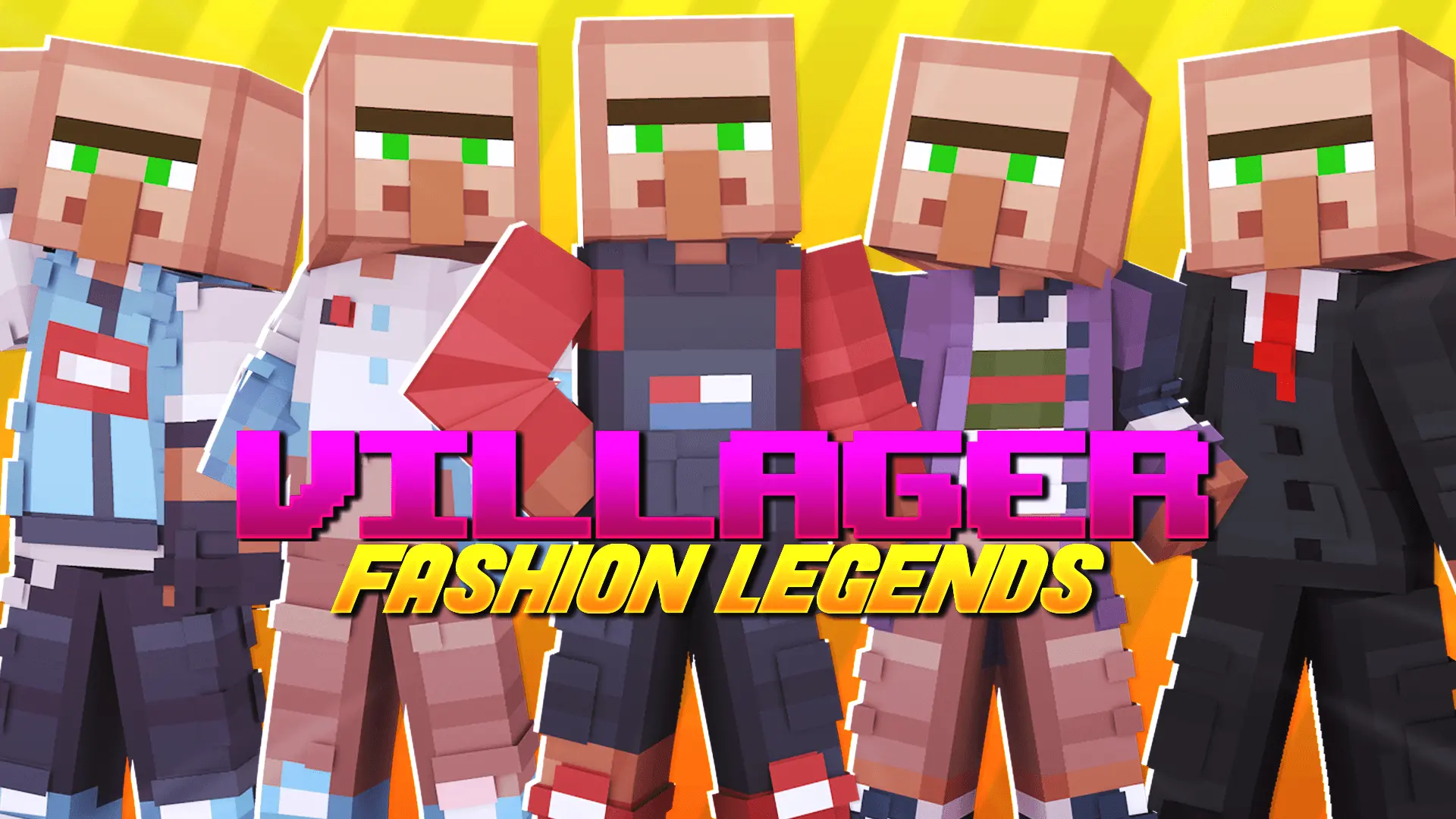
Villager Fashion Legends Skinpack is for players who like the whole “village life” aesthetic but don’t want to look like every other default character on a server. You get 8 villager-style skins, and the main idea is simple: keep that recognizable villager vibe, but add trendy outfits so it feels more like a stylish crew instead of the same old robe look. It’s the kind of pack that fits perfectly in survival worlds where you’re actually building around villages, trading halls, or cozy towns, because your character visually matches the setting without looking boring.
In Minecraft Bedrock, villager-themed skins are super fun for roleplay and multiplayer because they instantly create a theme. If you and your friends pick different skins from the pack, you can basically become your own “fashion village squad” while you build, explore, or mess around in minigames. It’s also great for creators who like having a consistent identity on screen—villager style is iconic, and adding trendy outfits makes it feel more modern and personalized.

Gameplay-wise, it’s a cosmetic change, but it affects the vibe a lot. Doing daily survival chores—farming, trading, building roads, fixing up houses—feels more fitting when your skin looks like it belongs in the town. And if you’re the type who hangs around your base more than you fight bosses, this pack is a nice match because it leans into the “world living” feel. Even when you do go adventuring, it’s funny in a good way: you look like a fashionable villager who decided to become the hero instead of waiting for someone else to handle the danger.
The first time my dad watched me playing Minecraft, he couldn't understand why I was so excited about a game made from giant squares. I showed him my survival house, the farm outside, and the mountain I'd spent several evenings exploring. He nodded politely, then asked what happened if I got bored of everything I'd built. I didn't have a particularly clever answer. A few days later, I found some interesting Bedrock content and decided to show him how much the same game could change depending on what I wanted to explore. He still wasn't convinced the graphics were impressive, but he started asking questions about the world and how people created different experiences. Eventually, he wanted to try moving around himself. He managed to walk into a pond almost immediately. We spent another twenty minutes getting him out and teaching him the controls. He hasn't become a Minecraft player, but he finally understands why I keep coming back.
There's a difference between visiting a Minecraft world for five minutes and actually spending time there.
Villager Fashion Legends Skinpack is a clean pick if you want a themed set that’s easy to use and easy to match with builds: 8 villager-style skins, trendy outfits, and a vibe that fits right into Minecraft Bedrock survival worlds and multiplayer hangouts.
How to Install Skins in Minecraft Bedrock
- Download a .png skin (64×64 or 128×128).
- Open Minecraft Bedrock.
- Go to Profile (hanger icon) → Edit Character.
- Tap Owned → Import → Choose New Skin.
- Select your .png file.
- Pick a model: Classic (Steve) or Slim (Alex).
- Confirm to equip and play.
Comments (0)