Neon Cyber Glow - Skin Pack
- 25-05-2026, 06:44
- 1 170
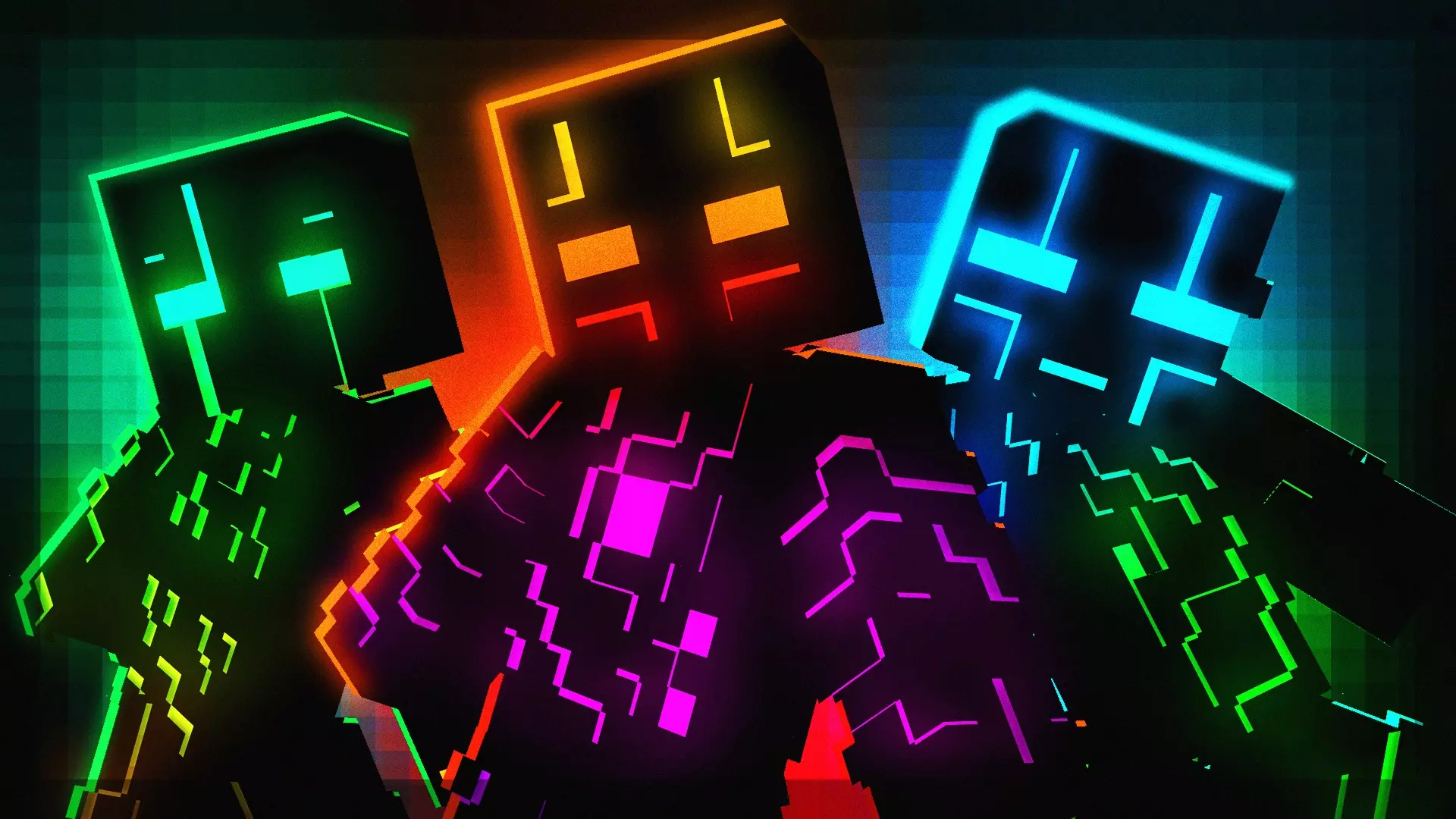
Neon Cyber Glow - Skin Pack is for players who want their character to look like they stepped out of a futuristic city and straight into a Minecraft Bedrock world. The whole theme is “Cyber Glow crew,” which basically means loud colors, high-tech style, and a clean neon vibe that pops while you’re moving. If you’re bored of the usual plain outfits or “basic adventurer” skins, this is the kind of pack that instantly makes your character feel fresh, like you’re the main character in a sci-fi server trailer.
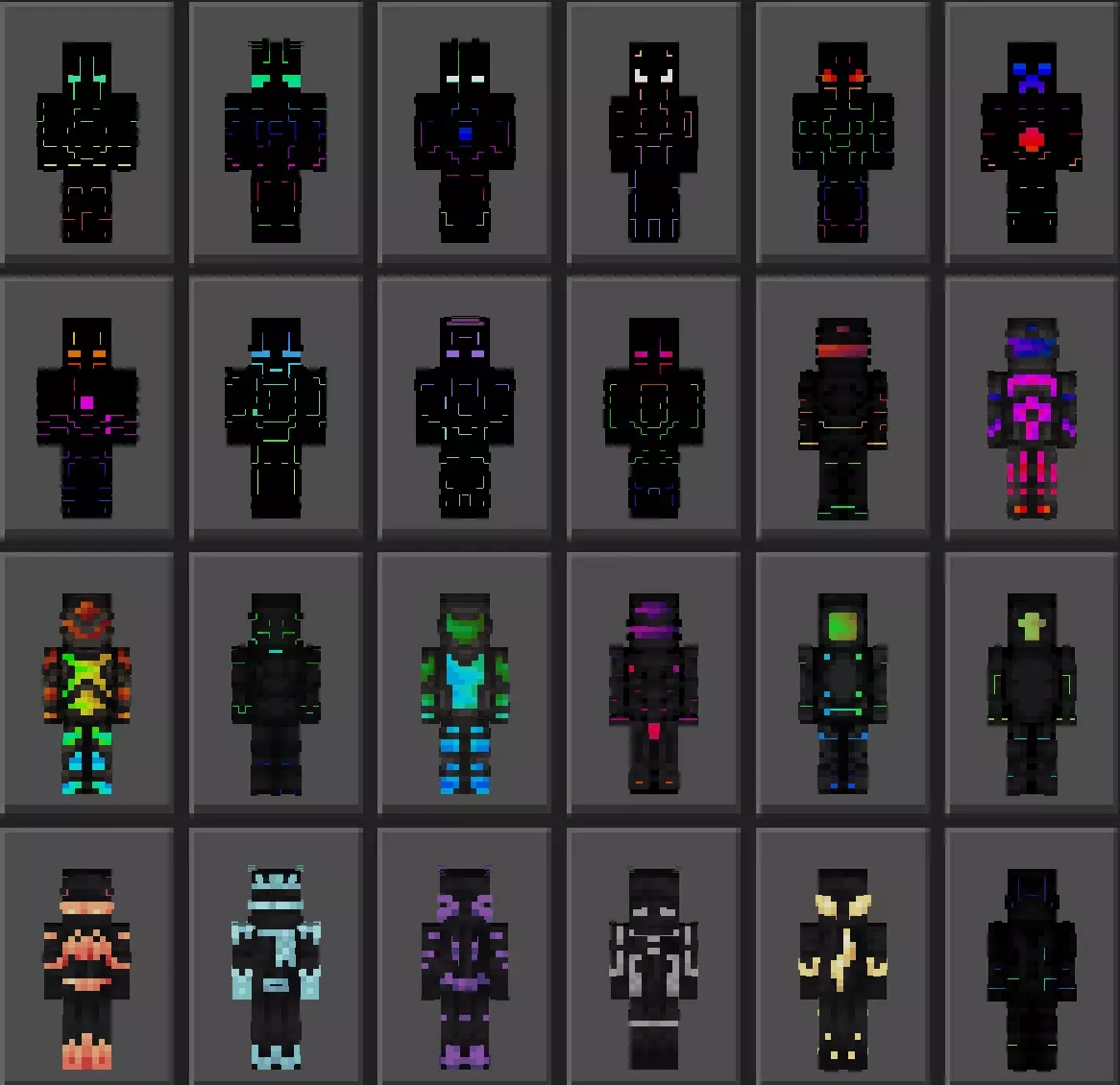
These skins fit especially well with gameplay that’s fast and chaotic. Think exploring caves at full sprint, running minigames, flying around builds, or just grinding resources while listening to music. Bright neon designs are easy to see, so in multiplayer it’s also harder for you to get lost in the crowd. If you’re playing with friends, it’s fun because everyone can pick a different look but still match the same futuristic crew theme, like you’re a squad that actually planned outfits instead of spawning in randomly.
In survival, the cyber glow style is a mood shift more than anything. Your base can be a normal cabin and you’ll still look like you belong in a neon skyline. Or you can lean into it and build around the skin vibe—glass, lights, clean lines, underground labs, beacon towers, or anything that looks “techy.” Even without adding any new features, just wearing a futuristic skin changes how your world feels, especially at night when your surroundings already have that darker, more cinematic look.
Quick practical tip: bright skins draw attention. If you’re on a PvP server or a world where sneaking matters, you’re basically choosing visibility over stealth. But if your goal is style, identity, and that futuristic hero energy, Neon Cyber Glow - Skin Pack does exactly what it promises—colorful cyber looks that make you stand out and feel like part of a glowing crew in Minecraft Bedrock.
How to Install Skins in Minecraft Bedrock
- Download a .png skin (64×64 or 128×128).
- Open Minecraft Bedrock.
- Go to Profile (hanger icon) → Edit Character.
- Tap Owned → Import → Choose New Skin.
- Select your .png file.
- Pick a model: Classic (Steve) or Slim (Alex).
- Confirm to equip and play.
Comments (0)