Ninja Turtles Skin Pack
- 11-01-2026, 07:53
- 639
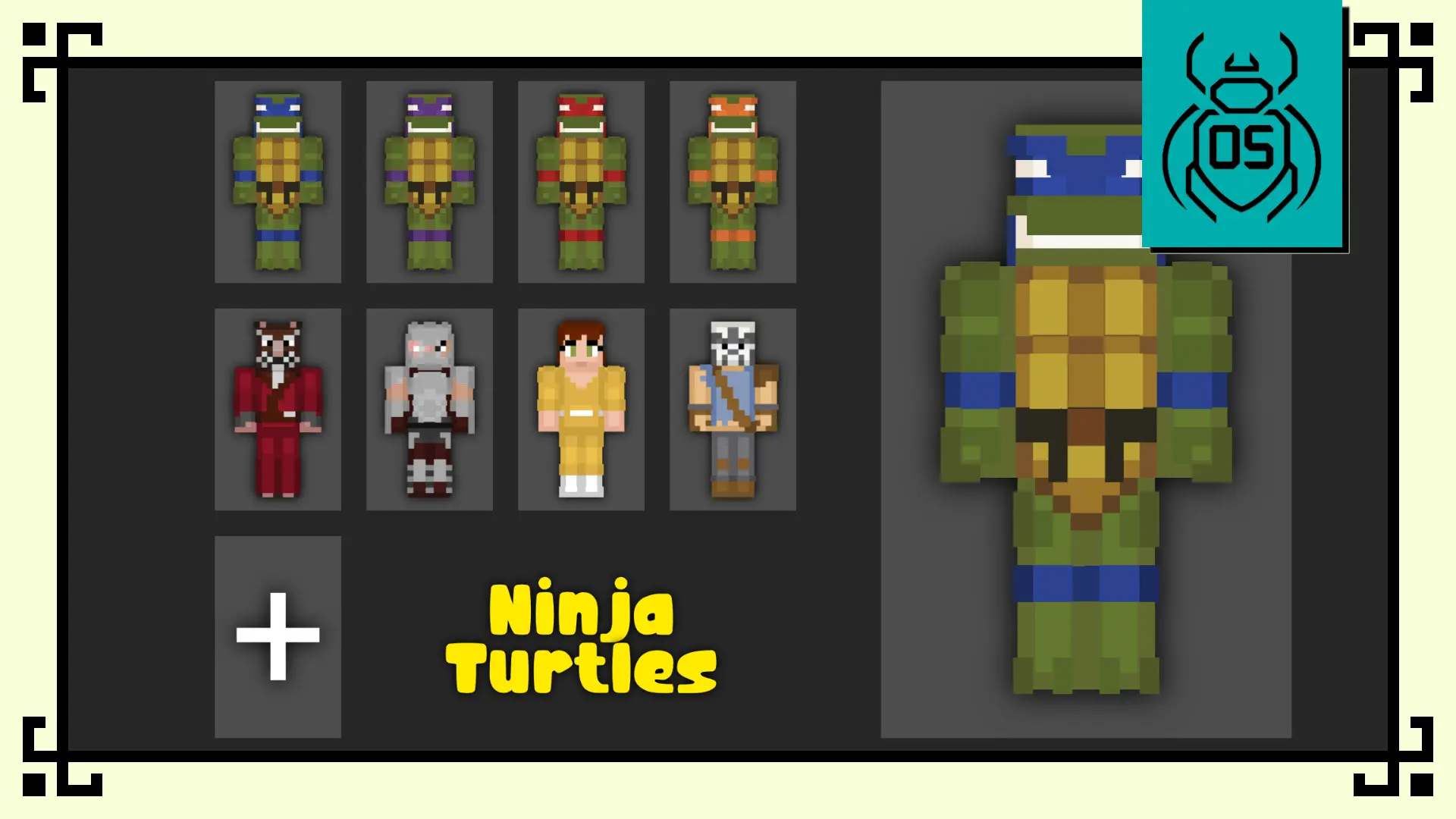
Ninja Turtles Skin Packs is one of those packs that instantly feels like a squad. The Funko-inspired style keeps the characters clean and readable, so even when you’re sprinting across rooftops, dodging mobs in alleys, or fighting in cramped tunnels, you still look like who you’re supposed to be. It’s that collectible vibe—big personality, simple shapes, and recognizable details—without turning the skin into a cluttered mess.
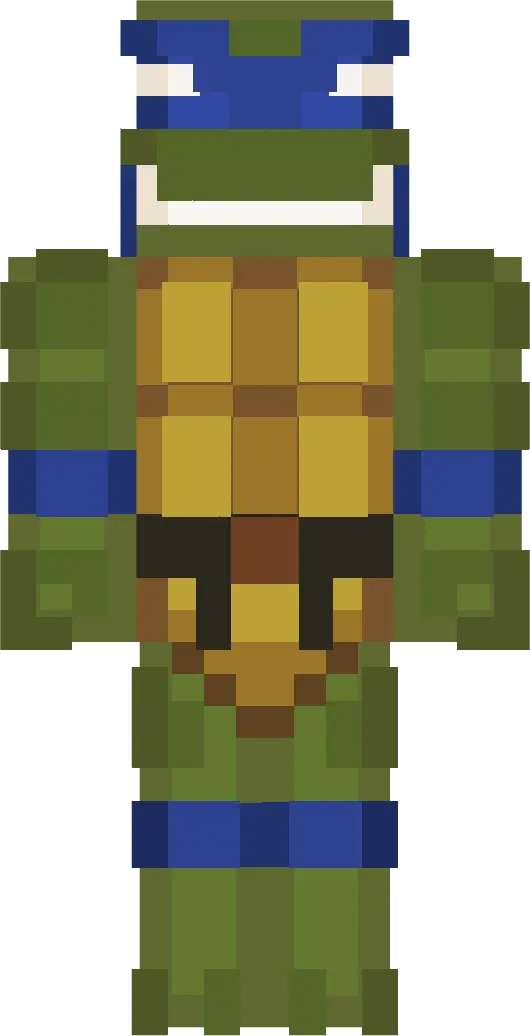
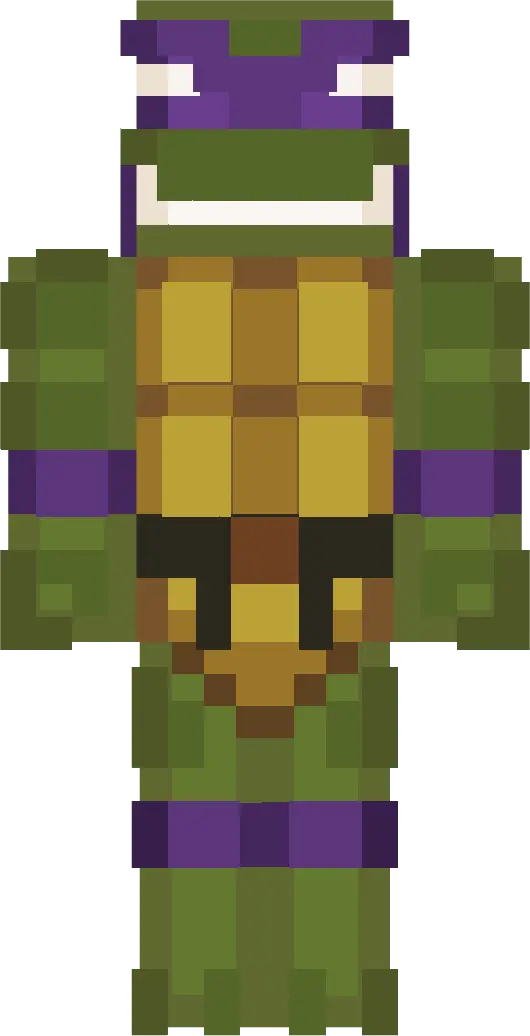
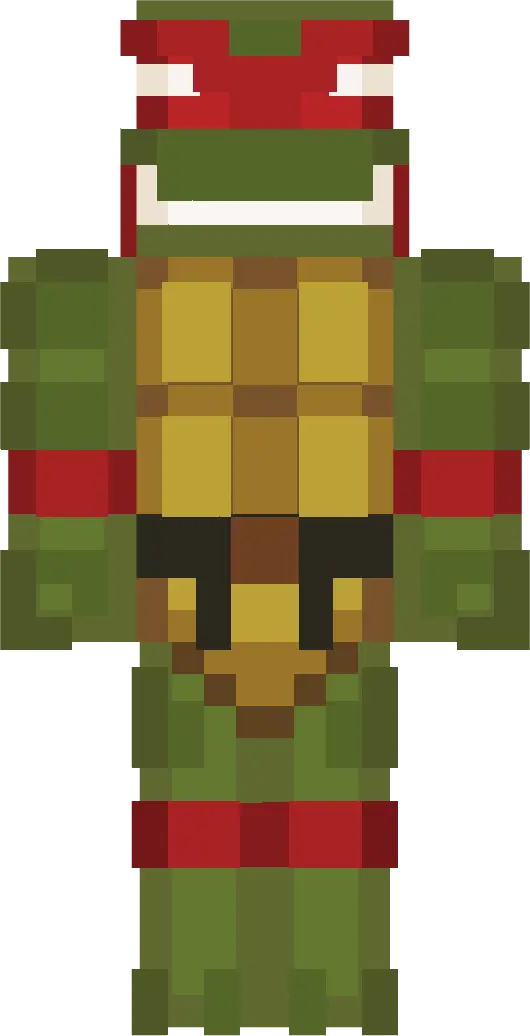
The four turtles cover basically every multiplayer personality type. Leo is the calm leader pick, perfect if you’re the person who actually makes a plan before everyone runs off and dies. Donnie fits builders and redstone brains, the player who’s always “wait, I can fix this” while everyone else panics. Raph is for the aggressive survival player who dives into fights first and asks later, especially when the night gets messy. Mikey is pure good energy—playful, pizza-loving chaos—great for parkour maps, minigames, or any session where you’re mostly here to vibe and mess around.
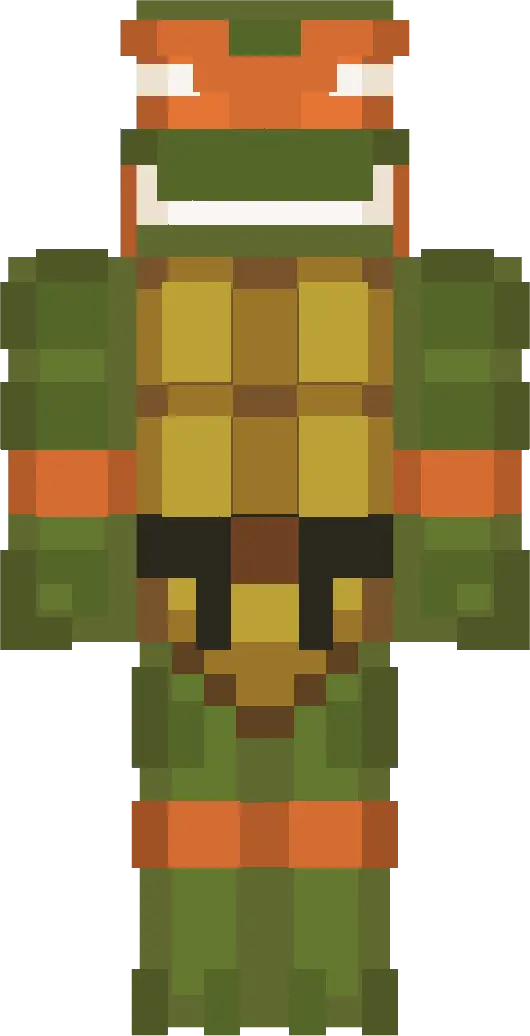
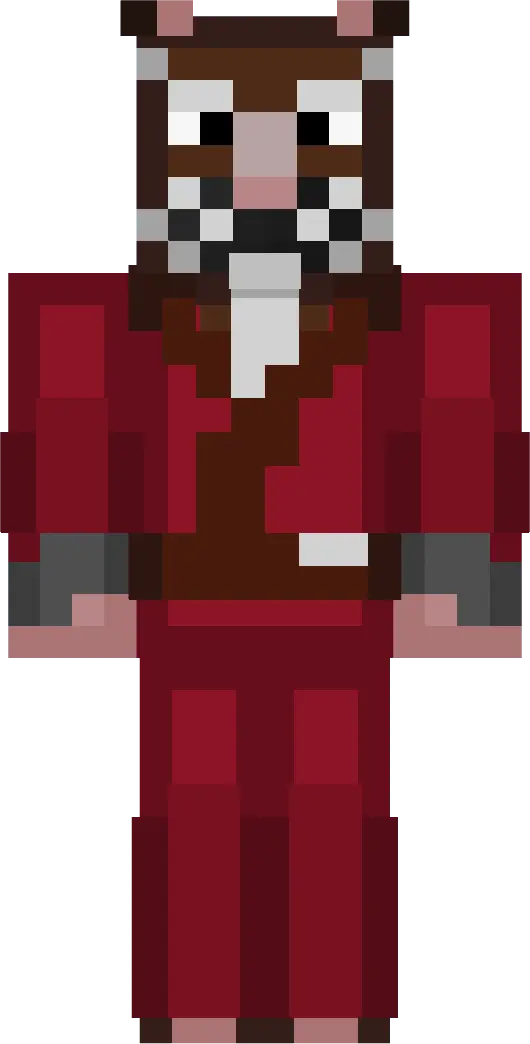
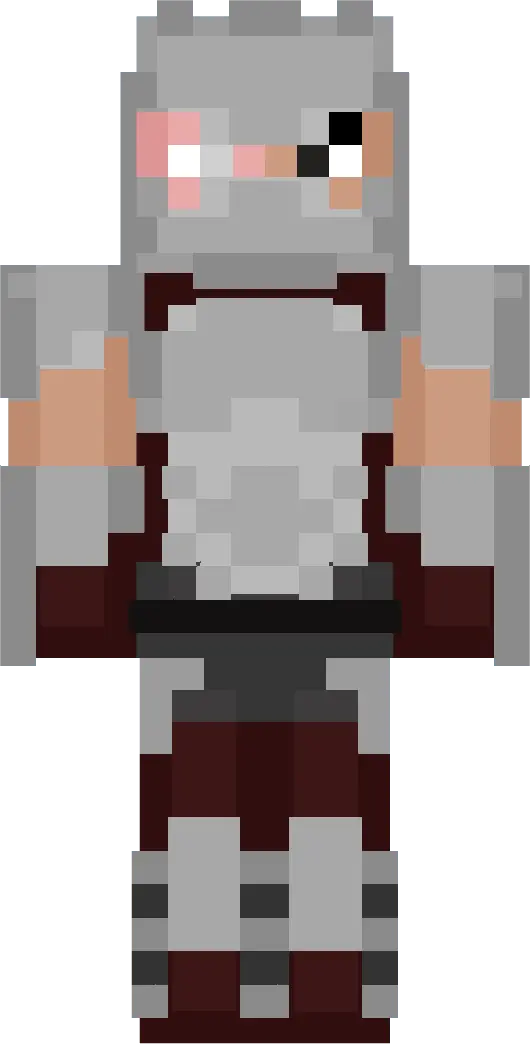
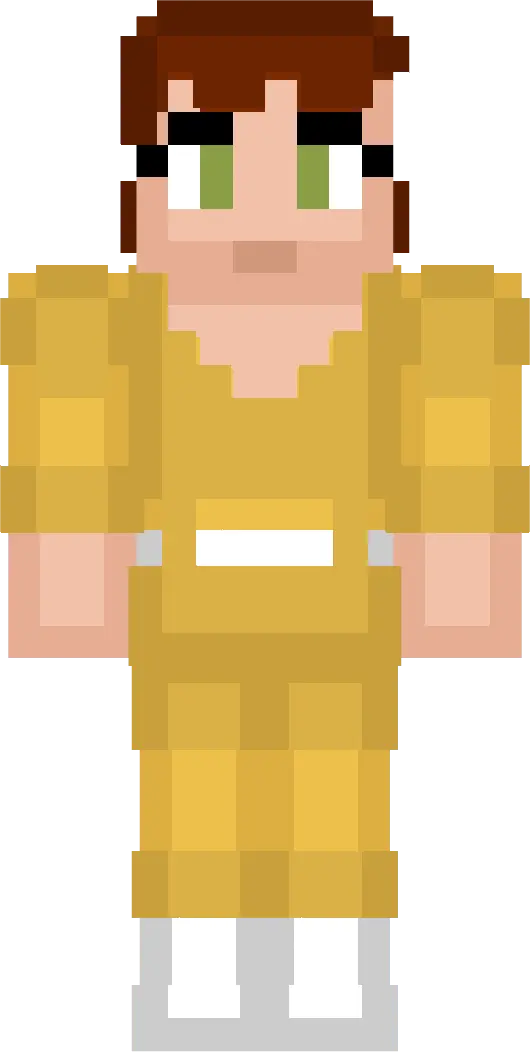
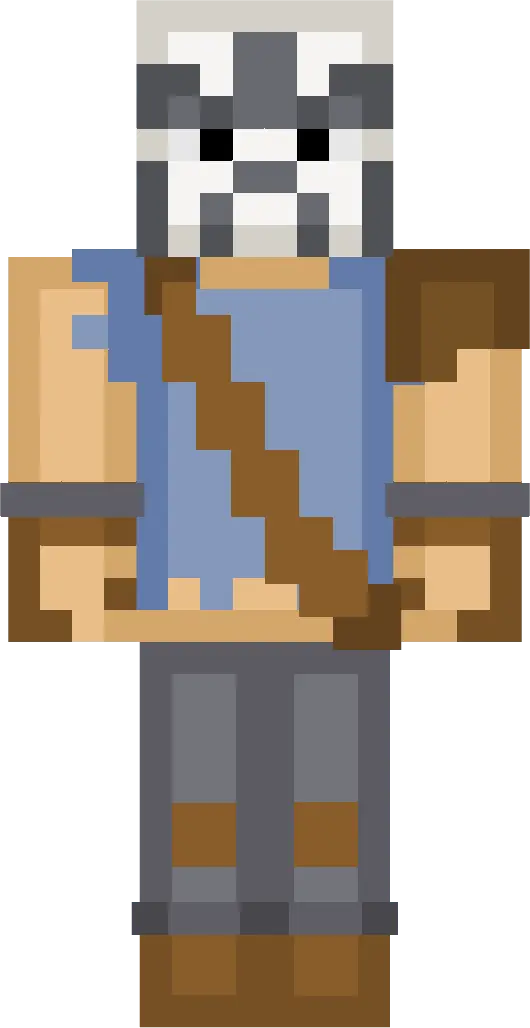
Then the pack fills out the world with the classic supporting cast. Master Splinter is the mentor skin that feels right when you’re running a base, teaching friends, or doing more chill survival progress. The Shredder is the villain skin that hits hard in PvP, mob battles, or roleplay stories—sharp armor, dark presence, and instantly intimidating without needing extra effects. April O’Neil is a fun pick for city builds and roleplay servers since she’s described as confident and recognizable, the kind of skin that feels like it belongs in a busy world. Casey Jones brings that masked street-vigilante vibe, which is perfect for night patrol roleplay, underground bases, or just being the chaotic wildcard teammate who shows up swinging.
In Minecraft Bedrock survival, this pack is especially fun because you can actually roleplay the “team” vibe naturally. Split up tasks like you’re running missions—one player scouting, one building, one farming, one looting—and it just feels right. And in multiplayer screenshots, the Funko Box proportions make the crew look consistent together, like a real set instead of random skins thrown in a group.
If you want a clean, recognizable, group-ready set of 8 characters that works in survival and city-themed adventures, Ninja Turtles Skin Packs is an easy go-to for Minecraft Bedrock.
How to Install Skins in Minecraft Bedrock
- Download a .png skin (64×64 or 128×128).
- Open Minecraft Bedrock.
- Go to Profile (hanger icon) → Edit Character.
- Tap Owned → Import → Choose New Skin.
- Select your .png file.
- Pick a model: Classic (Steve) or Slim (Alex).
- Confirm to equip and play.
Comments (0)