The Jingle Jamboree Skin Pack
- 11-01-2026, 09:00
- 700
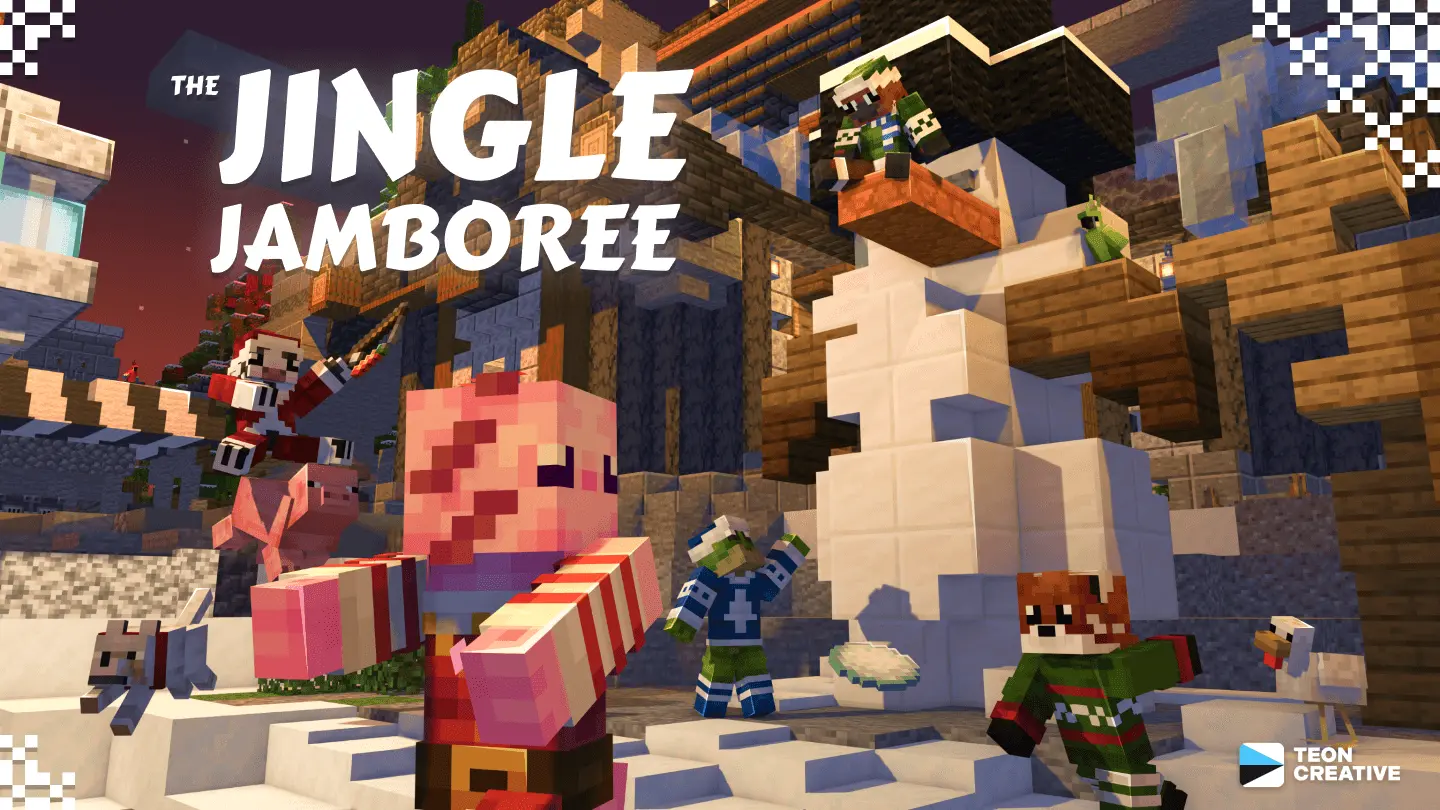
The Jingle Jamboree Skin Pack is pure “we’re here to celebrate” energy. It’s not a giant bundle with a million random outfits—just five cute critters that all fit the same party vibe, so it feels coordinated the second your friend group picks their favorites. The theme is simple: big cheers, New Year magic, and that kind of wholesome chaos where everyone’s running around the world acting like it’s a festival even if you’re just collecting wood and arguing about where the base should go.
Each skin is basically a different flavor of party animal. Party Axolotl is the perfect pick if you like being the chaotic-fun one in the group, because axolotls already have that goofy charm. Party Cow is classic and chill, the skin you wear when you’re the “let’s build something cozy” player but still want to match the celebration. Party Frog feels like the playful troublemaker option, especially for hopping around villages or doing parkour on rooftops. Party Platypus is for the friend who always wants the weirdest, most unexpected character—like, you show up wearing it and everyone instantly goes “okay, that’s actually hilarious.” And Party Red Panda is the cute-but-confident choice, the one that looks good in screenshots whether you’re in a snowy biome, a lantern-lit town, or a crowded server hub.

In survival, these skins are perfect for seasonal sessions: building a little holiday town, setting up a party house, decorating a spawn area, or just running around doing normal Minecraft Bedrock gameplay while looking like you’re ready to pop confetti at any second. They also slap for multiplayer because you can tell people apart fast—five distinct animals is way easier to track than five similar “human in sweater” skins, especially during PvP minigames or chaotic group mining trips.
Since The Jingle Jamboree Skin Pack is only five skins, it’s easy to treat it like a mini squad set. Everyone grabs one, you’re instantly themed, and your world starts feeling like a New Year event even if you didn’t change anything else. If you want cute critters plus party vibes without overcomplicating it, The Jingle Jamboree Skin Pack nails the assignment.
How to Install Skins in Minecraft Bedrock
- Download a .png skin (64×64 or 128×128).
- Open Minecraft Bedrock.
- Go to Profile (hanger icon) → Edit Character.
- Tap Owned → Import → Choose New Skin.
- Select your .png file.
- Pick a model: Classic (Steve) or Slim (Alex).
- Confirm to equip and play.
Comments (0)