Zombie Skin
- 22-01-2026, 23:47
- 744
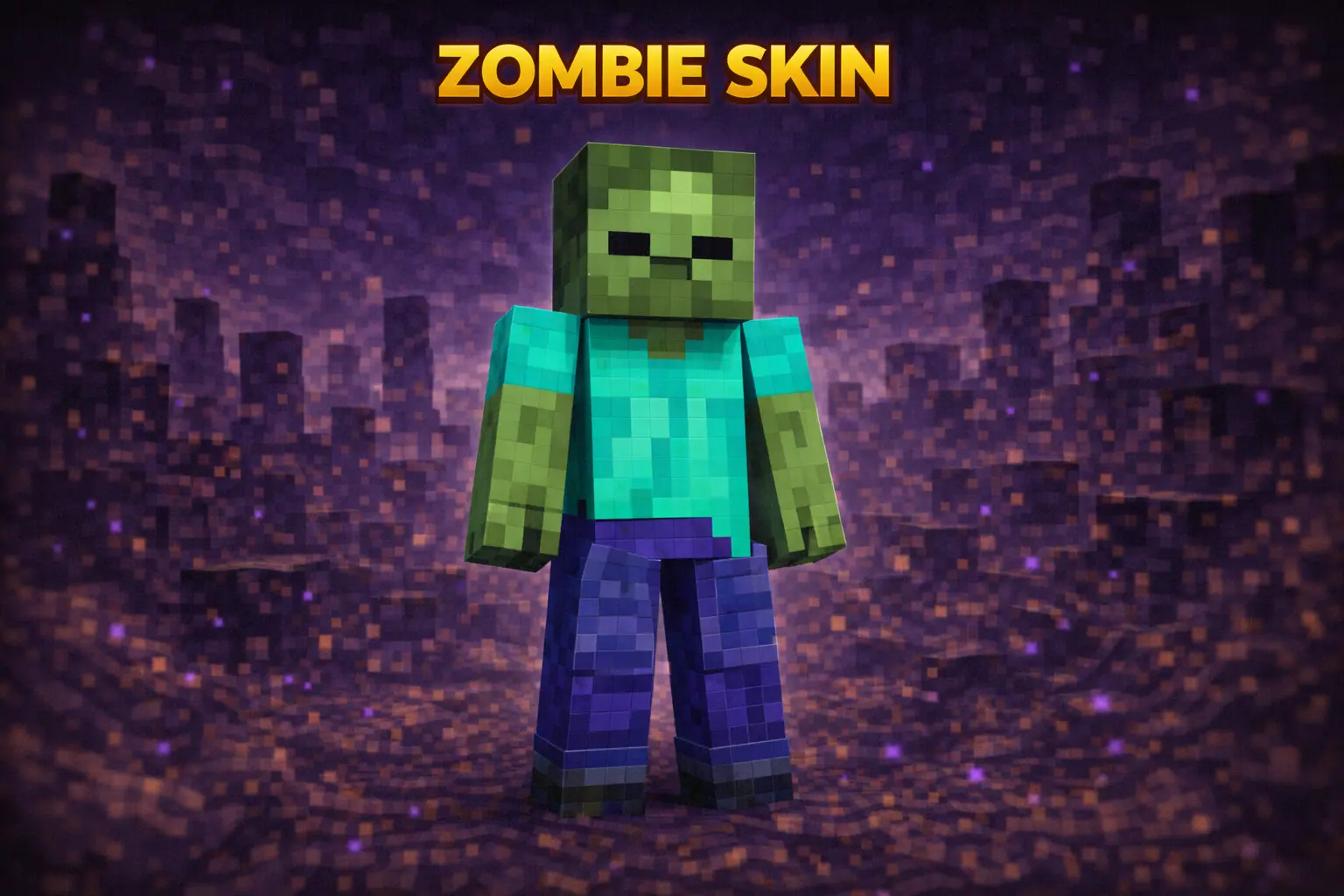
Zombie Skin is as classic as it gets. It’s the straight-up vanilla zombie vibe—green skin, undead look, instantly recognizable from across a lobby. If you like skins that don’t need extra gimmicks to be cool, this one hits because everyone knows what it is the second they see it.
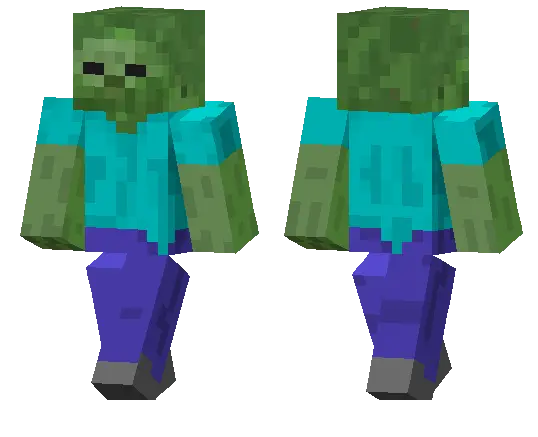
On multiplayer servers, Zombie Skin is great for simple trolling and roleplay moments. You can blend into dark areas, jump out of a cave while your friends are mining, or just stand near a village at night and make people do a quick “wait… is that a mob?� double-take. It’s also a fun pick for minigames or survival sessions where you want that spooky vibe without going full costume pack.
In survival, Zombie Skin fits literally anywhere. It doesn’t clash with builds, it looks fine in any biome, and it still reads clearly even when you’re wearing armor. If you want an easy, iconic skin that feels like pure Minecraft energy, Zombie Skin is a solid go-to.
How to Install Skins in Minecraft Bedrock
- Download a .png skin (64×64 or 128×128).
- Open Minecraft Bedrock.
- Go to Profile (hanger icon) → Edit Character.
- Tap Owned → Import → Choose New Skin.
- Select your .png file.
- Pick a model: Classic (Steve) or Slim (Alex).
- Confirm to equip and play.
Comments (0)