ZooLand Skin Pack
- 11-02-2026, 14:54
- 488
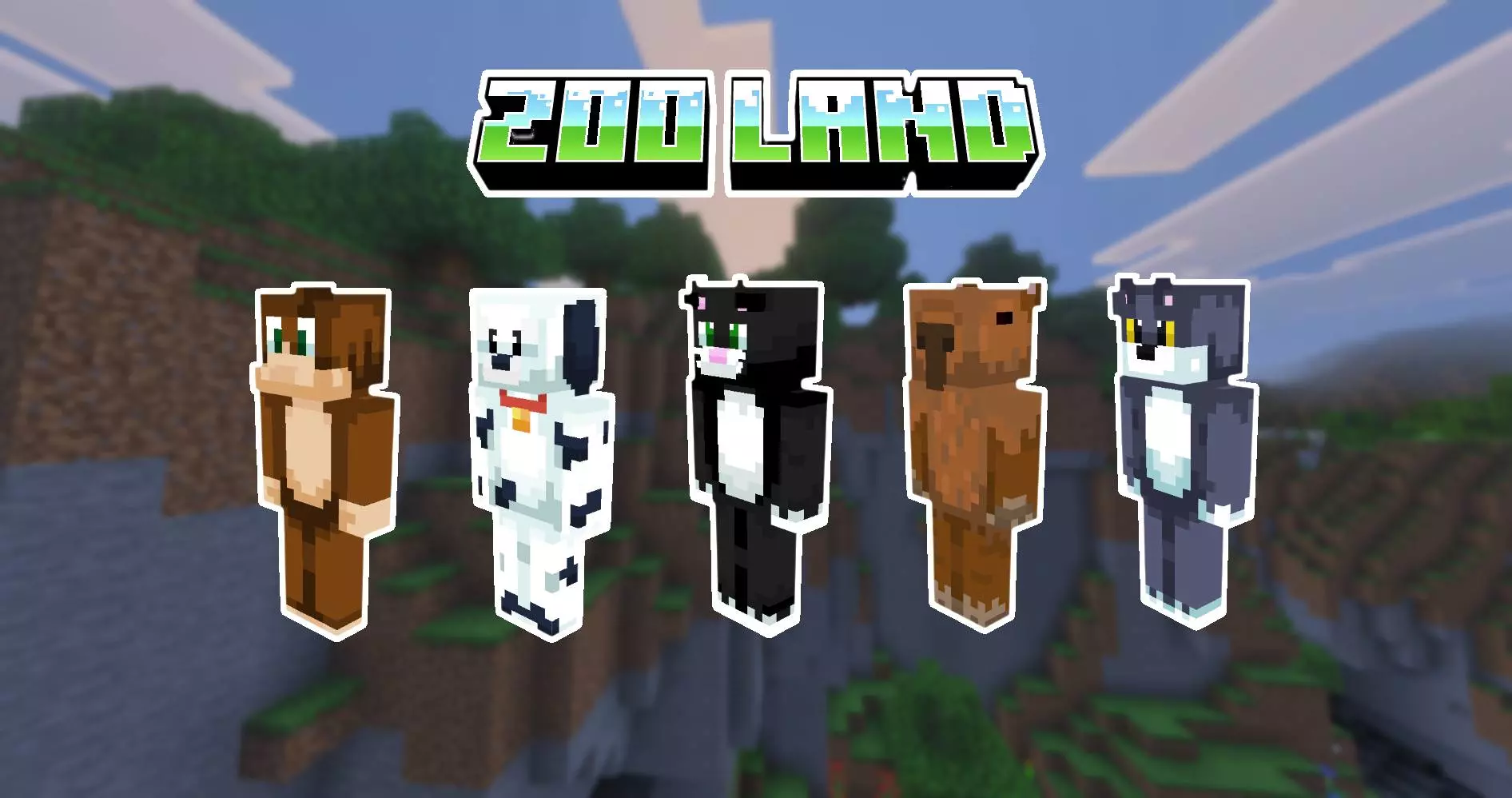
ZooLand Skin Pack is built around the idea of a pumped-up squad of beast-style characters, like a wild menagerie that escaped and decided to run the server. The description ties it directly to The Hive vibe, so this pack is clearly aimed at mini-game players who care about looking like a team, not just a random skin you grabbed once and forgot. It’s less “cute animals� and more “legendary beasts ready for challenges,� which is perfect if you want your character to feel competitive and hyped.
In mini-games, style matters more than people admit. When you load into a lobby wearing a bold beast-themed skin, you instantly look like you belong there. ZooLand Skin Pack is meant for that “we’re here to win� vibe—especially if you play with friends and want everyone to match a theme without all wearing the exact same thing. Even if you’re solo, a beast skin makes you stand out in the crowd and gives your character a clear identity, which is honestly half the fun on Bedrock servers.


The best way to use ZooLand Skin Pack is to treat it like a team uniform. Pick a main beast look for your competitive sessions so people start recognizing you, then swap skins when you switch modes—one for PvP-heavy games, one for movement games, one for pure chaos matches. It also makes clips and screenshots look cleaner because your character has a consistent vibe instead of changing every day.
Practical tip: if you’re grinding mini-games, stick with one ZooLand skin long enough that it becomes “your� look, then keep a second one as the backup when you want a fresh reset after a bad streak. ZooLand Skin Pack is basically for players who want that wild, legendary-team energy in Minecraft Bedrock and a skin style that fits right into The Hive’s fast, competitive mini-game scene.
How to Install Skins in Minecraft Bedrock
- Download a .png skin (64×64 or 128×128).
- Open Minecraft Bedrock.
- Go to Profile (hanger icon) → Edit Character.
- Tap Owned → Import → Choose New Skin.
- Select your .png file.
- Pick a model: Classic (Steve) or Slim (Alex).
- Confirm to equip and play.
Comments (0)