Cyber Phantoms Skin Pack
- 9-06-2026, 12:17
- 1 076
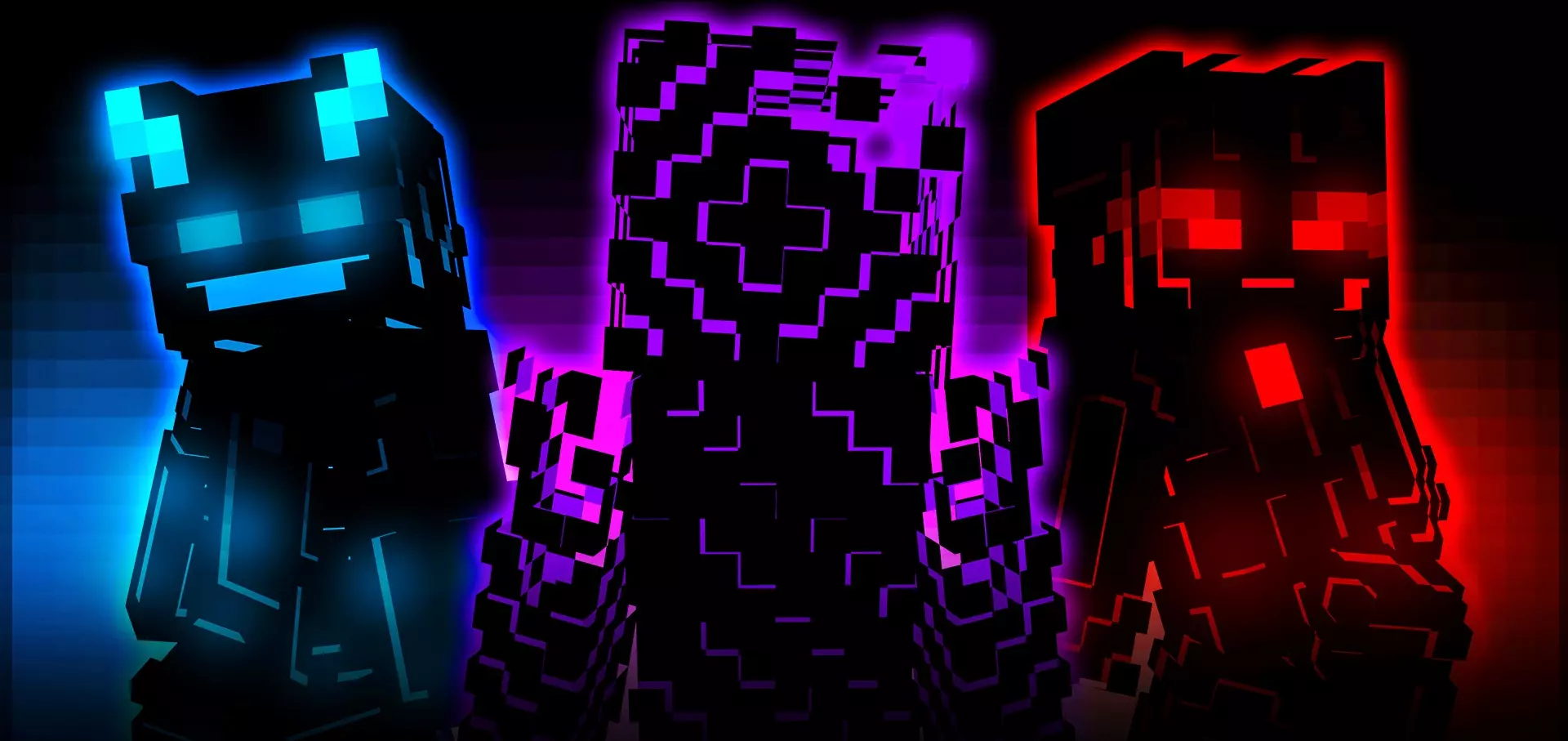
Cyber Phantoms Skin Pack is all about bright neon energy and that futuristic “high-tech” vibe. You’re getting eight cyber-themed skins, so it’s not just one look you wear forever—it’s a whole set you can rotate depending on your mood or the world you’re playing. If you like skins that look clean, colorful, and loud in the best way, this pack is designed to stand out.
In regular survival, neon skins hit different at night and in caves. Your character looks like they belong in a sci-fi base or a city build with glowing accents, and screenshots instantly look more stylized without you doing anything extra. If you build with dark blocks, glass, or modern designs, a cyber skin fits perfectly because it matches that “tech base” feel. Even if you’re playing a normal world, the contrast is fun—running around farmland in a neon suit feels like you’re a futuristic visitor in a classic survival story.

Where Cyber Phantoms Skin Pack really shines is multiplayer. In a busy lobby, neon colors help you get recognized fast. If you play mini-games, it also gives you that confident “I didn’t show up to be invisible” vibe. Plus, with eight skins, your friend group can coordinate like a squad—everyone picks a different cyber phantom look, and you still match as a team without being clones.
Practical tip: pick one Cyber Phantoms skin as your signature for competitive sessions so people start associating that look with you, then keep a couple alternates for when you want a fresh reset after a long grind. Cyber Phantoms Skin Pack is a solid choice if you want Minecraft Bedrock skins that feel futuristic, neon, and impossible to miss.
How to Install Skins in Minecraft Bedrock
- Download a .png skin (64×64 or 128×128).
- Open Minecraft Bedrock.
- Go to Profile (hanger icon) → Edit Character.
- Tap Owned → Import → Choose New Skin.
- Select your .png file.
- Pick a model: Classic (Steve) or Slim (Alex).
- Confirm to equip and play.
Comments (0)