MemePack 2 Skin Pack
- 12-02-2026, 19:17
- 1 201
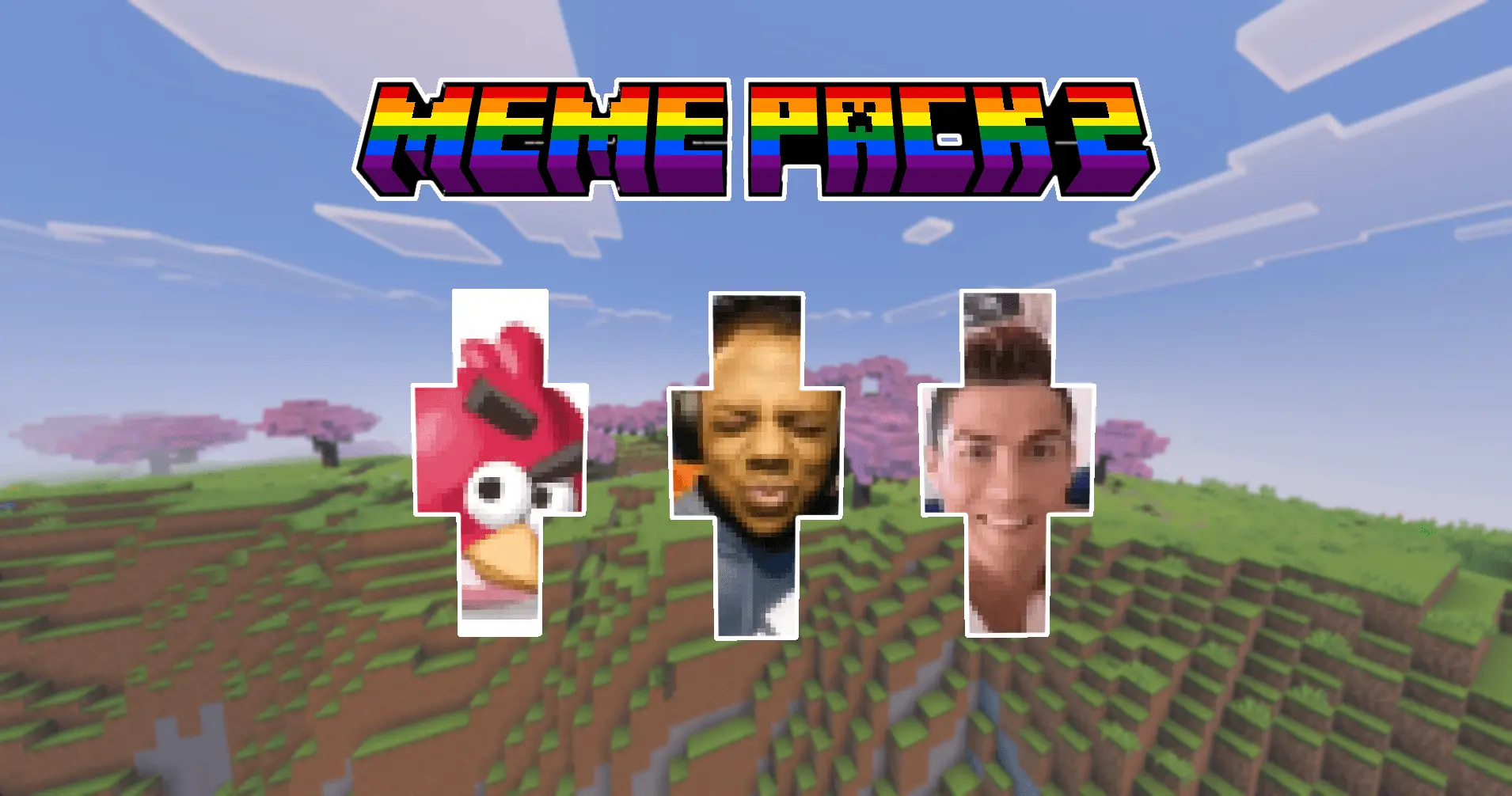
MemePack 2 Skin Pack is basically for players who don’t want their server sessions to feel calm or normal. The whole idea is simple: take the loudest, dumbest, most instantly recognizable meme energy and turn it into skins you can wear. It’s not trying to be stylish in the traditional way—it’s trying to be the thing that makes your friends laugh the second you load in.
In-game, this pack hits hardest in multiplayer, because memes only get funnier when other people are there to react. You join the lobby, someone spots your skin, and the whole vibe shifts from “let’s play quietly” to “okay, we’re doing this.” It’s perfect for mini-game nights, casual survival worlds, or any server where people talk trash in chat and don’t take themselves too seriously. Even basic stuff like running to the farm or showing up at someone’s base feels like a bit when you’re wearing a meme.


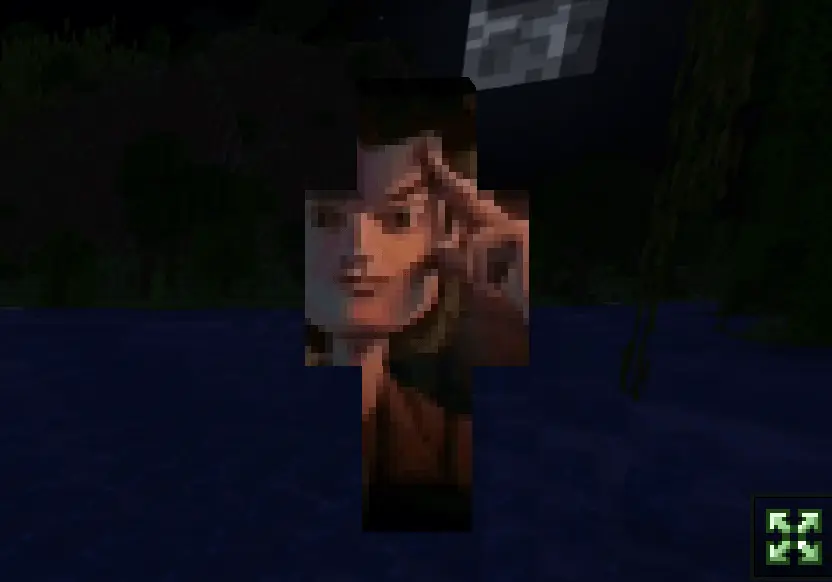

The best way to use MemePack 2 Skin Pack is to treat it like a comedy toolkit. Pick a skin that matches the mood of the session—something goofy for chill building, something unhinged for PvP nights, something iconic when you want everyone to instantly recognize what you’re going for. If you’re playing with a friend group, rotating skins between rounds keeps it fresh and stops the joke from getting stale. It’s also hilarious for screenshots, because every “normal” moment looks ridiculous when your character is walking around like a walking punchline.
One small tip: if your crew is trying to do serious stuff like organizing storage or planning a big build, MemePack 2 Skin Pack can derail focus fast in the best and worst ways. Save the most chaotic skins for the moments you actually want the session to turn into a comedy show. MemePack 2 Skin Pack is pure, concentrated absurdity, and it’s at its best when you lean into that instead of pretending it’s “tactical.”
How to Install Skins in Minecraft Bedrock
- Download a .png skin (64×64 or 128×128).
- Open Minecraft Bedrock.
- Go to Profile (hanger icon) → Edit Character.
- Tap Owned → Import → Choose New Skin.
- Select your .png file.
- Pick a model: Classic (Steve) or Slim (Alex).
- Confirm to equip and play.
Comments (0)