Fallout: Far-Wastelands Chronicles Skin Pack
- 22-02-2026, 20:48
- 381
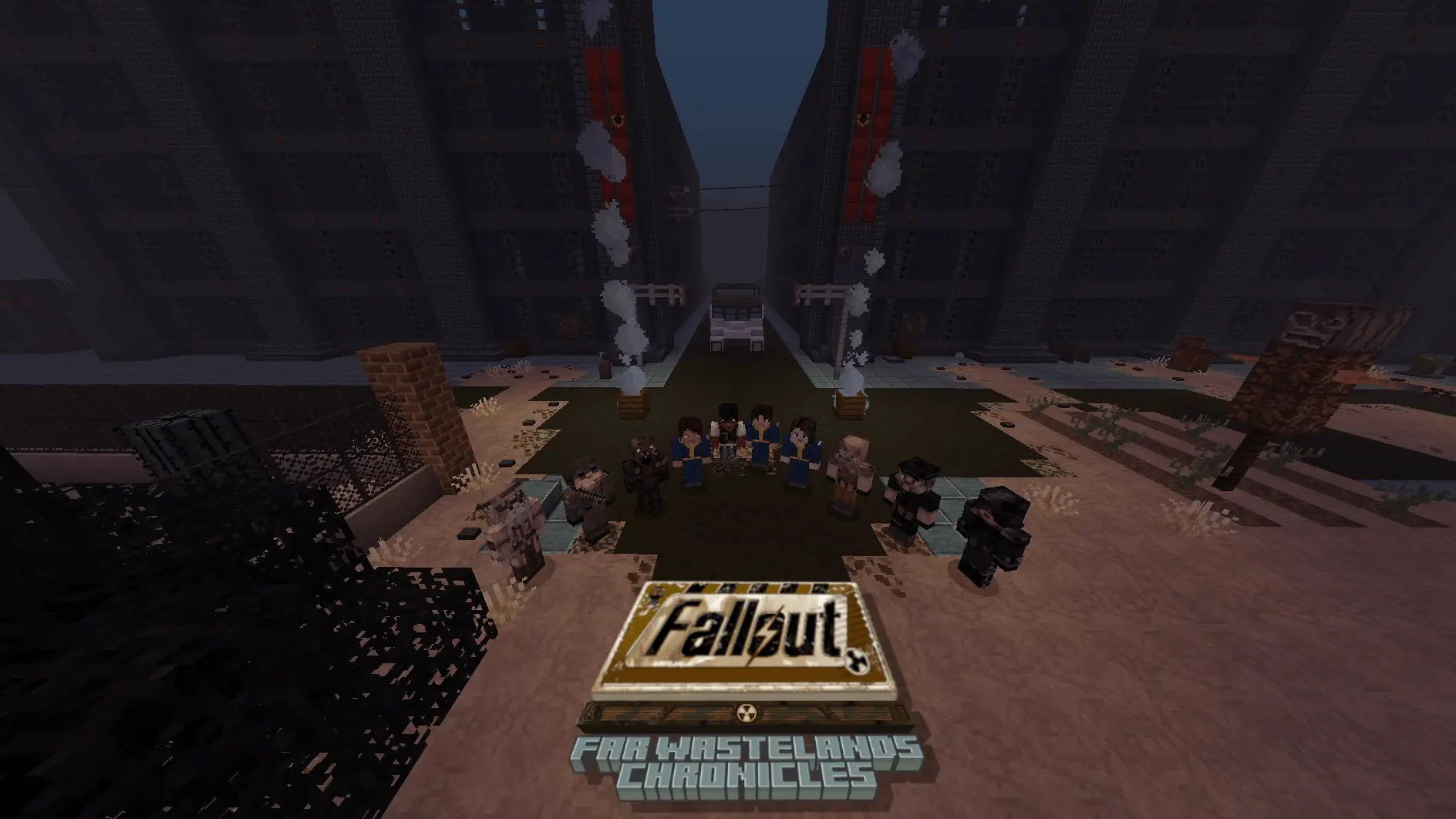
Fallout: Far-Wastelands Chronicles Skin Pack is made as a love letter to the classic Fallout scene, especially the communities and teams that keep Fallout 2 feeling fresh through total conversion mods. The description frames it around Fallout’s anniversary being near and uses that as the reason to spotlight the fan projects that have kept the “classic Fallout” vibe alive for years. So instead of being a general “Vault Boy and power armor” pack, it’s aimed at the deeper-cut Fallout fan who actually recognizes those mod worlds and their characters.
The pack’s focus is recreations of some of the talking heads and unique sprites from several Fallout 2 total conversions. It specifically calls out Fallout: Resurrection, Fallout: Nevada, Fallout: Sonora, Fallout: Mutants Rising, and Fallout: Yesterday. That’s a pretty specific lineup, and it gives the skin pack a clear identity: it’s not just inspired by Fallout, it’s inspired by the fan-made Fallout universes that grew out of Fallout 2 modding.
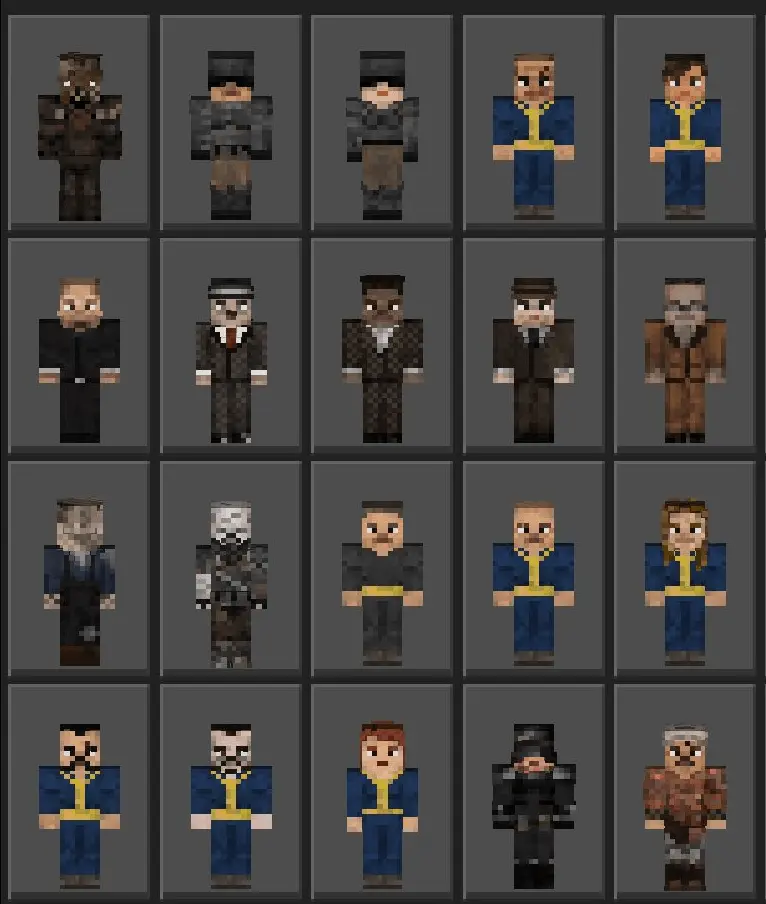
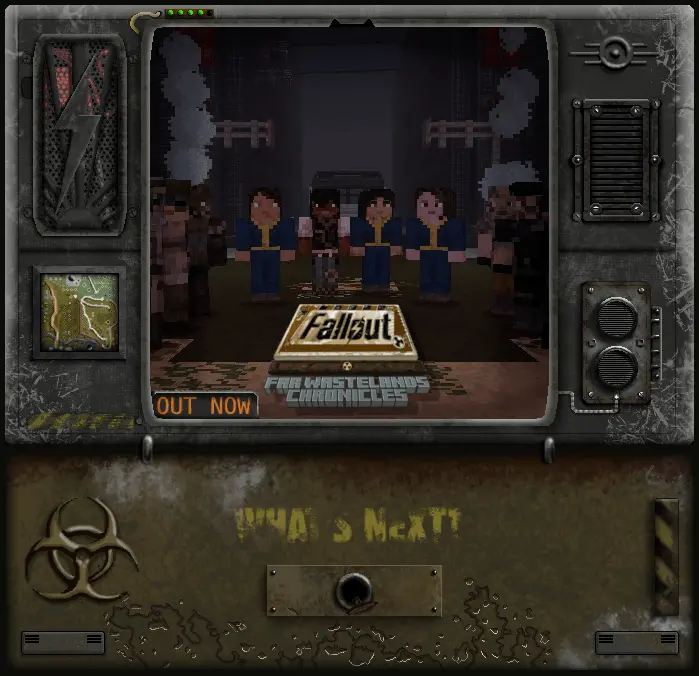
In Minecraft Bedrock, a themed skin pack like this works best as a “roleplay amplifier.” Even if you’re just doing normal survival, the second you and your friends load in wearing Fallout-styled character recreations, the whole session starts feeling like a wasteland story. It’s especially good if you’re pairing it with a post-apocalyptic map or a ruined-city build, because those classic Fallout sprite vibes match gritty environments really well. You can run trader caravans, faction patrols, scavenging trips, or even simple PvP rounds that feel like skirmishes over supplies.
Practical tip: if you’re using Fallout: Far-Wastelands Chronicles Skin Pack with a group, pick skins with distinct silhouettes so everyone is easy to recognize at a glance. Then set a simple “wasteland ruleset” for the session—limited gear, scavenger style, or base raids—to make the skins feel like more than cosmetics. Fallout: Far-Wastelands Chronicles Skin Pack is basically for classic Fallout fans who want to wear the legacy of Fallout 2 total conversion mods inside Minecraft and turn any world into a little tribute to that scene.
How to Install Skins in Minecraft Bedrock
- Download a .png skin (64×64 or 128×128).
- Open Minecraft Bedrock.
- Go to Profile (hanger icon) → Edit Character.
- Tap Owned → Import → Choose New Skin.
- Select your .png file.
- Pick a model: Classic (Steve) or Slim (Alex).
- Confirm to equip and play.
Comments (0)