Ultimate Camouflage Skin Pack
- 24-02-2026, 09:02
- 624
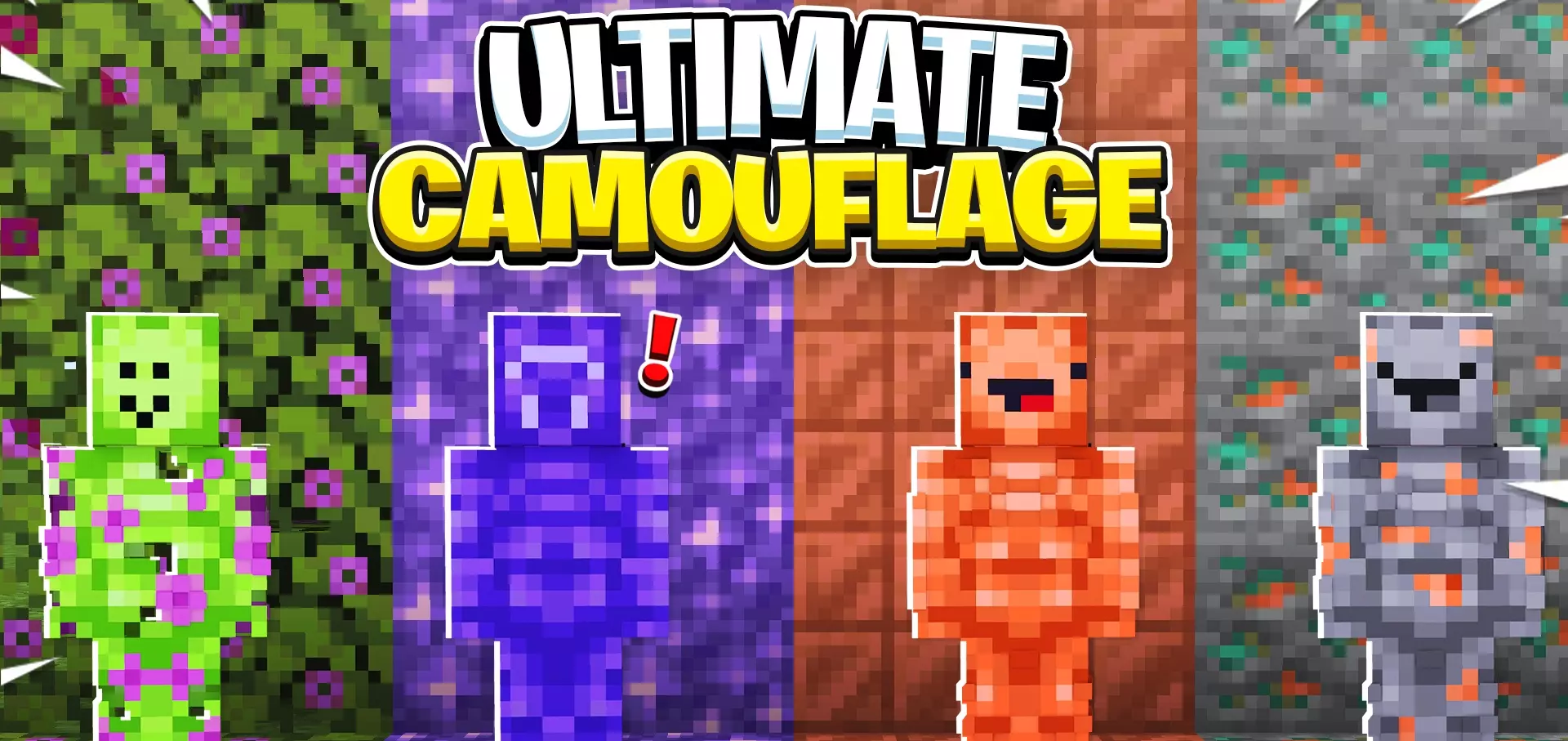
Ultimate Camouflage Skin Pack is a skin pack focused on one clear theme: camouflage. From the provided description, the main idea is simple and easy to use in any world setup, with 8 camouflage skins designed to help you look more unnoticed. It’s a cosmetic style pack, so the value here is all about the visual vibe and how your character looks while you play.
What makes Ultimate Camouflage Skin Pack fun in actual gameplay is how easy it is to fit into different types of sessions without changing mechanics. If you play survival, co-op, or just hang out in shared worlds, a camouflage skin can give your character a more stealthy, tactical look while you’re doing normal stuff like exploring, building, or moving around at night. It also works really well for players who like roleplay moments, challenge runs, or mini-games where the look of your skin helps sell the mood, even if it doesn’t give any real gameplay advantage.
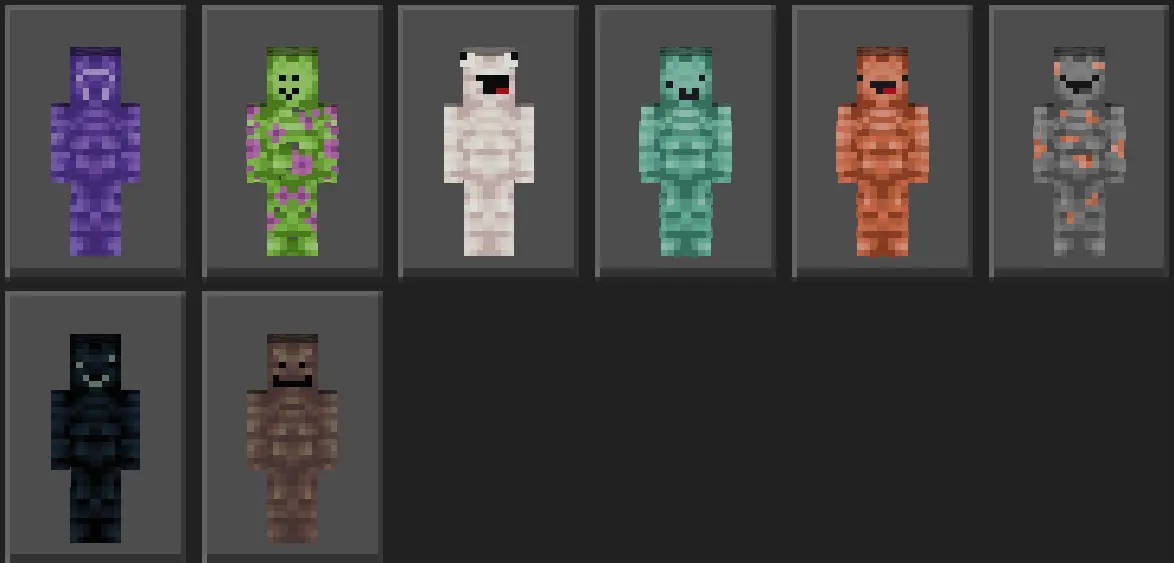
The “stay unnoticed everywhere� vibe in the description also makes Ultimate Camouflage Skin Pack a strong choice for players who enjoy hide-and-seek energy, sneaky movement, or just looking less flashy than bright skin packs. Sometimes you don’t want a loud character design standing out in every screenshot or every base scene. A camouflage-themed pack gives you a cleaner, more grounded style that can fit a lot of different world themes, especially if you like military-style builds, survival camps, or outdoor exploration setups.
A practical tip for Ultimate Camouflage Skin Pack is to try different skins from the set depending on the kind of world or build you’re playing in, since having 8 options gives you room to switch your look without leaving the same theme. Ultimate Camouflage Skin Pack sounds like a solid cosmetic pack for Minecraft Bedrock players who want a stealth-inspired skin collection that stays simple, useful, and easy to wear in everyday gameplay.
How to Install Skins in Minecraft Bedrock
- Download a .png skin (64×64 or 128×128).
- Open Minecraft Bedrock.
- Go to Profile (hanger icon) → Edit Character.
- Tap Owned → Import → Choose New Skin.
- Select your .png file.
- Pick a model: Classic (Steve) or Slim (Alex).
- Confirm to equip and play.
Comments (0)