Anime Stars - MCPower Skin Pack
- 1-06-2026, 02:25
- 719
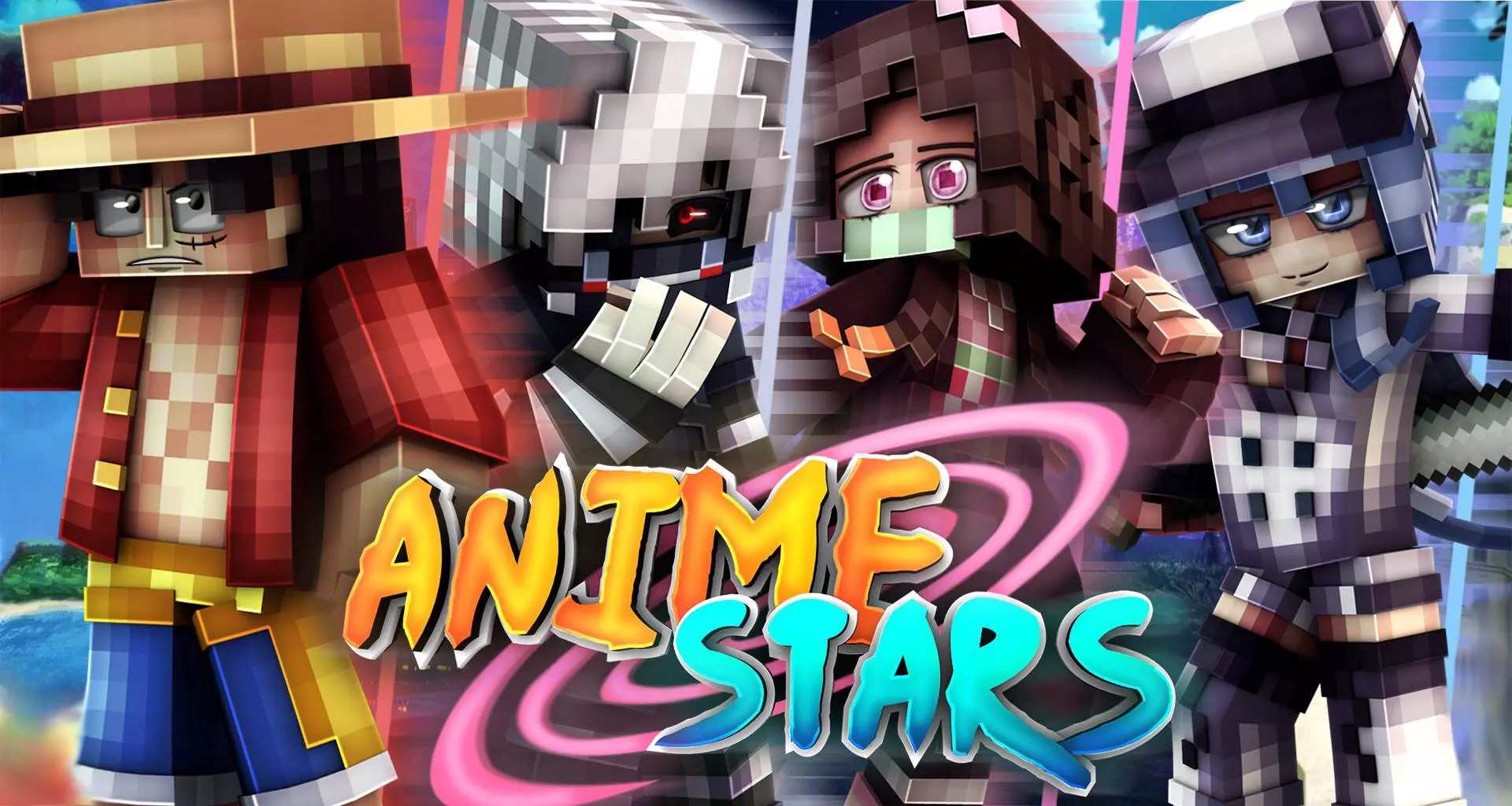
Anime Stars - MCPower Skin Pack will add 11 skins of popular anime characters to Minecraft Bedrock. Loading into a public Bedrock lobby looking like a generic default skin is the fastest way to get ignored by everyone in the queue. The Anime Stars MCPower Skin Pack solves that instantly by loading eleven iconic shonen legends straight into your dressing room.
Finding actually decent anime skins across Bedrock community hubs has always felt like panning for gold in a swamp. Most free uploads floating around the web are either ancient conversions with crooked eye lines or noisy textures where the creator cranked up random noise filters until every outfit looks like static television. When you jump into third-person perspective to admire your character, you end up staring at muddy colors and flat shading that completely misses the personality of the original animation. This collection takes a noticeably cleaner approach by respecting clean pixel geometry, giving each of the eleven featured anime protagonists sharp outlines, vibrant color palettes, and instantly recognizable costumes that do not dissolve into a messy blur at medium distance.

The roster delivers high-energy flair across the board, pulling heavy inspiration from legendary battle shonen franchises and superhero academy arcs. You can spot the signature hairstyles, hero costumes, and layered uniforms immediately, which makes popping onto an active survival realm or community server feel ten times cooler. What really makes these models hit during actual gameplay is the smart use of secondary skin layers. The jacket collars, headband wraps, and spiky bangs sit on the outer model jacket layer, creating actual visual depth rather than feeling like a painted cardboard box. When you pull back a bow or time a critical sprint-hit with an iron sword, the sleeves and gloves look polished directly from your first-person viewmodel.
Having eleven distinct characters inside one package also makes this a dream for friend groups who run together on Bedrock Edition. Instead of everybody rocking identical streetwear skins or arguing over who gets to wear the sole cool outfit in a mini-pack, your entire crew can assemble a complete anime squad with unique looks for every member. One buddy can rock an explosive firecracker aesthetic, another can slot into a disciplined hero uniform, and your scouts can flex sleek speedster outfits while sprinting across Nether highways. Plus, because the pack is built to support both classic thick-arm and slim three-pixel Alex models, competitive duelists can keep their screen borders unobstructed during sweaty PvP encounters without sacrificing style.
Importing everything takes practically zero effort since it comes packaged in a single mcpack archive that feeds straight into your profile manager. You click the file, confirm the import inside your client settings, and your owned skin roster permanently expands with eleven battle-ready anime favorites. These skins run fully compliant with standard vanilla player models, meaning you can take them into featured servers like Hive or Cubecraft without worrying about invisible limbs, server kicks, or broken geometry flags. If your locker has felt stale and you want to bring genuine main-character energy to your next multiplayer session, this bundle has all the drip you need.
How to Install Skins in Minecraft Bedrock
- Download a .png skin (64×64 or 128×128).
- Open Minecraft Bedrock.
- Go to Profile (hanger icon) → Edit Character.
- Tap Owned → Import → Choose New Skin.
- Select your .png file.
- Pick a model: Classic (Steve) or Slim (Alex).
- Confirm to equip and play.
Comments (0)