Anime Style Skin Pack
- 25-05-2026, 04:52
- 373
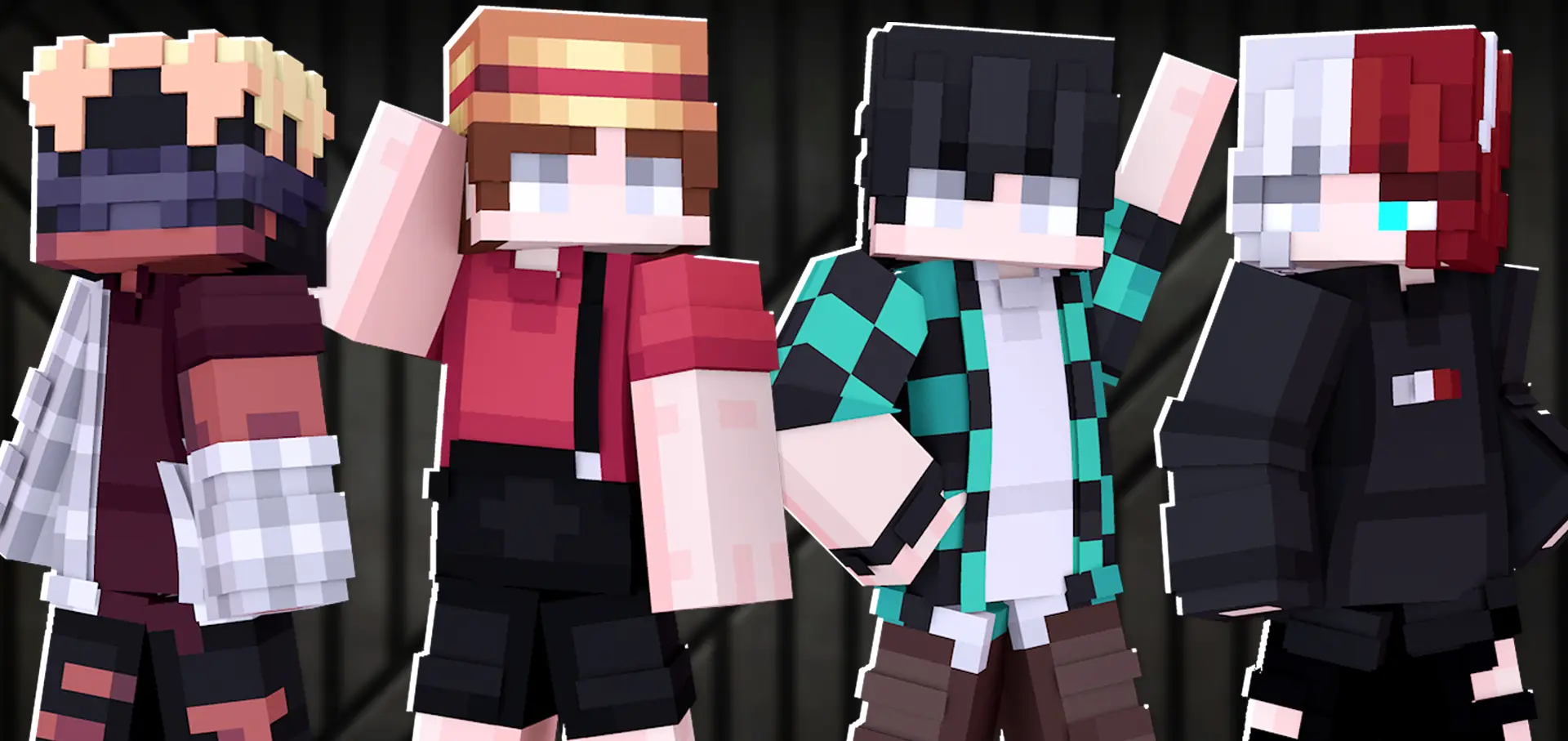
Anime Style - skin pack will make you an anime star in Minecraft Bedrock. Walking into a neon city hub with flat pixel hair and washed-out textures makes your character look straight out of 2012. Anime Style Skin Pack overhauls that tired wardrobe with crisp cell-shaded looks, sharp street fashion, and expressive portraits that genuinely capture modern Japanese animation flair.
Spend five minutes browsing community skins and you will see the exact same mistake everywhere: people download a sprite, slap it over Steve, and hope nobody notices the blurry mess around the shoulders. That stuff looks terrible the second you rotate your camera. Your character ends up with dead eyes, muddy facial shading, and clothes that stretch into bizarre shapes whenever you climb a ladder. If you want to rep your favorite shonen archetypes or clean slice-of-life streetwear on an active realm, you need clean line work, smart color saturation, and outer layer geometry that actually respects the player model.
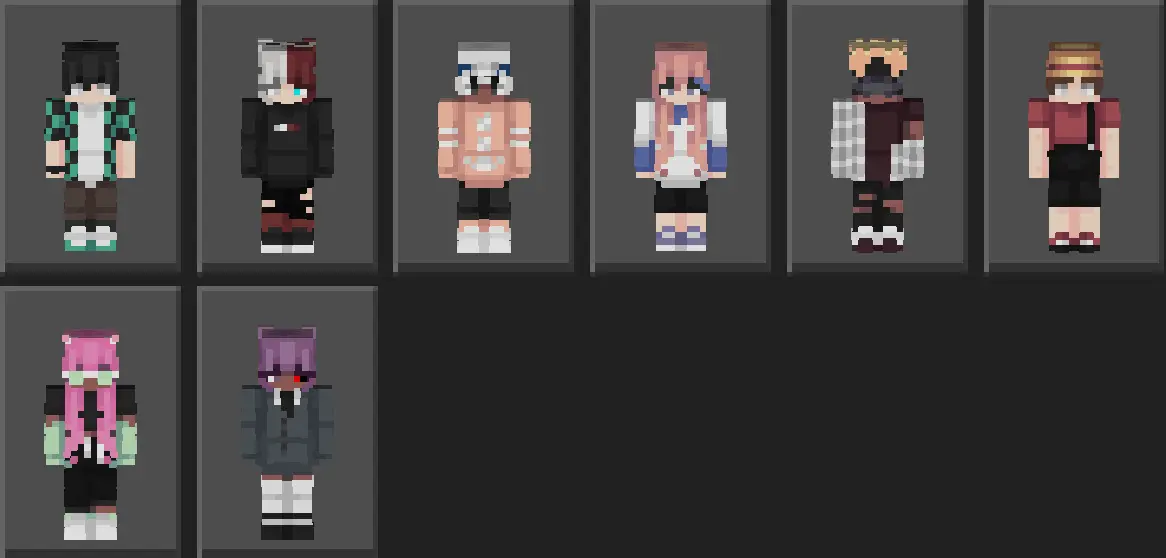
This wardrobe lineup approaches character design with genuine aesthetic discipline. Instead of overwhelming your eyes with neon noise, the outfits stick to cohesive palettes like charcoal canvas, pastel fabrics, and striking accent stitching. You get oversized cargo jackets, tailored academy blazers, cozy winter scarves, and casual techwear that fit naturally into almost any roleplay setup. The real magic sits in the second-layer mapping. Hood rims, layered bangs, jacket lapels, and chunky footwear pop slightly off the core frame. That subtle depth keeps your avatar looking like a fully realized three-dimensional protagonist rather than a cardboard cutout glued to a standard hitbox.
Dropping these fits into your favorite multiplayer hubs completely changes your presence in the lobby. Whether you are running parkour courses, trading blows on bridge matches, or simply chilling near an enchanting table, the silhouettes stand out instantly without looking obnoxious. Your hair does not clip awkwardly into your chest armor, and your face plate actually retains sharp emotional expression even in moody torchlight or deep cave exploration. Running around with a group of friends rocking different variations from this pack gives your whole squad the feel of a coordinated anime strike team embarking on a custom campaign arc.
Cross-platform stability is flawless across the board. The textures follow standard Bedrock specifications to the pixel, ensuring no bizarre desync glitches or broken limbs appear when you play across phones, consoles, and desktop launchers. Friends playing on different devices will see your character model exactly as intended, free from awkward texture rendering bugs or lag spikes during crowded mini-game lobbies. That dependability makes this bundle an easy permanent fixture in your dressing room rotation.
Setting everything up takes only a quick second through the native game interface. Import the pack file straight into your client directory, head into the character locker, choose between classic or slim base templates, and lock in the style that matches your gaming personality. For anyone tired of messy, pixelated internet rips who wants a polished, modern animated look on their next server drop, this collection hits every single mark.
How to Install Skins in Minecraft Bedrock
- Download a .png skin (64×64 or 128×128).
- Open Minecraft Bedrock.
- Go to Profile (hanger icon) → Edit Character.
- Tap Owned → Import → Choose New Skin.
- Select your .png file.
- Pick a model: Classic (Steve) or Slim (Alex).
- Confirm to equip and play.
Comments (0)