Anime Ga Night Raid Skin Pack
- 25-05-2026, 06:53
- 392
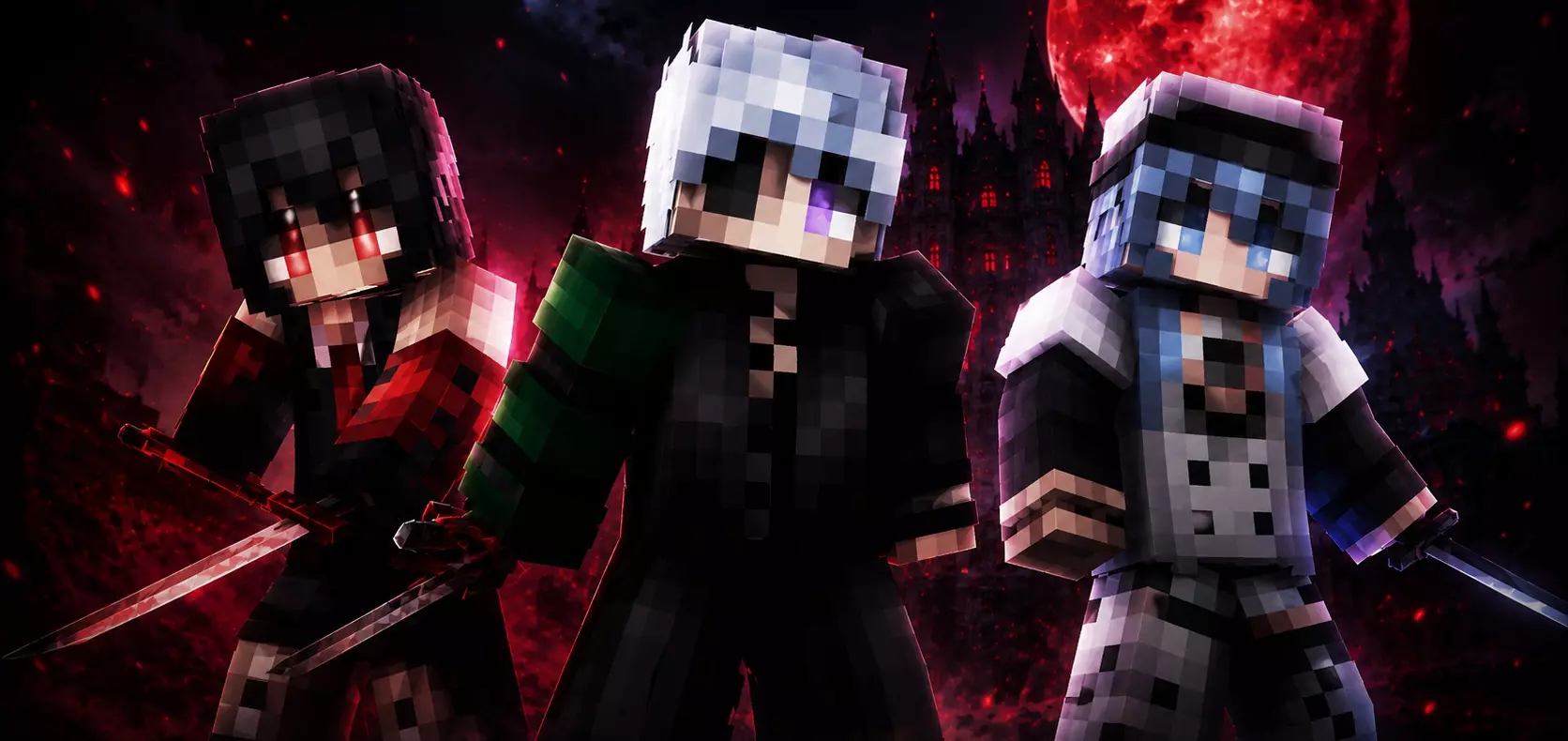
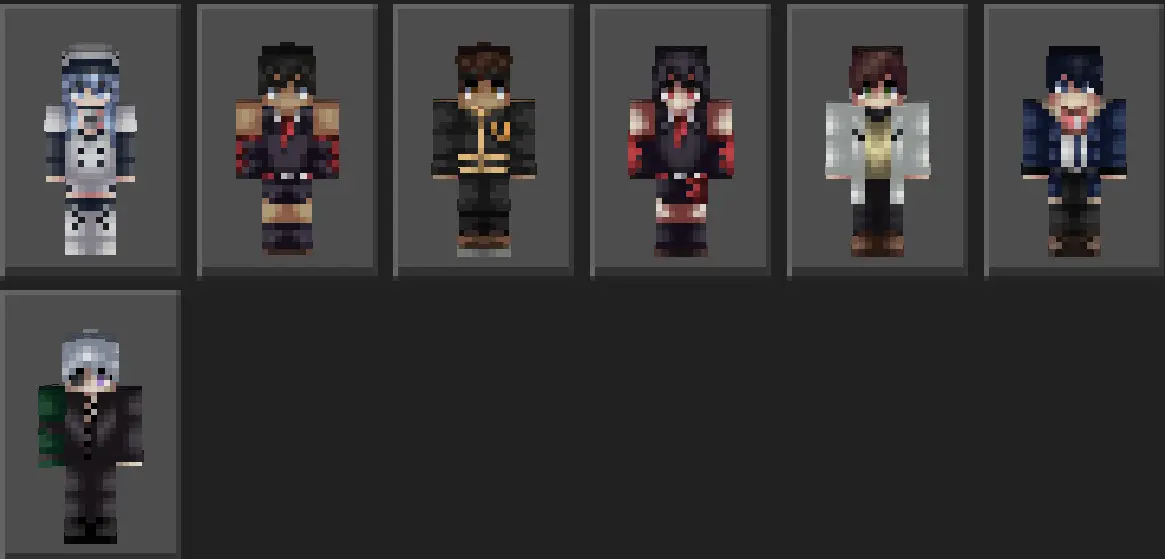
Anime Ga Night Raid - Skin pack has collected the best anime skins for Minecraft Bedrock.
Stalking an enemy squad through midnight bamboo thickets with an obsidian blade drawn turns every server lobby into a cold-blooded assassin operation. Anime Ga Night Raid Skin Pack outfits your avatar in dark, lethal stealth threads inspired by iconic rogue factions, letting you drop into public hubs looking like a paid contract killer.
Most anime skins across community hubs look downright embarrassing because creators just copy low-resolution sprite art directly onto a square block model. You end up with pixelated hair that clips into your chestplate, messy colors that smear together under torchlight, and eyes that stare blankly into space without any expressive detail. If you want to run an edgy, covert assassin theme during faction warfare, you usually have to compromise with some generic ninja hoodie that dozens of other players already wear. This collection discards those lazy shortcuts, using precision pixel shading and calculated layer separation to deliver genuine rogue combatants that stand out from render distance.
The wardrobe selection gives you multiple mercenary archetypes tailored for covert strikes and high-damage duels. You get trenchcoats with frayed hems, reinforced leather combat vests, segmented gauntlets, and shadowed hoods that partially obscure glaring eye models underneath. The color palette sticks to cold executioner tones: midnight navy, faded crimson trims, carbon blacks, and sharp metallic silver accents. Because the skin artists utilized Bedrock outer layer mapping effectively, gear belts, holsters, and folded collars project outwards with tangible dimension rather than sitting flat like painted spandex. When you run, crouch behind stone walls, or draw a bow, your avatar retains a threatening, athletic silhouette.
Taking these outfits into competitive mini-games completely alters the vibe of your sessions. Dropping into Bedwars or Skywars while rocking an armored assassin coat makes every sneak flank across middle islands feel calculated and deadly. If you play on roleplay servers or survival realms, having your entire crew kit out in matching rebel uniforms transforms routine village visits into clandestine syndicate meetings. Imagine five hooded operatives in matching black-and-crimson uniforms rolling through a Nether fortress to farm wither skulls; the visual coordination alone psyches out any opposing players lurking in neighboring chunks.
Platform compatibility is totally seamless across all Bedrock editions. Whether you are sweating in pocket edition on an iPhone, playing crossplay on a PlayStation console, or running maximum settings on a high-end desktop, the textures load without artifacts, misplaced transparencies, or limb errors. Other players in the server see your custom hitman model precisely as designed, meaning your tactical aesthetic stays intact even across crowded multiplayer servers with heavy traffic.
Loading this pack into your roster takes about thirty seconds through your device file explorer. Launch the package to feed the assets directly into your character dressing room, navigate to your owned skins tab, select your preferred operative, and jump into your favorite server queue. When bright casual skins feel too friendly and you want an aesthetic that commands respect in every dark corridor, slipping into these assassin threads delivers instant menace.
How to Install Skins in Minecraft Bedrock
- Download a .png skin (64×64 or 128×128).
- Open Minecraft Bedrock.
- Go to Profile (hanger icon) → Edit Character.
- Tap Owned → Import → Choose New Skin.
- Select your .png file.
- Pick a model: Classic (Steve) or Slim (Alex).
- Confirm to equip and play.
Comments (0)