Hide skins – Skin Pack
- 29-09-2026, 03:29
- 992
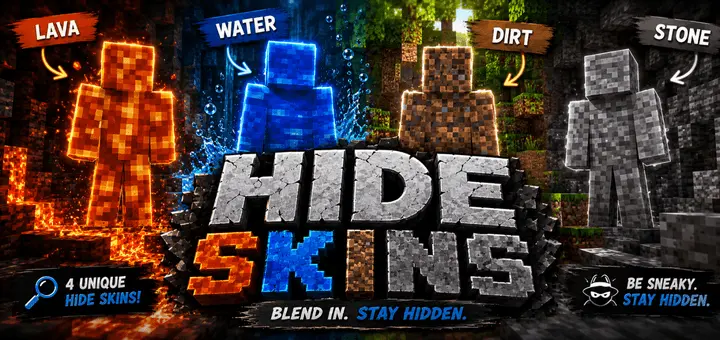
Hide Skins for Minecraft Bedrock! This skin pack contains skins for hiding and disguising in the game.
Getting absolutely blasted within the first five seconds of a sweaty minigame is completely cooked, but the Hide Skins pack totally rewrites the survival meta by letting you literally melt into the map. If you want to pull off the ultimate stealth troll on your multiplayer realm, this camouflage download is a mandatory addition to your active locker.
Most cosmetic drops focus on making you look as flashy as possible, which basically just paints a massive target on your back during intense PvP rounds. This specific Minecraft Bedrock camouflage skins bundle takes the exact opposite approach. Instead of flexing bright neon colors or bulky armor, it hands you four ultra-clean, hyper-accurate block disguises. You get dedicated outfits tailored to perfectly match raw dirt, solid stone, flowing water, and glowing lava. It totally deletes the struggle of trying to awkwardly crouch behind a tree while wearing a bright red hoodie. You don’t just hide from your enemies anymore; you physically become the terrain they are walking on.
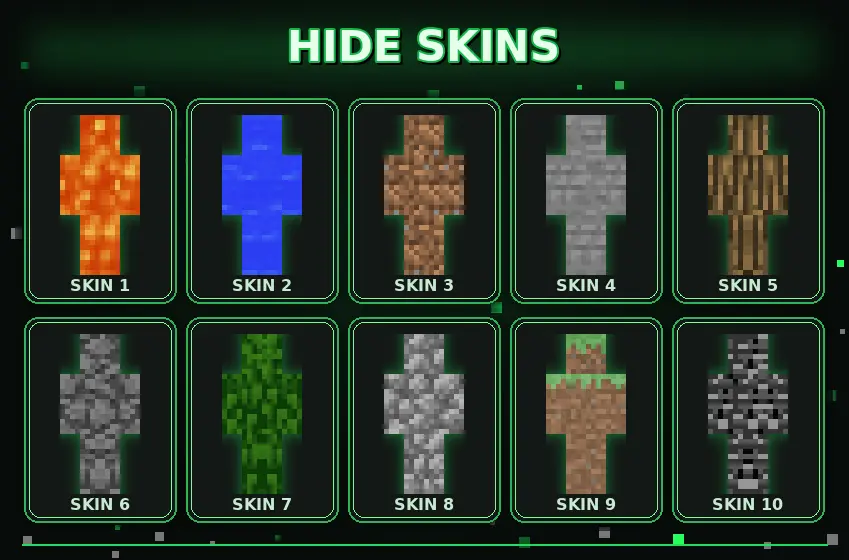
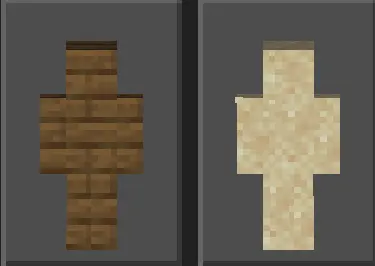
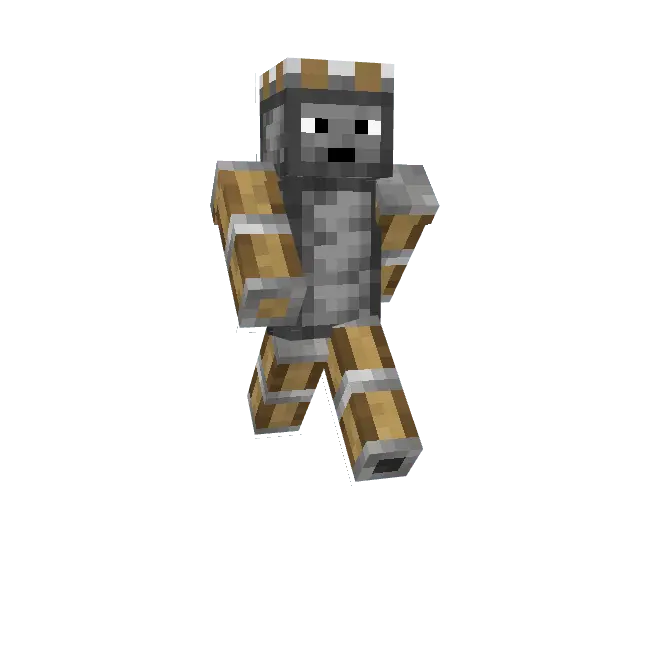

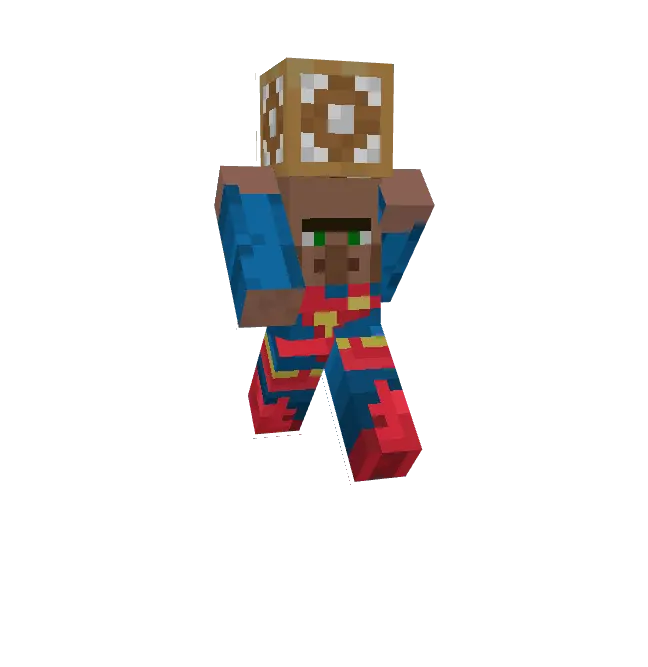
The sheer trolling potential here is genuinely off the charts. Imagine loading into a custom hide-and-seek arena and just standing completely still against a stone mountain. Your friends will literally sprint right past you without ever noticing your hitbox. If you are playing a hardcore faction server or a high-stakes bounty hunting mode, equipping the lava or water skin gives you the ultimate clutch escape route. You can jump straight into a ravine waterfall or a Nether lava pool and completely vanish from their render distance. It completely messes with your opponent's crosshair placement and gives you a ridiculous psychological advantage before a fight even breaks out.
Beyond just sweaty combat and griefing, these block disguise skins Bedrock are absolute gold for community roleplay servers. You can set up massive hidden traps, run secret stealth missions, or just terrorize your squad by jump-scaring them when they try to mine some basic cobblestone. Because the textures perfectly mirror the standard vanilla blocks, you don't have to worry about looking like a cheap, low-res knockoff that immediately gives your position away. Everything scales perfectly to your character model, keeping your identity a total secret.
Stop making yourself an easy target with loud, glowing cosmetics that get you killed right off spawn. Grab this premium MCPE hide skins pack, load into your favorite survival map, lock in your block aesthetic, and completely disappear in plain sight like an absolute boss.
Quick guide: How to install this Minecraft skinpack
Downloaded the .mcpack file? Here is exactly how to get it into your game depending on what device you are using right now.
- On Windows or Android: Just click or tap the downloaded file twice. Minecraft will open up on its own and load the skins immediately.
- On iPhone or iPad: Save the file, open your Files app, and hold your finger on it. Hit Share, select Minecraft from the list, and the game will handle the rest.
To put the skins on, just open Minecraft, head over to the Dressing Room (Profile), click on Classic Skins on the left, find this pack under Owned, and tap Equip.
Comments (0)