Demon Hunters Skin Pack
- 17-07-2026, 11:18
- 378
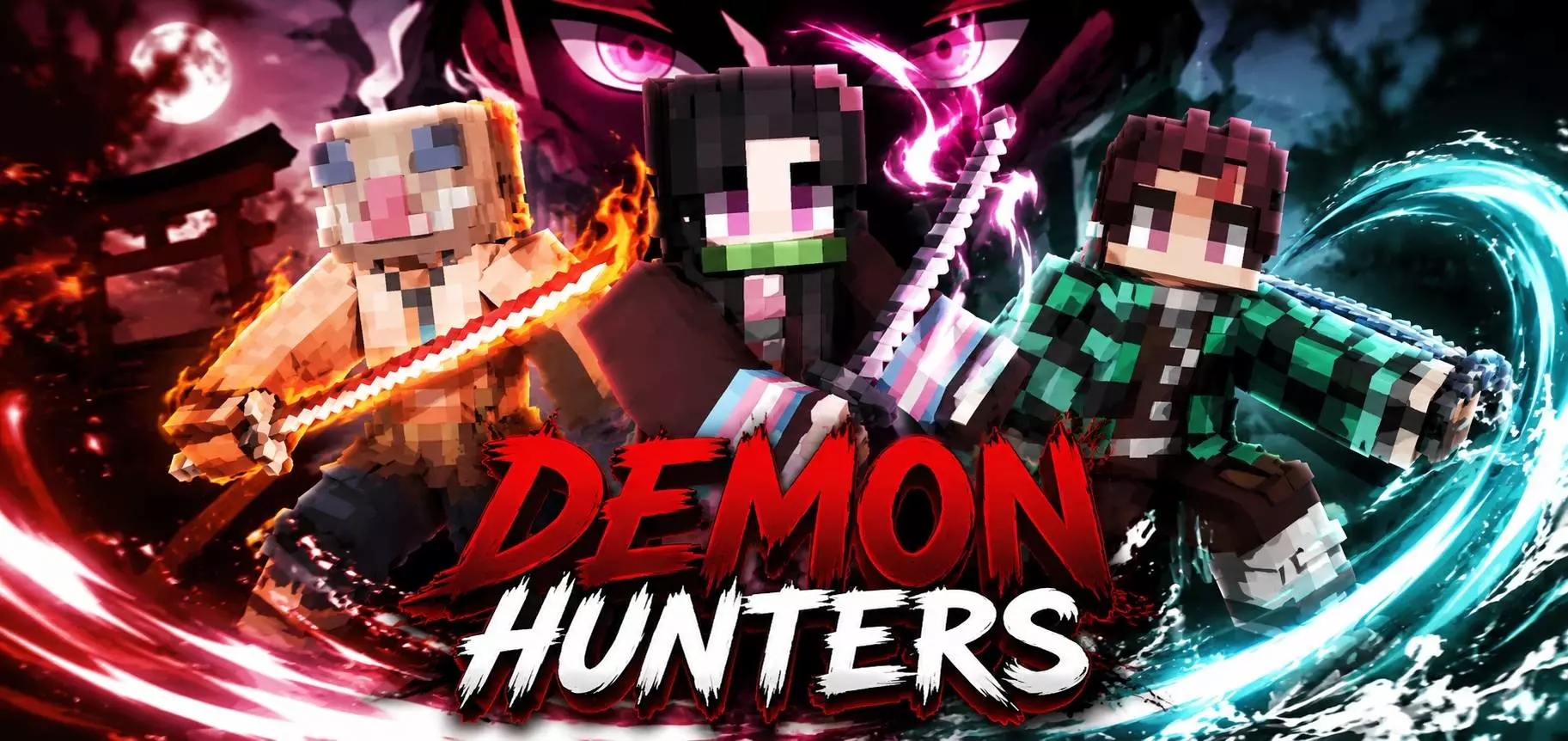
Gear up and take back the night with the Demon Hunters Skin Pack, giving your character an edgy, battle-ready makeover for your next survival playthrough.
Most dark fantasy cosmetics on the marketplace are incredibly overdesigned, cramming way too many glowing red pixels onto a bulky 3D frame that just ends up looking like a messy, unreadable blob. This specific collection strips away all that exaggerated noise to deliver a ridiculously clean, anime-inspired monster slayer aesthetic. We are talking heavily detailed trench coats, asymmetrical armor plating, cursed runic tattoos wrapping around the character's limbs, and deeply scarred facial geometries. It captures that exact edgy, lone-wolf wanderer energy that makes exploring a heavily modded, hostile Overworld genuinely cinematic. You aren't just a random miner frantically placing torches anymore; you actively look like a seasoned mercenary contracted to clear out a massive pillager fortress or solo the Wither.
Running a dedicated RPG realm with your friends usually requires establishing some sort of underlying faction lore. Outfitting your entire squad in these matching tactical uniforms instantly locks in a gritty, mercenary guild atmosphere. The pixel artists specifically utilized the slim arm models for the majority of these MCPE anime skins, which is a massive quality-of-life feature if your daily routine involves frantic melee combat. Without bulky, legacy-style shoulders blocking your peripheral vision, tracking aggressive mob hitboxes or reacting to sudden PvP ambushes feels significantly smoother. You maintain a highly aerodynamic silhouette that looks insanely sharp while sprinting through dense forests or parkouring across a shattered Nether bastion.

Let’s be real, showing up to a massive pillager raid or a Nether expedition looking like default Steve just doesn't hit the same anymore. If you are running heavy combat mods or just want to look incredibly cool while wiping out hordes of zombies, you need an outfit that actually matches the vibe. This pack delivers exactly that. You get a whole squad of highly detailed, monster-slaying designs that look straight out of a dark fantasy RPG or a fast-paced anime. Each outfit brings its own unique flair, meaning you can easily coordinate with your friends on a multiplayer realm to form a complete, matching guild before heading into the deep dark.
Finding high-quality Minecraft skins that don't look like a messy blur of colors can be annoying, but the creator really nailed the shading and pixel work here. Whether you are mapping out ancient cities or gearing up to farm the Wither, rocking an MCPE custom skin like this instantly makes the daily grind feel way more epic. It is an absolutely essential Minecraft Bedrock skin pack for anyone who wants to ditch the basic vanilla look. Grab the download, craft your favorite sword, and show the Overworld who is actually in charge.
Quick guide: How to install this Minecraft skinpack
Downloaded the .mcpack file? Here is exactly how to get it into your game depending on what device you are using right now.
- On Windows or Android: Just click or tap the downloaded file twice. Minecraft will open up on its own and load the skins immediately.
- On iPhone or iPad: Save the file, open your Files app, and hold your finger on it. Hit Share, select Minecraft from the list, and the game will handle the rest.
To put the skins on, just open Minecraft, head over to the Dressing Room (Profile), click on Classic Skins on the left, find this pack under Owned, and tap Equip.
Comments (0)