BlueTears Skin Pack
- 17-07-2026, 14:09
- 232
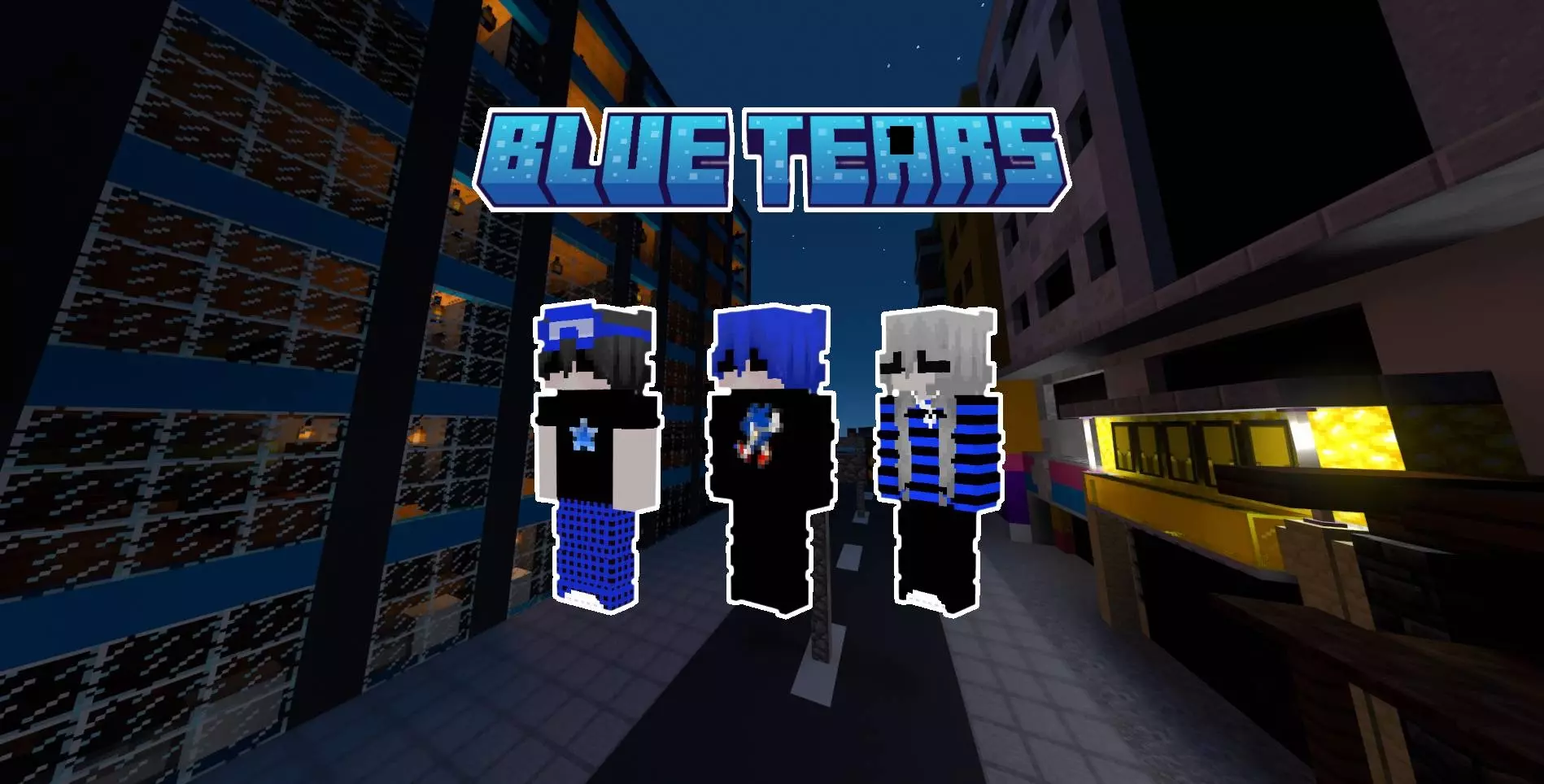
Most skin packs just stick to the basic Minecraft resolution, but the BlueTears pack actually bumps everything up to 128x128. Having double the detail makes a massive difference, especially when you look at the custom shading on the hair and the clothing folds. It honestly just looks way sharper and more polished than a standard vanilla skin.
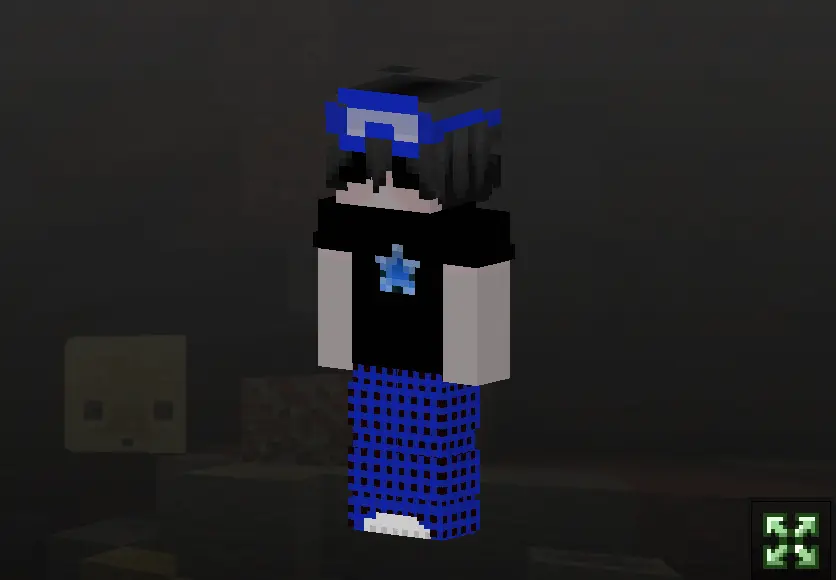
Not every session is about speed-bridging across the void or screaming into a Discord call during a chaotic raid. Sometimes you just want to sit on the edge of a player-made cliff, watch the Overworld weather cycle, and look incredibly cool doing it. This collection taps directly into that late-night, lo-fi emotional state. Instead of aggressive armor sets or tryhard neon demons, you get a highly curated selection of outfits that scream Y2K grunge and modern alt-fashion. We are talking oversized navy sweaters, ripped dark denim, and heavy silver chain accessories that perfectly contrast with the signature teardrop face decals.
The texture work here relies entirely on mood. The artists heavily utilized a monochromatic blue spectrum, blending midnight indigos with soft, washed-out cerulean highlights. It gives the clothing geometry this permanent "caught in the rain" saturation. When you run these aesthetic Minecraft Bedrock skins alongside a moody shader pack, the soft lighting bounces off the blue pixels and creates an insane cinematic atmosphere. The defining feature—the stylized tear tracks—isn't just lazily painted on like a cheap sticker. They are actually shaded to look like glossy moisture against the skin, adding a layer of tragic personality that most generic marketplace cosmetics completely ignore.
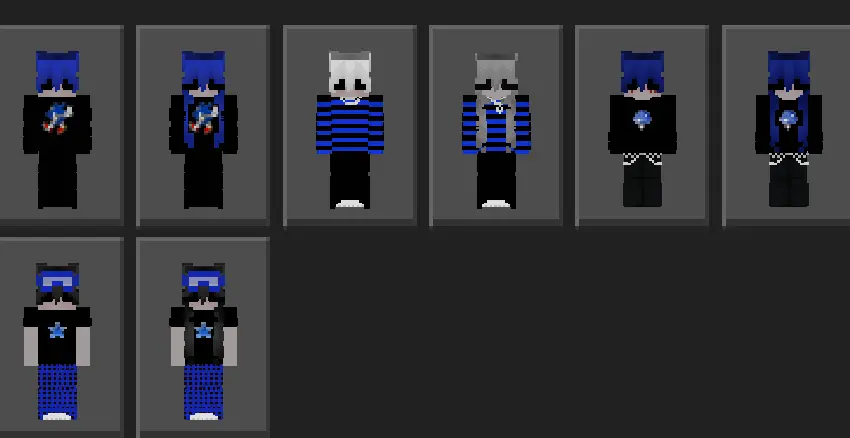
The pack gives you eight completely different skins to choose from, and they all share this really clean, cohesive blue aesthetic. Plus, it is completely optimized for every Bedrock platform, so whether you are playing on your phone, a console, or PC, everything renders exactly how it is supposed to. If you are tired of the usual low-res models and just want a really high-quality look for your character, this is a super solid pick.
Quick guide: How to install this Minecraft skinpack
Downloaded the .mcpack file? Here is exactly how to get it into your game depending on what device you are using right now.
- On Windows or Android: Just click or tap the downloaded file twice. Minecraft will open up on its own and load the skins immediately.
- On iPhone or iPad: Save the file, open your Files app, and hold your finger on it. Hit Share, select Minecraft from the list, and the game will handle the rest.
To put the skins on, just open Minecraft, head over to the Dressing Room (Profile), click on Classic Skins on the left, find this pack under Owned, and tap Equip.
Comments (0)