Dark Skin Pack
- 21-07-2026, 14:49
- 465
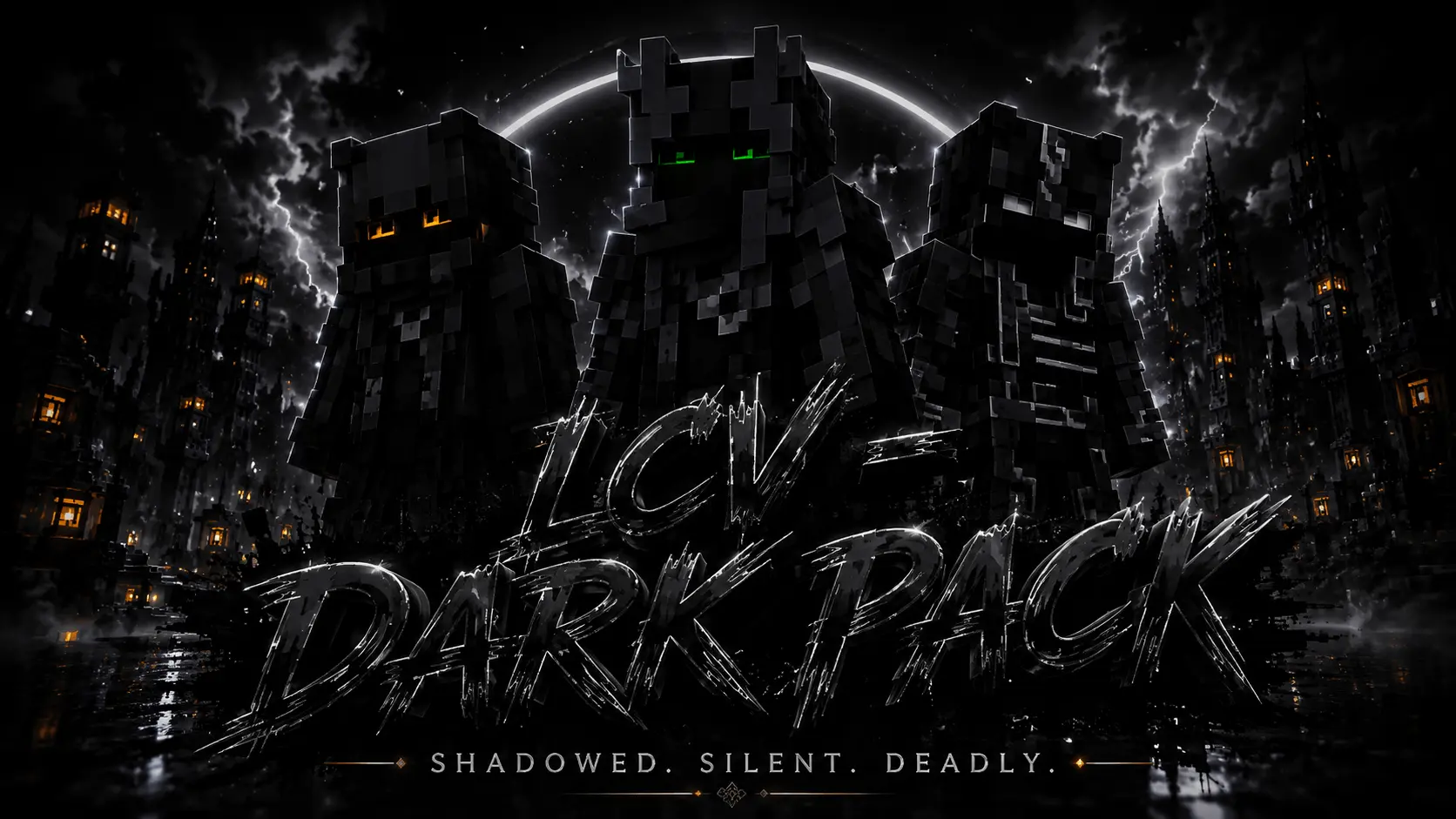
The Dark Skin Pack drops four incredibly clean, shadow-themed outfits straight into your dressing room. If you are tired of sticking out like a sore thumb in night raids or sweaty PvP matches, this is exactly what you need.
Running around a hardcore faction server wearing a bright neon hoodie is basically begging to get spawn-camped. You need a look that actually blends in when you are sneaking through deep cave systems, bridging across the void, or setting up a base ambush. This pack gives your squad four distinct, ultra-dark character models that completely ditch the colorful nonsense. The pixel art leans heavy into an edgy, stealthy aesthetic—think deep blacks, muted greys, and just enough contrast so you don't look like a completely glitchy silhouette when moving fast.
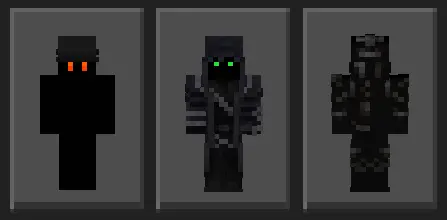
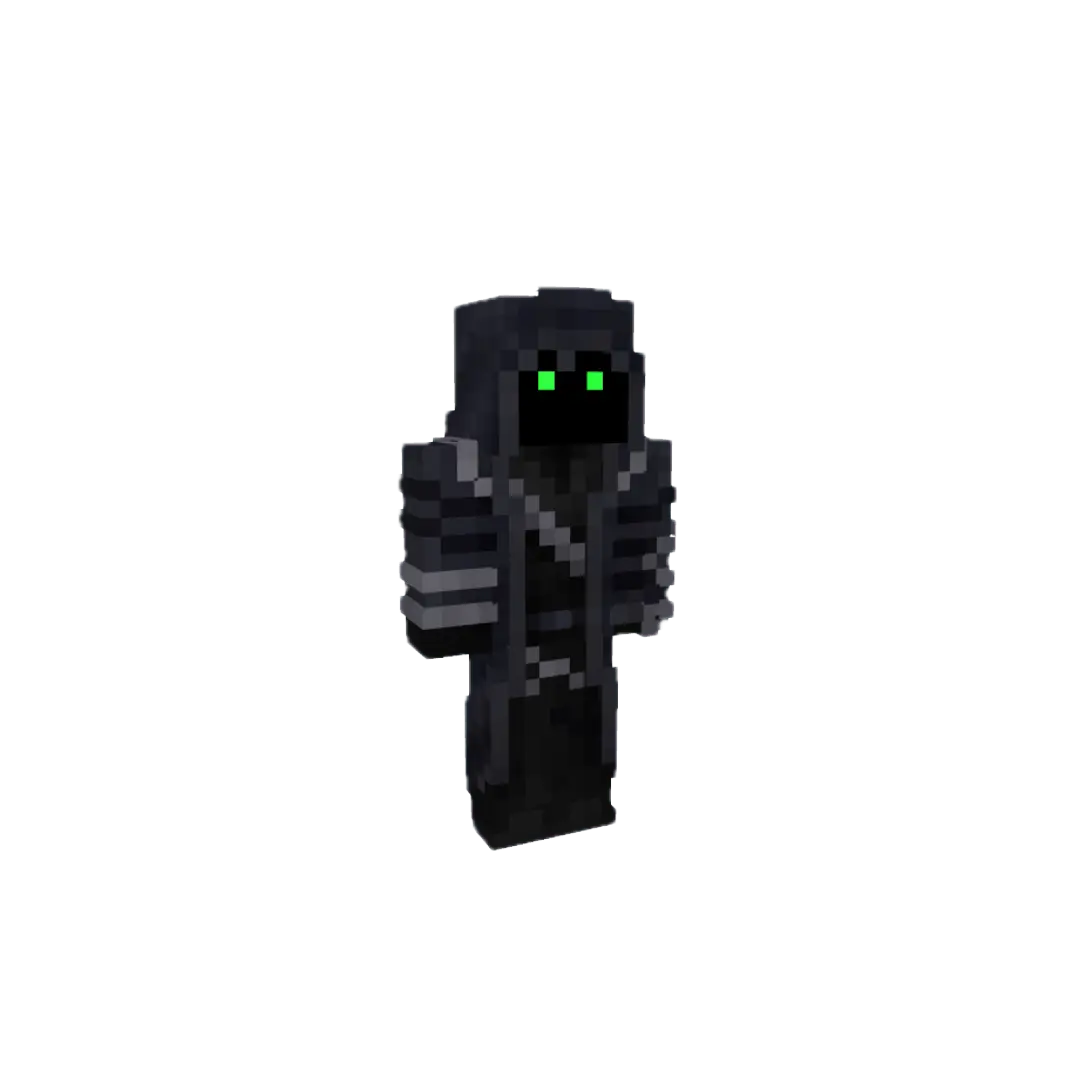
If you spend heavy hours grinding competitive mini-games like Bedwars, SkyWars, or manhunt lobbies on popular Bedrock servers, visual camouflage can genuinely make or break your run. Crouching on obsidian platforms, tucking yourself into dark corners inside ruined bastions, or waiting out an enemy push behind a block of basalt becomes wildly effective when your skin palette naturally matches the environment. Instead of glowing like a neon billboard, you force opponents to do a double-take before they even realize someone is camping the choke point with a loaded crossbow.
On mobile devices, consoles, and PC clients alike, these textures render cleanly without any weird transparency glitches or distorted arm dimensions. Everything snaps tightly to both classic and slim player models, meaning your sprint animations, jump-bridges, and shield-blocking stances stay snappy and aligned with the native game engine. You never have to worry about broken hitboxes or messy visual artifacts distracting you during a sweaty duel.
Whether you are coordinating an all-black squad theme with your regular realm crew or simply want an avatar that drops the childish pastels in favor of cold, tactical grit, this skin drop checks every box. Equip your preferred shadowy fit from the locker, kill your off-hand torch, and become the biggest threat lurking in the dark.
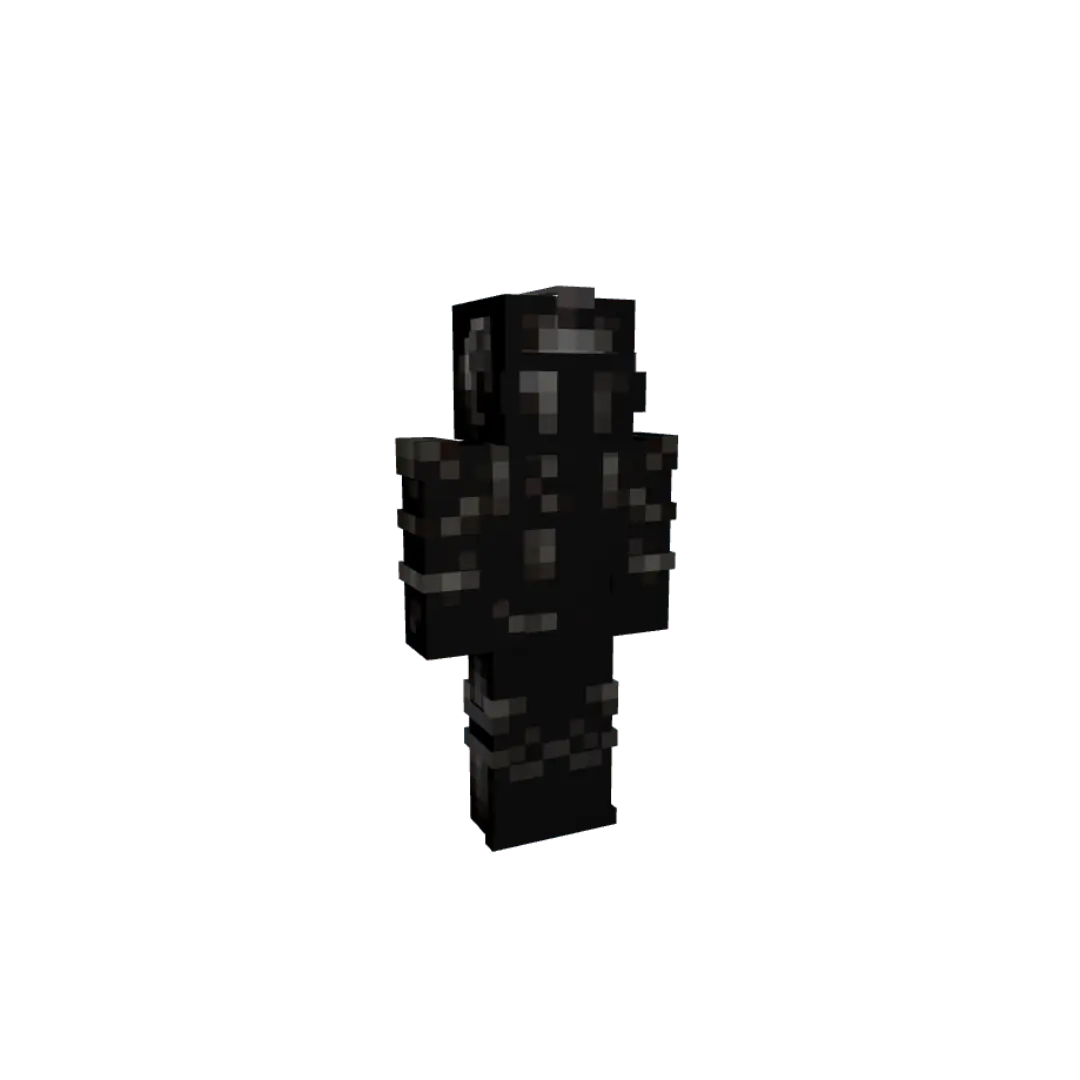
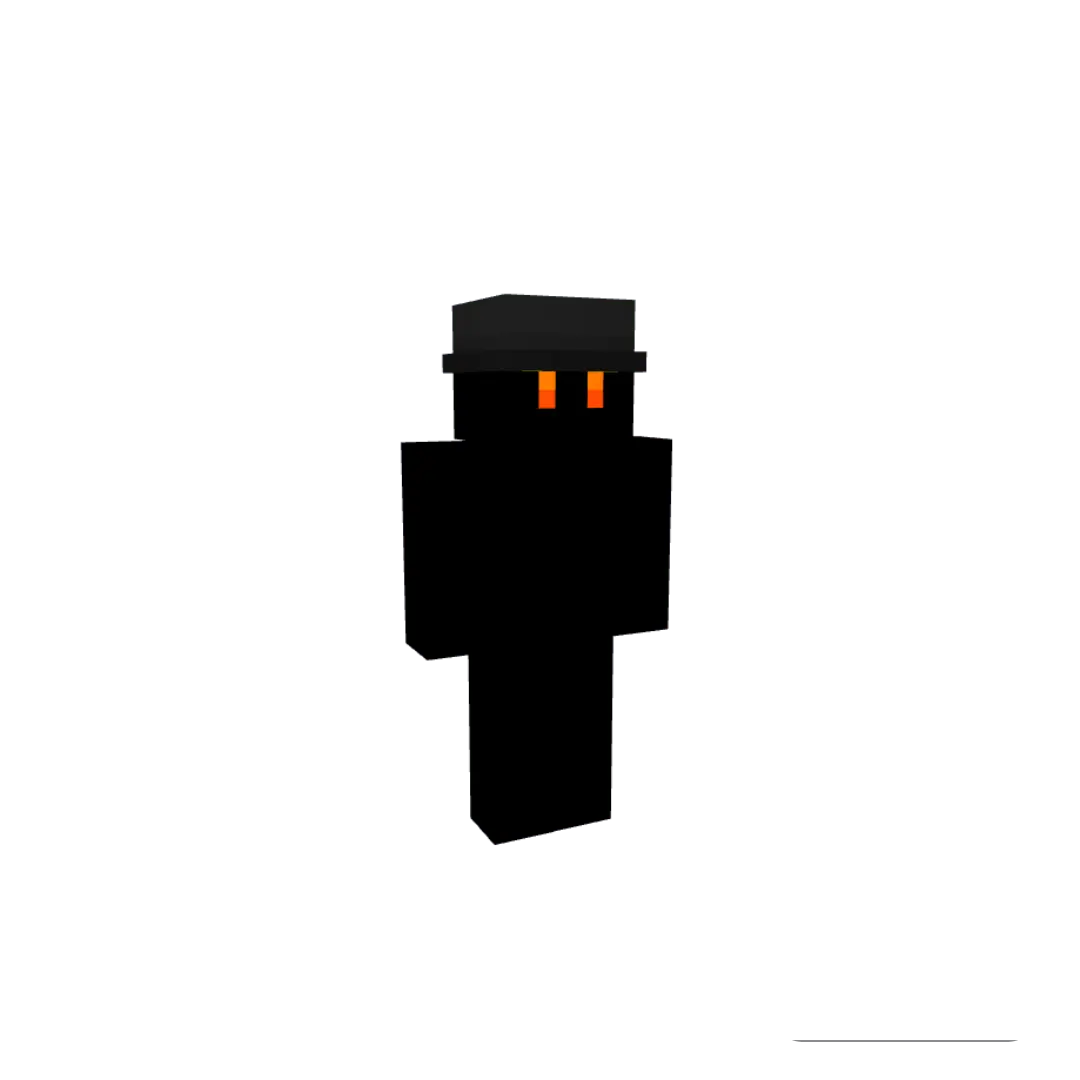
A lot of marketplace outfits try to do way too much with weird fake 3D geometry that ends up clipping right through your enchanted armor. These Minecraft Bedrock dark skins keep it simple and optimized. The textures are sharp, your screen doesn't get cluttered, and you actually look intimidating across the arena. Since it functions perfectly as a standard MCPE stealth skin pack, nobody on your server is going to lag out when you render into the chunk.
You literally just download the file, open your client, and they are ready to go. Stop making yourself an easy target in multiplayer lobbies. Grab these custom Bedrock character skins, load into your favorite server, and start blending into the shadows.
Quick guide: How to install this Minecraft skinpack
Downloaded the .mcpack file? Here is exactly how to get it into your game depending on what device you are using right now.
- On Windows or Android: Just click or tap the downloaded file twice. Minecraft will open up on its own and load the skins immediately.
- On iPhone or iPad: Save the file, open your Files app, and hold your finger on it. Hit Share, select Minecraft from the list, and the game will handle the rest.
To put the skins on, just open Minecraft, head over to the Dressing Room (Profile), click on Classic Skins on the left, find this pack under Owned, and tap Equip.
Comments (0)